
GoSkills Review – All You Need To Know [Complete Guide]
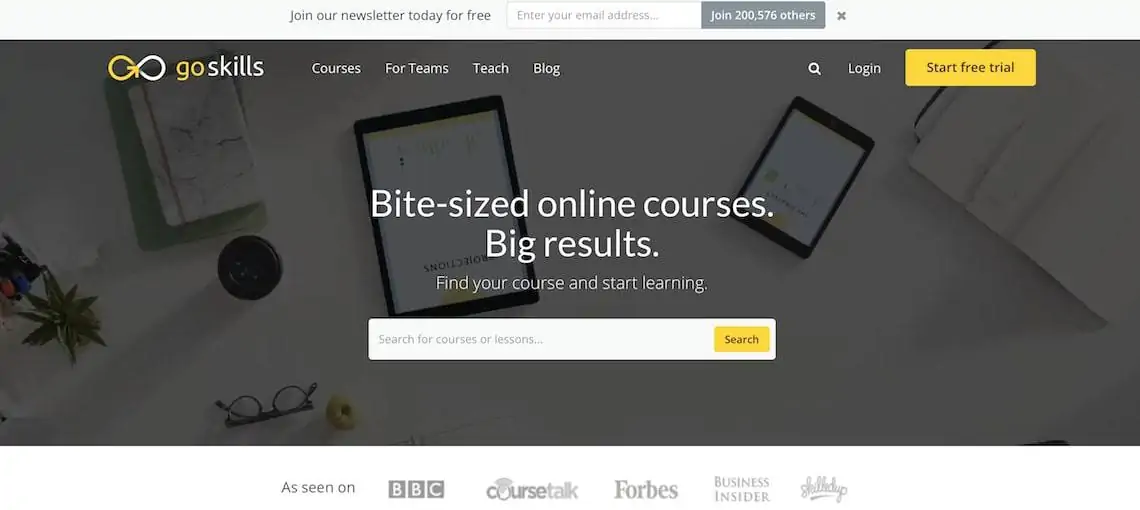
Whether you are looking to upskill for your next job application or are looking to train some of your own staff, GoSkills is a provider that covers both of these bases.
But is GoSkills worth it? And are they any good? Well, in this GoSkills review, I will dive deep into this E-learning provider and cover such things as their course lineup, quality of courses, pricing, support, accreditation, and more!
So if you want to know all about GoSkills, this is the place to be! Let’s begin!
Quick Overview Of GoSkills In 2024
While GoSkill’s range of courses is small (70 in total), the quality and depth of the classes are second to none and focus strongly on growth areas for job seekers and employees.
To counterbalance this compact list of courses, GoSkills is accrediated by CPD, IASSC, and PMI which is very rare to see. As an added bonus, GoSkills also supplies printable certificates of completion!
So if you want to master such disciplines as Microsoft Excel, lean six sigma, Microsoft Office, project management, HTML, CSS, and more in an engaging on-demand video format, then GoSkills comes highly recommended!
GoSkills Review 2024 “Is It Worth It?”
What Is GoSkills?
One way to think of GoSkills is like the Netflix of online education. Let me explain…
GoSkills produce their own high-quality online training video courses that are on-demand and can be consumed at your own pace.
Much like Netflix, GoSkills also utilize a subscription-based model of pricing that allows users to come and go as they please. No thanks, lock-in contracts!
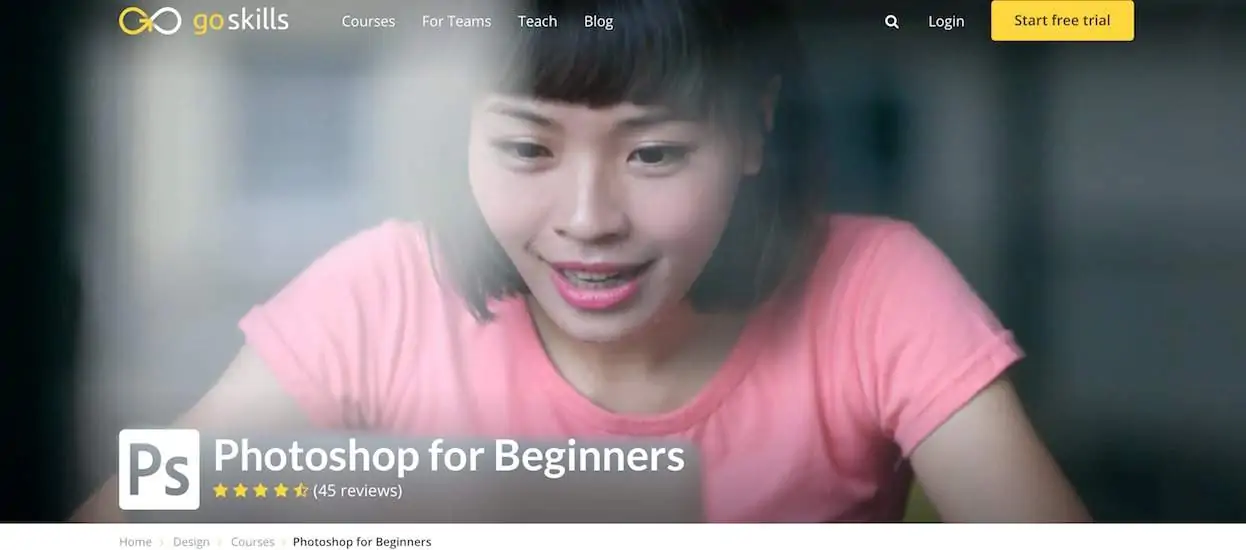
As for what makes GoSkills different from the rest, they are hyper-focus on business-related skills such as administrative tools, coding languages, management, and more.
Who Is GoSkills Good For?
After using GoSkills myself and reading over their website, it is clear that GoSkills is targeted towards those looking to further their careers and job prospects relating to business.
While this is GoSkills bread and butter, GoSkills also provide tailor-made learning packages for businesses that are looking to train their staff in-house.
According to their website, this strategy has gained GoSkills over 200,000 students and over 600 businesses (including Fortune 500 companies) that use their LMS.
What Type Of Courses Does GoSkills Have?
The next thing I looked at in my GoSkills review definitely had to be their range of courses available. As GoSkills focuses on growing business-related skills, their course selection definitely reflects that.
In total, GoSkills has just over 70 on-demand video courses that are accredited, include mobile device support, certified, has personalized learning, and also includes frequent updates so students are always getting relevant material.
Below are some of the courses that GoSkills currently offers:
- Microsoft Excel Beginner & Advanced
- Microsoft Excel Pivot Tables
- Microsoft Excel Macros & VBA
- Microsoft Excel For Mac Users
- Lean Six Sigma Introduction
- Lean Six Sigma Advanced Principles
- Measurement Systems Analysis
- Hypothesis Testing
- Microsoft PowerPoint
- Microsoft Outlook
- Microsoft Publisher
- Finance
- Finance For Project Managers
- Financial Modelling
- Project Management Basics & Advanced
- Project Management For Engineers
- Scrum For Managers & Team Members
- Apple Keynote
- Evernote
- Trello
- Google Drive & Apps
- Todoist
- Business Writing
- Public Speaking
- Press Releases
- HTML
- CSS
- JavaScript
- PHP
- Python
- SQL
- Ruby on Rails
- Adobe Photoshop
- Adobe Illustrator
- Microsoft Word Basic & Advanced
- Microsoft Projects
How About The Quality Of GoSkills Courses?
Unlike Skillshare, YouTube, or Udemy, where anyone can upload a course, all of GoSkills classes are made in-house by vetted instructors.
As for the vetting process, GoSkills has a very thorough application process for being able to teach on their platform. This includes such things as being an expert in a given field and having the relevant qualifications.
You can see GoSkill’s full list of instructors here to see the depth of knowledge that is available on the platform.
As you might have guessed, when you hire great talent, you typically get great results, which is definitely the case when it comes to the quality of the courses on GoSkills.
From taking several courses myself on Photoshop, Illustrator, HTML, and Excel on GoSkills, I was extremely pleased by the engaging videos and value-packed course material.
Is GoSkills Accredited?
One common thread that I find when reviewing LMS’ (Learning Management Systems) is that most of them aren’t accredited. However, with GoSkills, this is the complete opposite!
Not only is GoSkills accredited, but they also have accreditations from 3 different associations and institutes! GoSkills for the win!
Below are the accreditations that they currently hold:
-
Continuing Professional Development Certification Service (CPD UK)
-
International Association for Six Sigma Certification (IASSC)
-
Project Management Institute (PMI)
So if you or your business are after accredited courses that would be a great addition to any resume, CV or LinkedIn profile, then GoSkills is a great place to start.
Does GoSkills Provide Certificates?
In short, yes! GoSkills provides certificates of completion for all of their 70+ courses that can be downloaded from their website in PDF format. From there, certificates can then be printed or added to a resume.
As an added bonus, all GoSkills certificates are also accredited from 1 of the above associations which makes them all the more valuable.
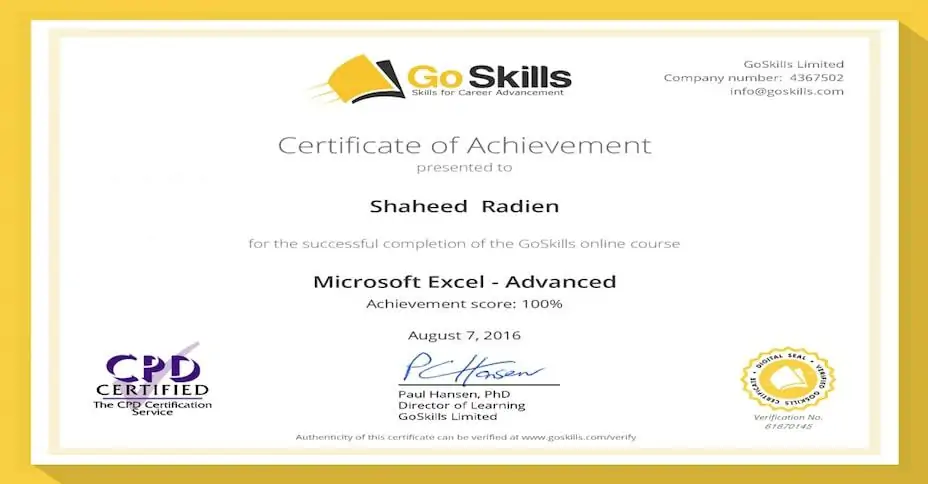
Upon doing research for this GoSkills review, I also found that GoSkills offers an online verification tool for employers and HR to verify that a student has completed the course. This is a great tool as students can 100% verify that the course has in fact been completed.
How Much Does GoSkills Cost?
Ok, so GoSkills seems like a pretty awesome provider, right? They have high-quality courses, industry-leading instructors, accreditations, and certifications.
But what about the price…
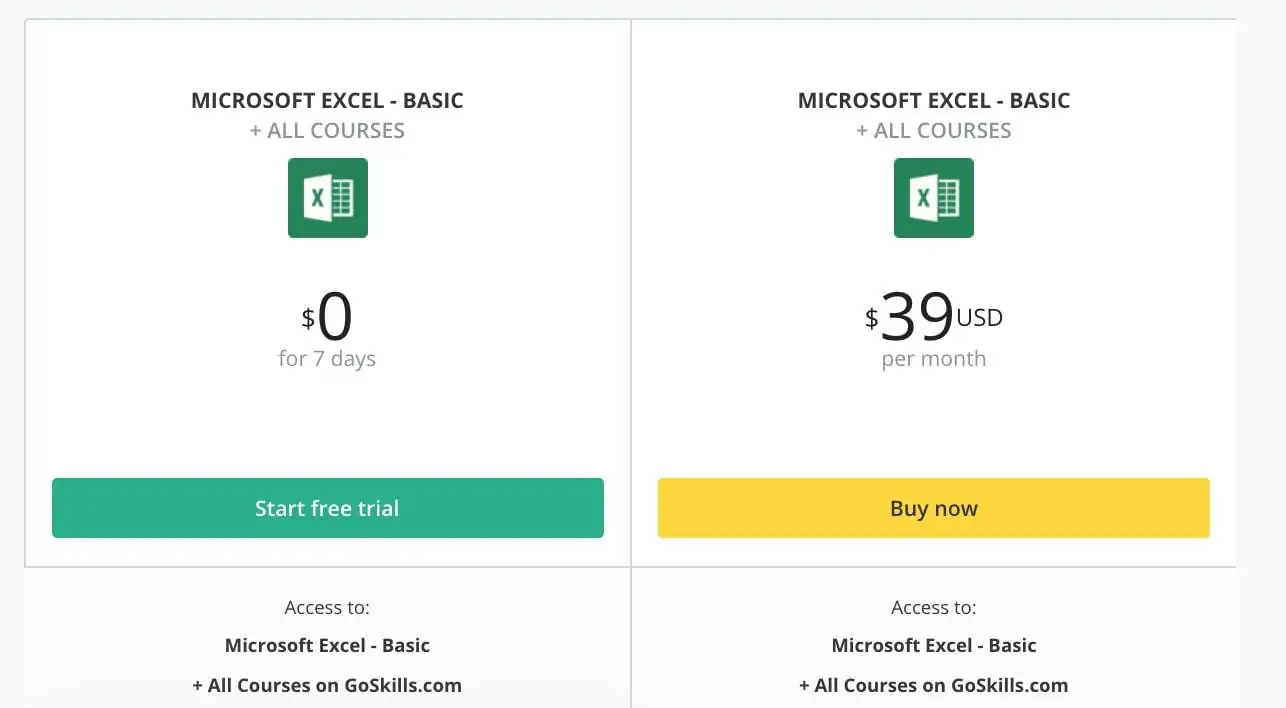
To be honest, GoSkills is on the pricier side of the spectrum when compared to its competitors. Which comes in at $39/mo or $299/yr (the yearly option will save you $169).
In saying that however, GoSkills users are paying extra to get access to some of the most relevant and high-quality courses available online. On top of that, GoSkills is also accredited, which none of their major competitors such as Skillshare, LinkedIn Learning, Udemy, or FutureLearn are.
As for what’s included in the unlimited option, users get access to:
- All 70+ courses
- 1938 course lessons
- On-demand videos
- Course transcripts
- Exercise files
- Training certificate
- Resources for download
- Microsoft Office app
- Unlimited knowledge tests
- PDU’s and contact hours
As an alternative to the unlimited plan, GoSkills also offers each course for $29 each which is a one-time payment. So if you are looking at taking just one class in the series, this also may be great value.
As an added bonus, GoSkills also provides a 1-week free trial (cancel anytime) to see if the service is right for you or your business. Can’t go wrong!
So is GoSkills on the expensive side? Yes. But is it worth every penny? From my experience, absolutely!
GoSkills Customer Support
While I personally haven’t had any interactions with GoSkills customer support team, there are dozens of positive reviews online that speak highly of their team members.
GoSkills can be contacted for help via email, phone, and Skype if users run into any issues.
How Does GoSkills Compare To LinkedIn Learning, Skillshare & Udemy?
Last but not least on my GoSkills review was how they compare to the larger online course providers out there. Because to be honest, GoSkills definitely does get overshadowed by platforms such as Skillshare, Udemy, and Lynda (now LinkedIn Learning).
But how do they stack up against one another?
- Skillshare: a subscription-based platform with a wide range of course content with hit and miss quality
- Udemy: one-off course purchases with a wide range of course content with good and bad quality
- LinkedIn Learning: a subscription-based platform with business/ IT/ software focused courses, generally of high quality
- GoSkills: a subscription-based platform with a small range of courses, but eextremelyhigh quality
When comparing GoSkills to the rest, it entirely depends on the courses that you want to take. If knitting and photography is your thing, then Skillshare/ Udemy would be a great pick.
However, if you are after hyper-focused courses for business-related skills, then GoSkills is a great path to take.
GoSkills For Enterprise/ Businesses
While GoSkills is best known for job seekers and business professionals, they also provide an in-depth enterprise solution for in-house training. Some of the benefits of opting for their enterprise solution include:
- Create your own courses by linking to any content on the web
- Create teams and assign courses to them
- Learners can track their own goals
- Social learning (see what others within your organization are learning)
- Gamification
- Reporting and analytics
As for the pricing, it all depends on how many staff are in your team, courses needed, and a number of other factors. To get a more accurate estimate, GoSkills has an online calculator to see how much it would cost your business.
Final Thoughts
That’s all folks! That wraps up my GoSkills review! Overall, I have been extremely impressed with GoSkills, even though it is on the more expensive side. But when comparing their course content and accreditations to the competition, they come out on top. Highly recommended! To learn more about course providers, you can see some of my other reviews.
