
2024‘s Top 15 Best Free Online Excel Courses & Classes

If you are seeking the best free online Excel courses in 2021, you’re in the right place!
In this guide, we have rounded up some of the top free Excel classes that will help you to become a spreadsheet program master in no time.
As Microsoft Excel can be a daunting tool to learn, I have included courses for all levels of experience. Each online course includes video lessons, practice exercises with Excel spreadsheets, and in-depth tutorials for easier retention of the content.
Let’s get started so you can start your online training!
Top 15 Best Free Online Excel Courses, Classes & Certifications 2024
1. Microsoft Excel Essentials: Learn Excel Fundamentals! (Skillshare)
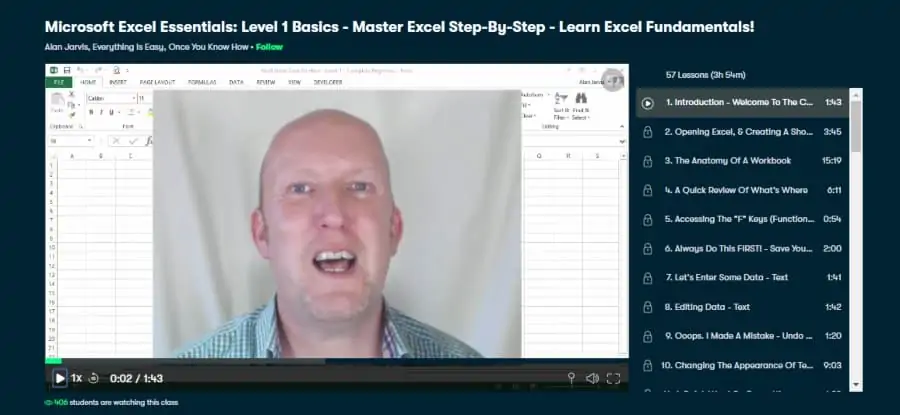
First up on my list is an in-depth Excel course taught by Alan Jarvis, who is a business consultant, and management trainer that has years of using and “excelling” at Excel (pun intended).
Alan’s teaching method is both detailed and easy to follow, so you are sure to gain a lot from this class along with the 10,000+ students who already have.
In total, this excel training course is 4 hours in length and is broken down into smaller on-demand video lessons that can be taken at your own pace. Within each of these lessons are bite-sized tutorials that show the need to know the basics of Microsoft Excel.
Some of the many modules covered in this course are how to use use the function keys, filter data, editing and correcting data, autofill, auto sum, format painter functions, columns, rows, and formulas.
Overall, this is a great course that is ideal for beginners that are looking for a full-fledged introduction to Excel. P.S. there is also a 1-month free trial available for new students – so they’re plenty of time to try this and other free excel courses!
- Beginner skill level
- 4 hours
- Class projects
- Taught by an experienced business professional
- Downloadable resources
Activate FREE Skillshare Trial
2. Microsoft Excel Bootcamp – Zero to Hero Training (Skillshare)
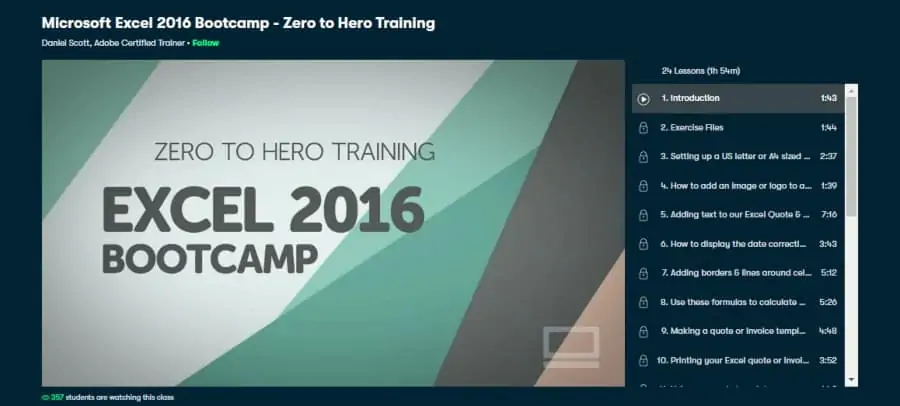
Next on my list is another beginner Excel user course labeled “Excel Bootcamp”, which will teach you the essentials in this stripped-down class that has been taken by 7,000+ new learners.
Your trainer for this course, Daniel Scott, is a Microsoft Certified Trainer and is an expert in office and business programs. Students will also get to look over the shoulder and follow along with a real-world project that will teach you invaluable skills.
Some of the lessons included in this course are adding cells, adding text, how to add images and logos, formulas, display dates, using existing templates, excel pivot tables, and more.
Overall, this is a great introductory course to help students become familiar with Excel.
- Beginner level
- 2 hours
- The instructor is a certified trainer
- Class projects
- Downloadable resources
- Lifetime access
Activate FREE Skillshare Trial
3. Excel: Tips & Tricks (LinkedIn Learning)
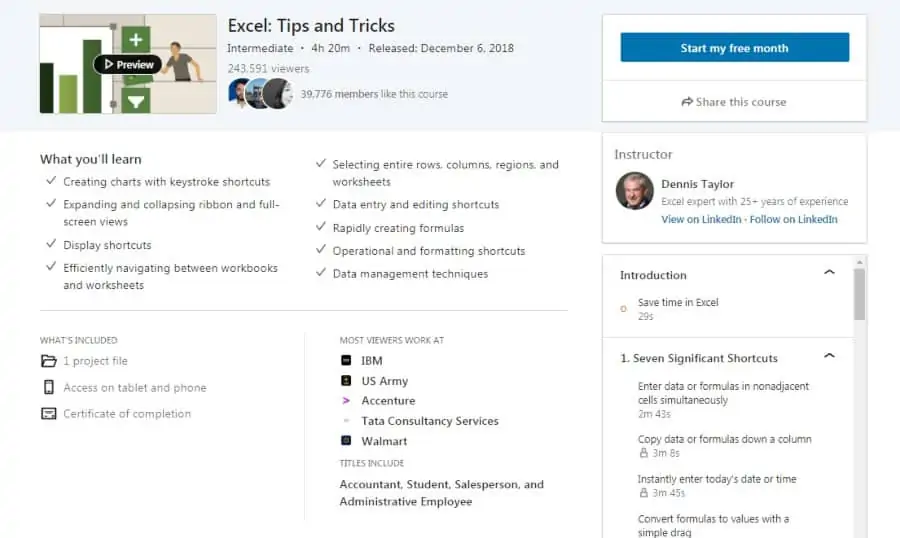
Moving on to my next pick is a thorough 4 ½ hour course that is based specifically on the Office 365 version of Excel that has been viewed by over 240,000 students!
Your tutor for this course is Excel online trainer Dennis Taylor, who has over 30 years of experience in business programs and applications. He has also created dozens of Excel training programs for various companies, so you’ll be in good hands!
Excel tips covered in this course are how to create calculation formulas and excel charts, speeding up data entry, the efficiency of all the functions, significant shortcuts, quick access toolbar, navigation, formulas, and conditional formatting.
As this course is hosted on LinkedIn Learning, there is a certificate of completion available, learning credits, on-demand videos/ resources, and also a 1-month free trial! Overall, a great Microsoft Excel course that covers Office 365 in detail.
- Intermediate level
- 4 ½ hours
- Excel trainer and author as a teacher
- Class projects
- Helps speed up your workflow
- Certificate of completion
4. Excel: Top 10 Excel Formulas to Work Smarter (Skillshare)
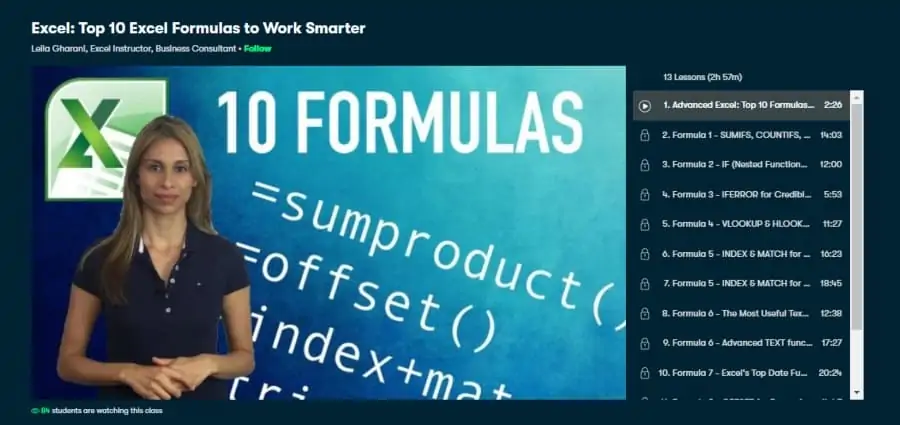
If you are already a power user of Excel, then you may benefit greatly from what is presented in this intermediate-level 3-hour Excel class.
Your instructor for this course is Leila Gharani, who has a Master’s degree in Economics and is an Excel trainer with over 15 years of experience. She is also a Certified Microsoft Excel Expert, so you’ll be learning from one of the best!
Course instructions center on the use of formulas that you can import, create, or access in order to complete certain functions that should speed up your workflow and automate many processes. If you haven’t started using vlookup, index & match, sumproduct, or nested-ifs, you’ll be shocked how easy it is to take your excel data to the next level.
Overall, this is a great complementary course for those who already have some experience with Microsoft Excel and want additional free excel training as part of their trial.
- Intermediate level
- 3 hours
- Certified Microsoft Excel Expert as a trainer
- Concentrates on formulas
- Extra resources included
- Lifetime access
Activate FREE Skillshare Trial
5. Excel: Advanced Formulas and Functions (LinkedIn Learning)
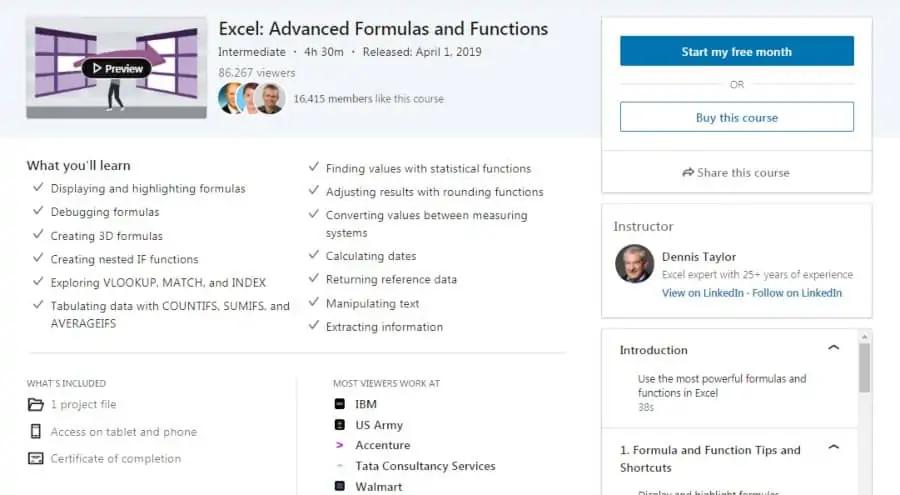
Instructor Dennis Taylor, an industry-leading Excel expert, conducts this intermediate level 4 ½ hour course with instruction on hundreds of functions and formulas built into Excel.
Some of the training modules include creating 3D formulas, extracting information, using statistical functions, power functions, math functions, error checking, and tabulation.
As for all of these exercises, they are all integrated into a real-world situation, so you will be learning as you go through this scenario.
This course is hosted on LinkedIn Learning, so it comes with project files, access on multiple platforms including mobile, and a certificate of completion.
- Intermediate level
- 4 ½ hours
- Professional business trainer as an instructor
- Uses real-world situations
- Extra files and resources
- Certificate of completion
6. Access 2019: Building Dashboards for Excel (LinkedIn Learning)
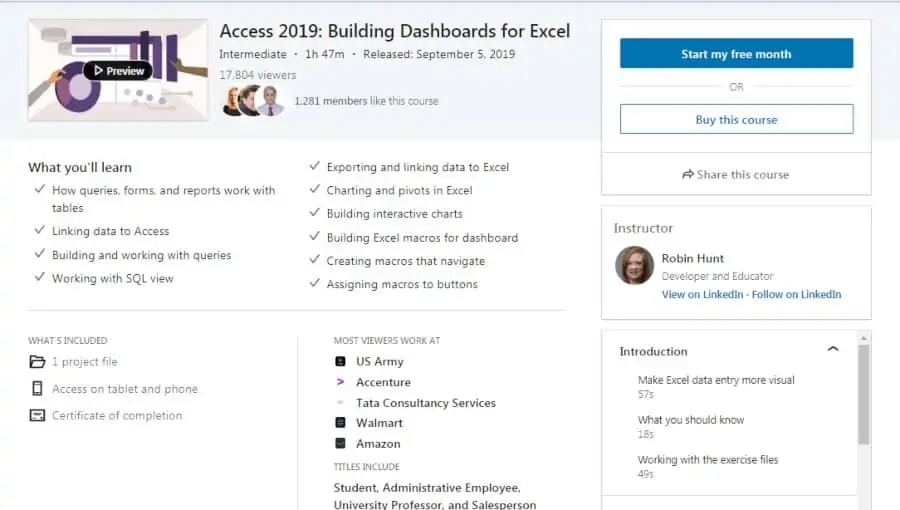
Also from LinkedIn Learning, this 2-hour course instructs users how to combine Access and Excel for making interactive dashboards.
After this intermediate-level class, you will know how to generate charts, graphs, and other data visualizations that can actually update in real-time as your dashboards collect and display information.
Course modules include an introduction to Access, using Excel and Access together, analyzing tables, queries, Pivots, and building Excel macros for Access.
You will learn how to link data between the two programs, build interactive pivot charts, create macros and tables, use SQL view and start using excel VBA.
The instructor is Robin Hunt. She is a developer of process development, data management, and custom workflow solutions and teaches these at companies and seminars for multiple clients.
A class project is included, along with the materials necessary for the course itself and the project. There is also a certificate of completion.
- Intermediate level
- 2 hours
- Data management consultant as the instructor
- Combined instruction for Access and Excel
- Class project and extra files
- Certificate of completion
7. Excel Essentials for the Real World (Complete Excel Course) (Udemy)
Udemy is another of the top online education sites for learning new things or for continuing education. Their courses feature access on mobile devices or computers, lifetime access to class materials and lectures, and a certificate of completion.
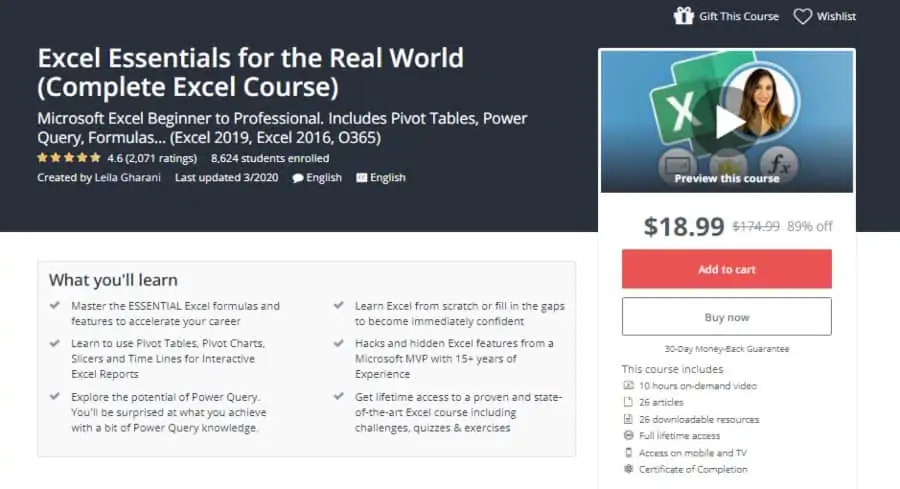
This beginner-level course has over 10 hours of on-demand video instruction. There are 26 extra articles for you to download and use during and after the class. Class lectures cover hidden features, worksheets, data management, formatting, and printing and saving options.
You will learn how to create and use formulas, tables, charts, plus you have challenges, quizzes, and exercises. It’s all taught by certified Microsoft Excel MVP trainer Leila Gharani, an expert in many office productivity programs.
Over 8,000 students have enjoyed the detailed but simple instruction in this class.
- Beginner level (step-by-step instructions)
- 10 hours on-demand
- Taught by Microsoft Excel MVP
- Quizzes and exercises
- Downloadable resources
- Certificate of completion
8. Learn Excel (TrumpEXCEL)
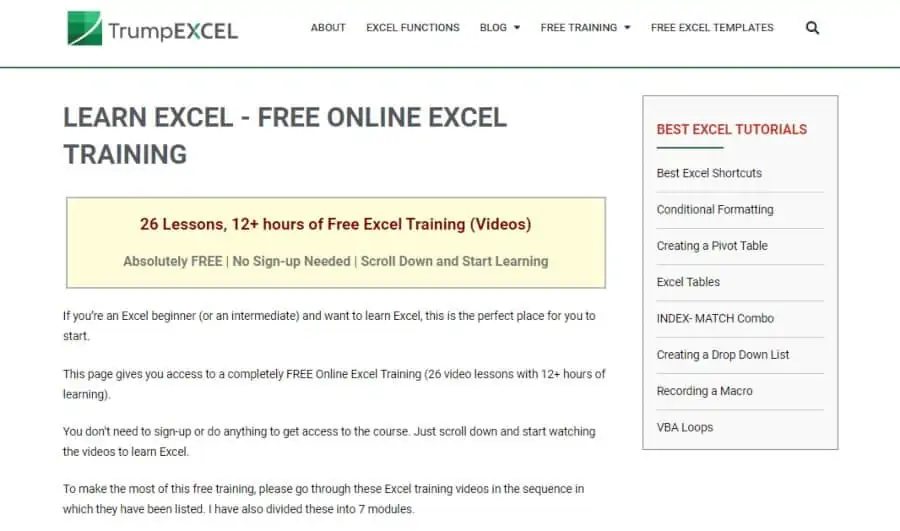
Certified Microsoft Excel MVP Sumit Bansal set up this blog for free excel training videos. It has over 12 hours of instruction in 26 separate videos. Designed for all levels, you could start at the beginning or skip over basic training if you are already at a higher level of Excel expertise.
Subject modules you will learn include the Microsoft keyboard shortcuts for Excel, tables, formatting, the crucial tool pivot tables, VBA loops, and index matching. The class even covers questions about Excel you may be asked in a job interview.
There are many extra resources available for download with this free online Excel course and the website hosts further advanced training in specific Excel functions.
- All levels
- 12 hours
- Excel MVP as a trainer
- Downloadable resources
- Further specific training available
- Bonus: Interview questions
9. Learning Excel 2019 (LinkedIn Learning)
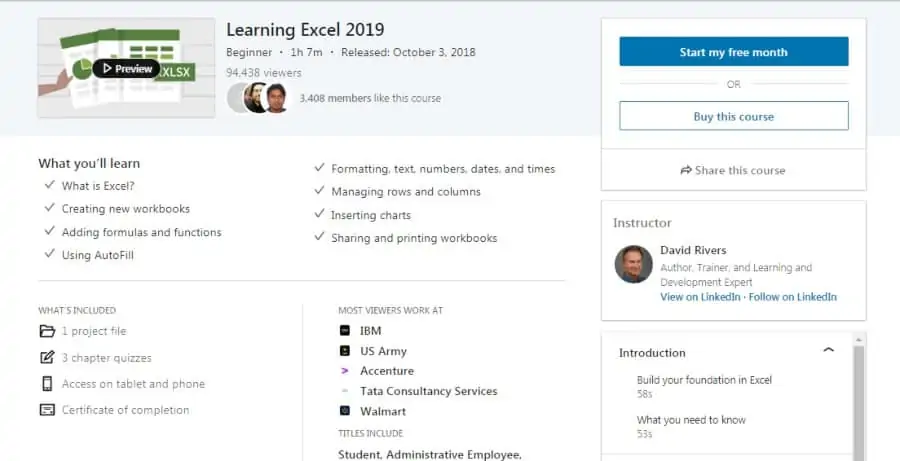
Author and trainer David Rivers teach this beginner-level course available on LinkedIn Learning. Beginner level and just over 1 hour, the course will get you ready to use Excel in very little time.
It starts at the most basic level, explaining what Excel is, and then moves you into using Excel. Lecture subjects include macros, formulas, auto-fill, formatting, adding charts, using workbooks, and how to share.
There are chapter quizzes, downloadable resources, and you can access them across your different devices. It’s a good jump start to making Excel work the way you expect it to. A certificate of completion is included.
- Beginner level
- 1 hour
- Quizzes
- Downloadable resources
- Taught by an expert in business programs
- Certificate of completion
10. Excel Skills for Business Specialization (Coursera)
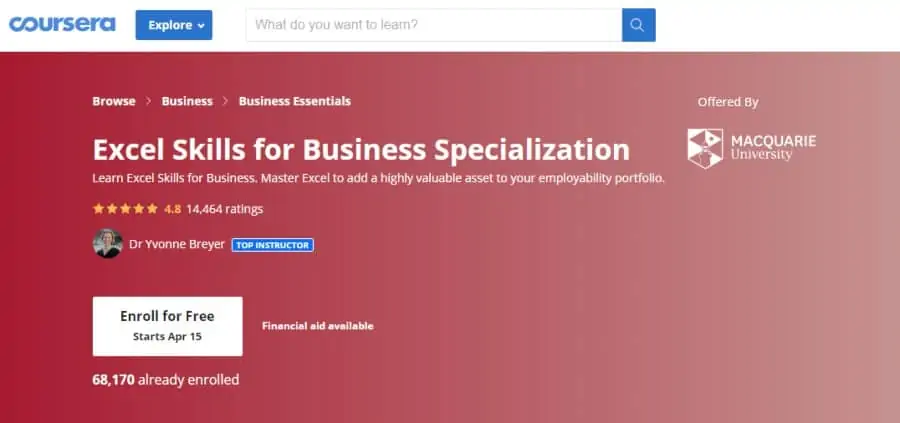
Coursera offers this free excel class from Macquarie University that is part of a larger specialization course for business. The Excel skills covered in this first class of four are suitable for beginners but will go well beyond a beginner level. By the end of all 4 courses, the level is advanced.
The instructor is Dr. Yvonne Breyer who leads a degree program for MBA and is part of the faculty for Business and Economics at Macquarie University. At the suggested timetable of 5 hours a week, this 1st class will take about 6 months to complete.
Course topics include data validation, Microsoft Excel basics, macros, Pivot, table graphs chart sorting, concatenation, consolidation, visual basic, and lookup tables.
The course instructor and peers give feedback on class projects and there are periodic quizzes to show how far you are advancing. The peer group includes over 60,000 who have already taken the course.
There are numerous extra resources to download and the course gives you a certificate of completion.
- Beginner level
- 6 months self-paced
- Taught by a university professor
- Graded quizzes
- Peer feedback
- Certificate of completion
11. Data Visualization with Advanced Excel (Coursera)
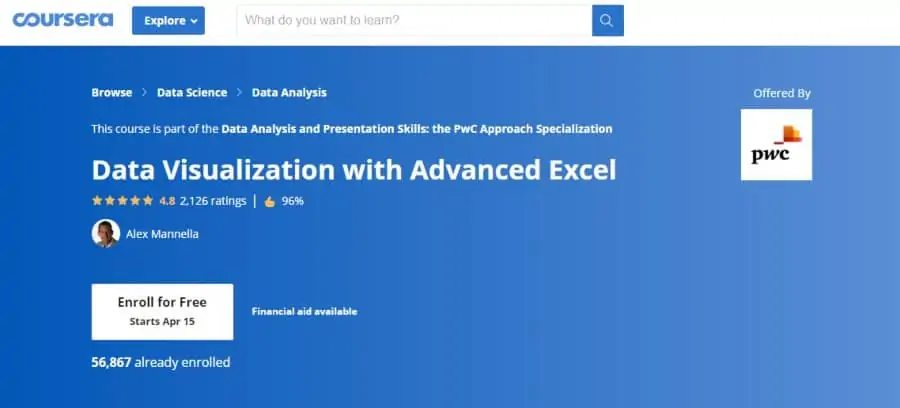
This class is the 3rd of 5 available in the larger Data Analysis and Presentation Skills: the PwC Approach Specialization from PwC (PricewaterhouseCoopers) instructor Alex Mannella. Though it says advanced right in the title, this course is actually beginner level, suitable for anyone as a stand-alone course.
You would need to be using the PC version of MS Excel 2013 in order to receive the most benefit from this class. PowerPivot is an essential Excel 2013 tool used in the course. Other versions of Excel and anyone on the Mac platform can still benefit, but some of the exercises won’t be available to them.
It starts with scenario and simulation analysis and then moves on to understanding the principles of data visualization and dashboarding. It is 11 hours of on-demand video that you can complete in about 4 weeks of self-paced learning.
Modules are Preparing a Professional Excel, Advanced Scenario Analysis, Data Visualization, and Dashboarding.
Over 56,000 have enrolled and the class comes with extra resources, graded quizzes, peer feedback, and a certificate of completion.
- Beginner level
- 11 hours over 4 weeks (suggested)
- Instructor from PwC
- Works best with Excel 2013
- Extra resources
- Certificate of completion
12. Microsoft Excel – Advanced Excel Formulas & Functions (Udemy)
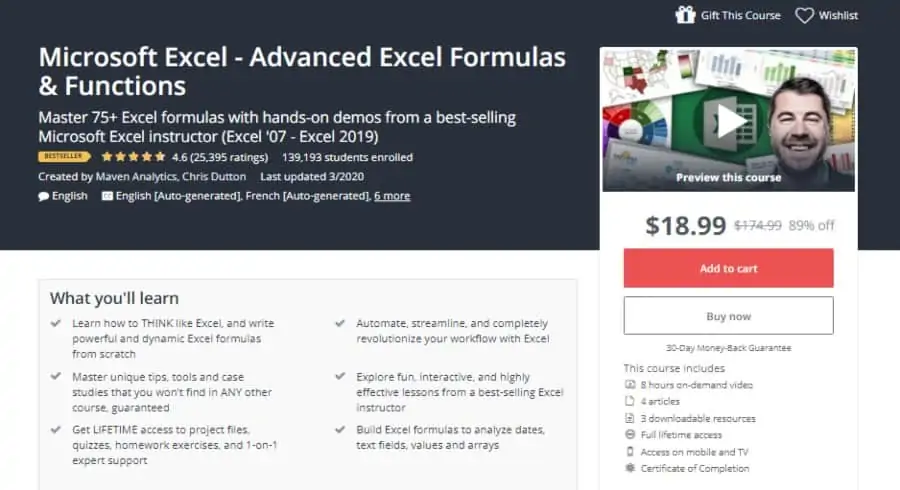
Chris Dutton of Maven Analytics presents this intermediate-level course for the Udemy online learning platform. He is a Business Intelligence developer and Certified Microsoft Expert.
It covers some of the fundamentals but then quickly gets into the intermediate level instruction with information about building formulas to analyze and visualize different types of data.
You will learn the shortcuts that can streamline your Excel workflow and you will also learn how to find and use some of the special tools the program has. Class modules include formulas, statistical functions, formatting, array formulas, and more.
The class is 8 hours of on-demand video plus several downloadable resources and articles. Over 136,000 students have enrolled and the course offers a certificate of completion.
- Intermediate level
- 8 hours
- BI developer certified MS Expert as an instructor
- Compatible with 2007 and newer versions
- Downloadable resources
- Certificate of completion
13. Microsoft Excel – Excel from Beginner to Advanced (Udemy)
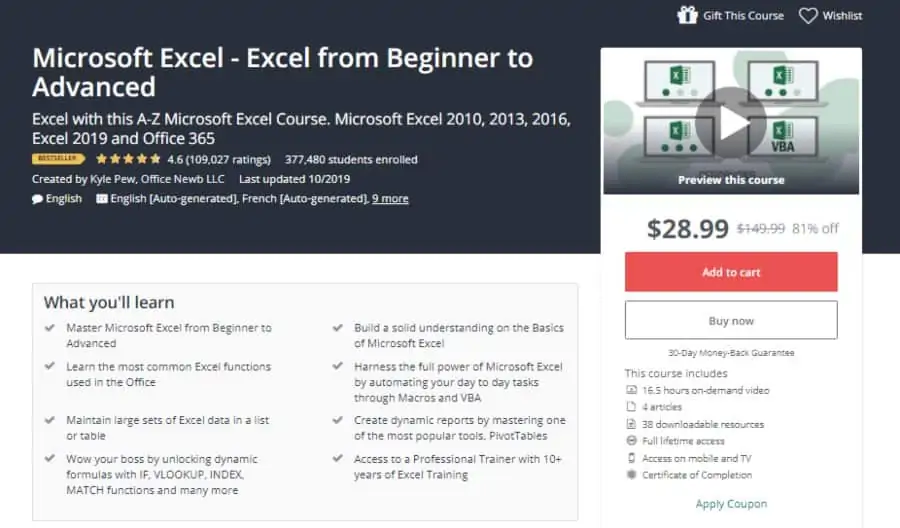
An A to Z approach to Microsoft Excel, this course takes you from absolute beginner through to advanced functions and features of the program. The course is compatible with any version from 2010 and newer.
In the 16 hour course, you will learn the most common Excel functions plus the more advanced features and tools such as PivotTables, building and using formulas, and automation with macros.
The course combines 4 complete class modules. Microsoft Excel 101 – An Introduction to Excel, Microsoft Excel 102 – Intermediate Level Excel, Microsoft Excel 103 – Advanced Level Excel, and Master Microsoft Excel Macros and VBA in 6 Simple Projects.
Taught by Kyle Pew, Microsoft Certified Trainer (MCT), and a certified Microsoft Office Master Instructor with over 10 years of training and consulting experience for Microsoft programs and other business applications.
There are about 40 extra resources included and it comes with a certificate of completion. Over 367,000 students have enrolled in this comprehensive course.
- All levels
- 16 hours
- Taught by Microsoft Certified Trainer
- Compatible with versions from 2010 and newer
- Extra resources
- Certificate of completion
14. Excel 2019 Essentials (Pluralsight)
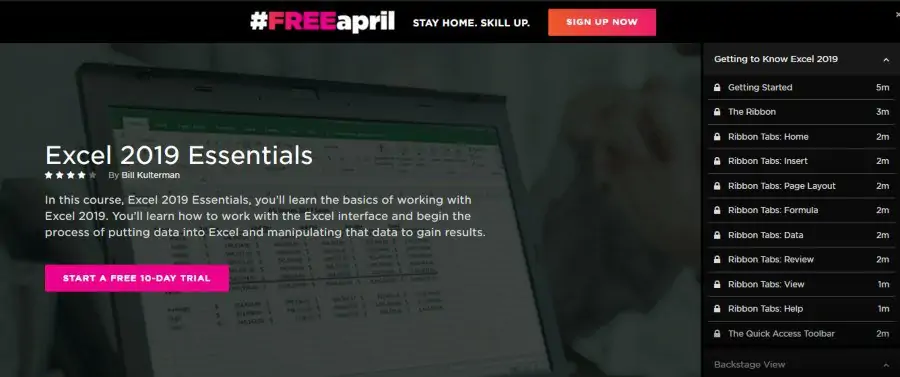
A little 2 hours of very basic Excel instruction that covers working with worksheets, cells, columns, and rows, and ends with formatting. And despite being 2 years old, this course clearly holds up. PluralSight is an online learning platform with a focus on technology such as business programs and industry.
This course is taught by Microsoft Certified Trainer Bill Kulterman, an instructor with over 12 years of experience in business software and a fondness for Koi ponds. So, you can tell the instruction will be beneficial and relaxed.
Modules include ribbons, forecasting, backstage options, worksheets and data, columns and rows, formatting, financial modeling, calculating formulas, and saving files properly.
There are exams, downloadable resources, and a certificate of completion with the free online Excel courses.
- Beginner level
- 2 hours
- Taught by Microsoft Certified Trainer
- Extra resources
- Exams included
- Certificate of completion
15. Microsoft Excel – From Beginner to Expert in 6 Hours (Udemy)
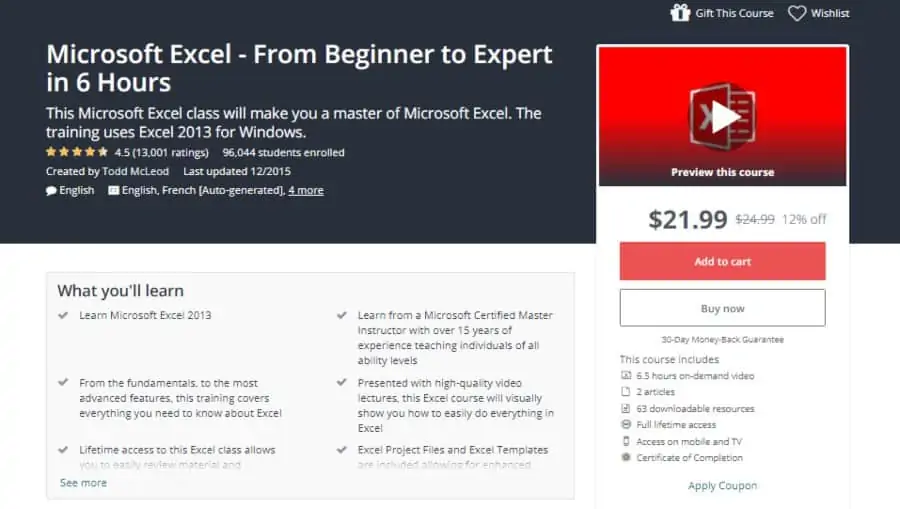
College professor and Microsoft Certified Master Instructor Todd McCleod host this inclusive 6 ½ hour training that is useful for all levels.
Multiple extra resources are included and it comes with a certificate of completion. The Excel tutorials features in this course are understandable for absolute beginners and cover advanced features that experienced users want to learn.
Course lessons include getting started, functions, charts, Pivot, filtering, macros, and blending work from MS Word.
Excel files and templates are among the downloadable resources for this free online Excel class. Visual exercises are highlighted throughout the course.
- All levels
- 6 ½ hours
- Microsoft Certified Master Instructor
- Lots of downloadable resources
- Lifetime access
- Certificate of completion
Bonus: Business Analytics Nanodegree Program (Udacity)
There is no free trial for this program, but if your goal is to go beyond Excel and move your career into the lucrative field of business analytics, you may want to consider investing in this program.
This program was built in conjunction with data analytics industry leaders and Microsoft partners Tableau and Mode. Not only will you learn more advanced Excel techniques, but you’ll also pair that with more advanced data manipulation in SQL and Python as well as creating rich, interactive visualizations in Tableau.
This course can be done in parallel to your day job. By investing 5-10 hours per week, you’ll complete this industry-recognized certification program in approximately 4-6 months.
USE CODE UPSKILL21 TO GET 50% OFF NANODEGREE PROGRAMS
- Advanced career training
- 4-6 month nanodegree program
- Taught by team of industry leaders and academics
- Individual mentors and active community
- Career resources included in cost
Final Thoughts
If you are looking to improve your knowledge of excel or other programs, check out my post on the entire Microsoft Office Suite. We also have focused guides on Microsoft Word, PowerPoint, and SharePoint reviews too.
Or perhaps you’re feeling overwhelmed and just wished you had an Excel expert who could handle your project for you. Well good news, those freelancers exist. I personally have had great success with Fiverr – below are a few Excel gurus who might be right to help you.
