
Learn How To Code Front End Tools In React With 2024‘s Top 10 Best Online React.js Courses
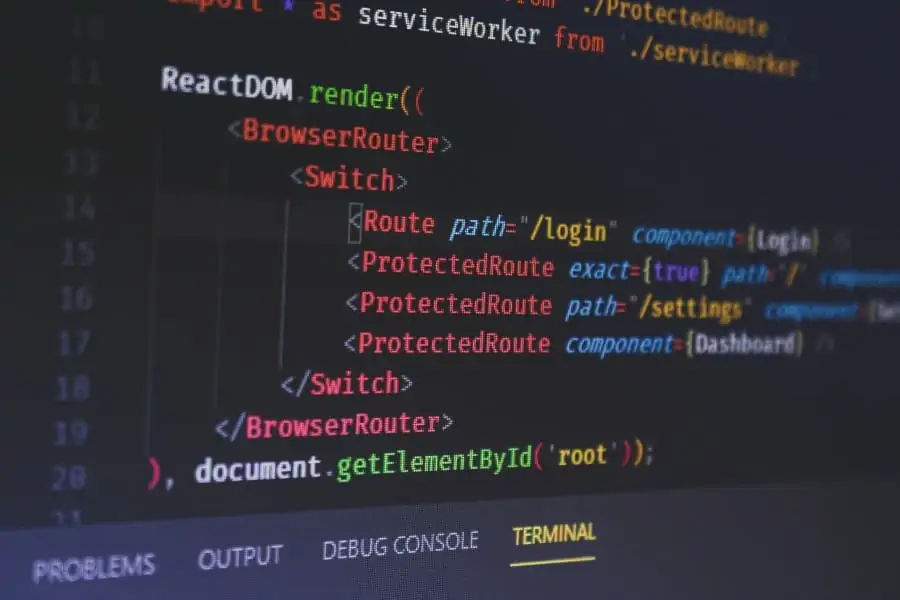
React.js is a popular JavaScript framework that just keeps on growing in popularity as a useful front-end tool allowing for swift application development.
So, if you want to learn how to use it to build stunning front-end software, you’ve come to the right place!
In the comprehensive guide, I have rounded up the best online React courses in 2024 that will teach you how to leverage the full potential of this powerful framework. You will also learn to set up a React application, manage complexities like state, side effects, structure, styling, and much more.
Once you’re done with these online courses, you’ll finally have the tools to bring your wild and creative ideas into the world in the form of exciting applications. So, let’s dive right in!
Top 10 Best Online React.js Courses & React Classes (Free + Paid) 2024
1. React Essentials – Become good at React JS fast! (Skillshare)
![1. React Essentials - Become good at React JS fast! [2020_2021] (Skillshare)](https://skillscouter.com/wp-content/uploads/2020/11/1.-React-Essentials-Become-good-at-React-JS-fast-2020_2021-Skillshare.webp)
First on my list is a comprehensive online React course that is best suited for anyone who already has a fair bit of experience with JavaScript. This intermediate-level online course has been taken by over 5,000 students and focuses on building modern React applications.
Your instructor for this online course will be Thomas Weibenfalk, a full stack web developer who spends most of his time doing front-end development has worked with several businesses in the fintech and advertising industries.
In this 7 hours long class, Thomas will teach students the fundamentals of building beautiful React applications. He will go over topics like React Hooks, the Context API, Movie DB API, how to style through CSS, use the refractor app, make a login, starter files, dependencies, and tons more!
By taking advantage of a free 1-month trial of Skillshare Premium currently up for grabs, you can take this online course (along with countless others) for free!
- Intermediate level
- 7 hours long
- Taught by freelance full stack developer
- Free 1-month trial of Skillshare Premium
Activate FREE Skillshare Trial
2. Building Modern Projects with React (LinkedIn Learning)
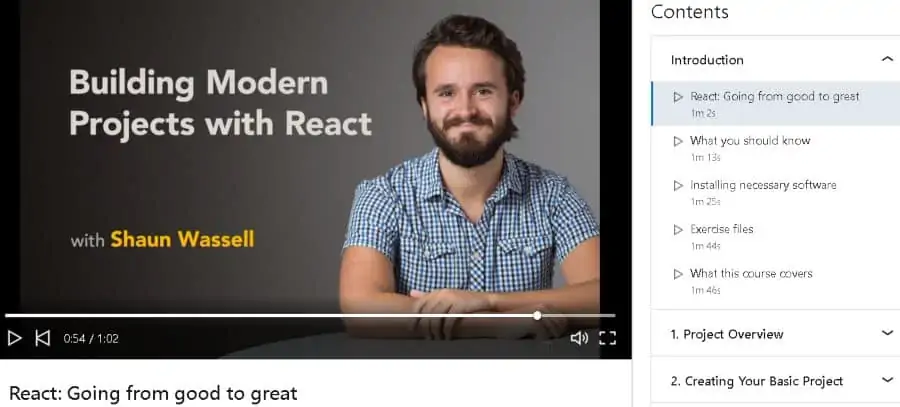
With so many libraries and sub-libraries being developed on top of frameworks like React, it can be tricky to figure out the most efficient way to build the front-end of an app. So if you’re interested to learn these tips and tricks, this free online React class can’t be missed!
In this training, you will be taught by Shaun Wassell, a senior JavaScript and React engineer with a degree in computer science from Oakland University. Shaun also has over 4 years of professional experience and more than 10,000 students have taken his online React course.
Through 3 ¾ hours of video lessons, students will learn the right set of tools needed to simplify the development process with React, along with a number of other modules including how to test Redux, using Hooks, improving the styling of components, and much more!
If you’re a new user on LinkedIn, you can complete this entire online course for free, and earn a certificate of completion at the end!
- Intermediate level
- 3 ¾ hours long
- Taught by senior React engineer
- Certificate of completion
- Free access for new LinkedIn users
3. React for Beginners: Build an App, and Learn the Fundamentals (Skillshare)
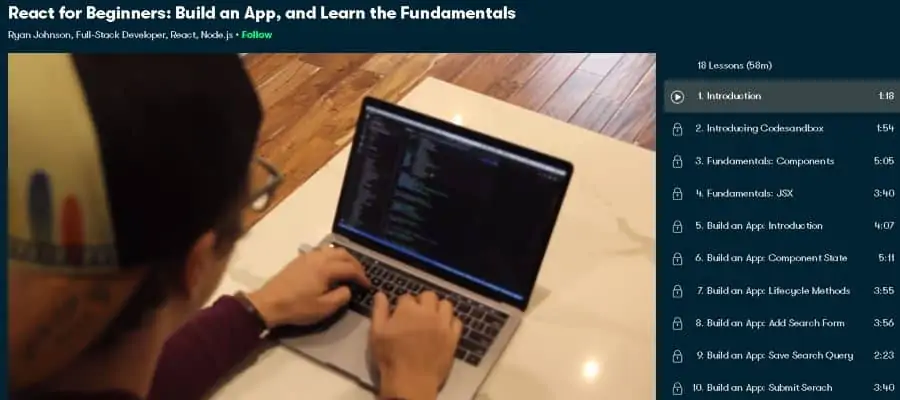
If you’re interested to focus on the fundamentals of React, this beginner-level class is a great way to get those necessary skills without unnecessary distractions!
Ryan Johnson will be teaching you in this online course who is a full stack developer who specializes in React. Having worked for banks, consulting firms, startups, and marketing agencies, Ryan brings a wealth of knowledge to the table.
In this condensed 1 hour course, Ryan will take students through a learning journey free from unnecessary distractions by focusing on the topics that really matter, including the elements and components of React, working with JSX, managing the state and lifecycle, creating forms, and many more.
Overall, this is a great online React course if you prefer project-based learning as you will be making your own app as you progress through the lessons.
- Beginner level
- 1 hour long
- Taught by freelance developer and React specialist
- Free 1-month trial of Skillshare Premium
- Project-based learning
Activate FREE Skillshare Trial
4. React – The Complete Guide [incl Hooks, React Router, Redux] (Udemy)
![4. React - The Complete Guide [incl Hooks, React Router, Redux] (Udemy)](https://skillscouter.com/wp-content/uploads/2020/11/4.-React-The-Complete-Guide-incl-Hooks-React-Router-Redux-Udemy.webp)
If you’re a fan of immersive courses that have tons of study materials and resources, you’ll want to check out this intermediate-level online React course. Taken by over 300,000 students, this bestselling Udemy course has an average rating of 4.6 stars and comes highly recommended!
Maximilian Schwarzmüller, a professional full-stack web developer, will be teaching you in this video course. Maximilian is the founder of Academind, an e-learning company, and has taught more than 1 million students on Udemy alone.
In total, this course is 40 hours in length and includes 223 downloadable resources that can be used during the entire learning. During this period, students will also learn the basics of React, managing states using Hooks, accessing HTTP content, using Redux, working with Next.js, and many modules.
Don’t worry about forgetting anything from this expansive online course, because you can always go back to it, courtesy of a full-life time access provided by Udemy! Overall, this is one of the best online React courses that truly covers it all!
- Intermediate level
- 40 hours long
- Taught by founder of e-learning company
- Certificate of completion
- Full lifetime access
5. React.js Essential Training (LinkedIn Learning)
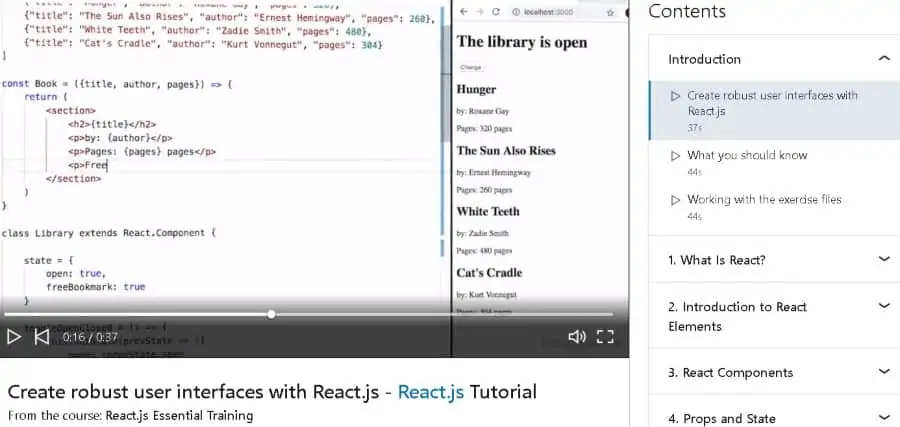
Next on my list is a foundational React course from LinkedIn Learning that is great for anyone wanting to learn the latest syntax and the best practices of React development! Taken by over 62,000 people, this intermediate-level class will get you making exciting React apps in no time!
Your teacher for this free online training will be Eve Porcello, a developer based out of Northern California who has expertise in front-end development and UX/UI design. Eve is also an expert in mobile apps and conducts practical engineering training for students from across the world.
In this 1 ½ hour-long React class, Eve will teach students the basics of using React to make stunning browser-based projects, by going through topics like element refactoring using JSX, creating components along with properties and methods, managing states, and much more.
If you get enrolled in this online React course, you’ll get access to a custom learning group of other users who are also taking the same online course. In short, you won’t be learning all by yourself!
- Intermediate level
- 1 ½ hours long
- Taught by expert front-end developer
- Certificate of completion
- Free access for new LinkedIn users
6. Modern React with Redux (Udemy)
![6. Modern React with Redux [2020 Update] (Udemy)](https://skillscouter.com/wp-content/uploads/2020/11/6.-Modern-React-with-Redux-2020-Update-Udemy-1.webp)
Do you want to be the person in a group who knows everything about React and who can explain to anyone how Redux actually works? If so, this beginner-level React course might be the perfect choice for you!
In this online training, you will be instructed by Stephen Grider, an engineering architect with a skill for front end development using JavaScript. In total, Stephen has published 27 courses and taught over 675,000 students on Udemy, earning an average instructor rating of 4.6 stars.
Although the 52 hours long video content may seem intimidating, students will be able to confidently answer any React question that comes their way once the course is all done. In particular, students will learn all about Redux and other React tools like NPM, Webpack, Babel, and much more.
As part of this online React course, you’ll get 17 different coding exercises to complete so that you don’t just learn loads of theory – you can apply those concepts in practice too!
- Beginner level
- 52 hours long
- Taught by skilled front end developer
- Certificate of completion
- Full lifetime access
7. React Fundamentals (Pluralsight)
If you’re looking for an online course that will teach you the fundamentals of React so you can make powerful web applications, you’re in the right place!
As for your instructor, Liam McLennan will be teaching you in this class who is an experienced software developer and currently serves as the principal consultant for Readify, a product development consultancy.
In 4 ¼ hours of on-demand video lessons, students will start with the fundamentals of React by learning about how components are laid out and integrated together, before going on to more complicated topics like application state management, JSX syntax, and much more.
You can find this online React course on Pluralsight, an online education platform that gives you a free 10-day trial. Overall, one of the top React courses for those already familiar and looking to build up their skills!
- Intermediate level
- 4 ¼ hours long
- Taught by software developer and technology consultant
- Certificate of completion
- Free 10-day trial of Pluralsight
8. Complete React JS web developer with ES6 – Build 10 projects (Udemy)
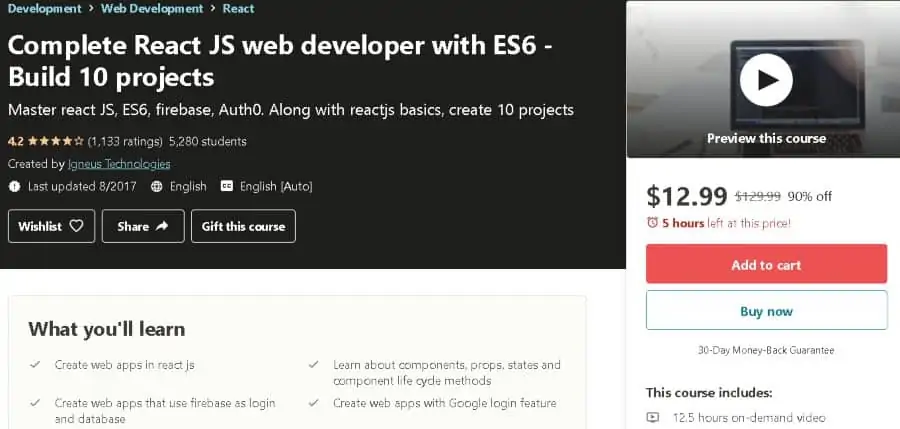
Are you wanting to find an online course to teach you the basics of React as well as help you build strong coding skills through working on real-life projects? Look no further because this intermediate level online React course!
Igneus Technologies, an e-learning company based in India, will be providing you with instructors for this online course. The company has published close to 50 courses on Udemy, teaching over 178,000 students and earning an average rating of 4.2 stars.
Through 12 ½ hours of video content, students will learn the basics of making web applications using React as the front-end framework, covering topics like using firebase for login and database, using Auth0 systems, managing components and states, and much more.
The best part about this online React course is that you will be learning primarily by coding 10 different projects that will surely make coding second nature for you!
- Intermediate level
- 12 ½ hours long
- Taught by instructors from Indian e-learning company
- Certificate of completion
- Full lifetime access
9. Learning React Native (LinkedIn Learning)
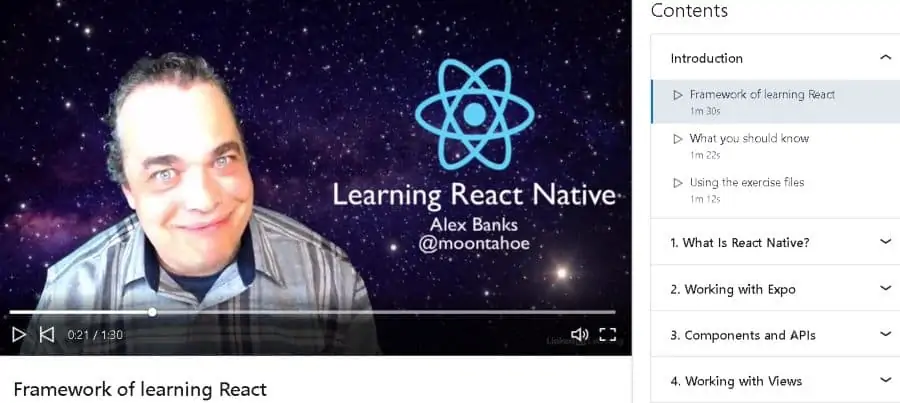
Next on my list is an intermediate level online React course that will teach you how to use the Native toolbox to make apps that run both on iOS and Android platforms. Get ready to join the 2,300+ other people who have already taken this online course!
Your instructor for this online course will be Alex Banks, a veteran web developer who has been building websites ever since he was eight years old. Alex has a computer science degree from Georgetown University and teaches at renowned names like Stanford, eBay, and Yahoo.
Students can quickly go through this 1 ¾ hours-long online course to get comfortable with coding applications using React Native, by learning about views, platform APIs, components, making style sheets, using flexbox, data collection, touch responses, and much more.
After completing this online course, you will receive a certificate of completion that you can showcase to your network to notify them that you’re up for working on potential opportunities!
- Intermediate level
- 1 ¾ hours long
- Taught by veteran web developer
- Certificate of completion
- Free access for new LinkedIn users
10. Multiplatform Mobile App Development with React Native (Coursera)
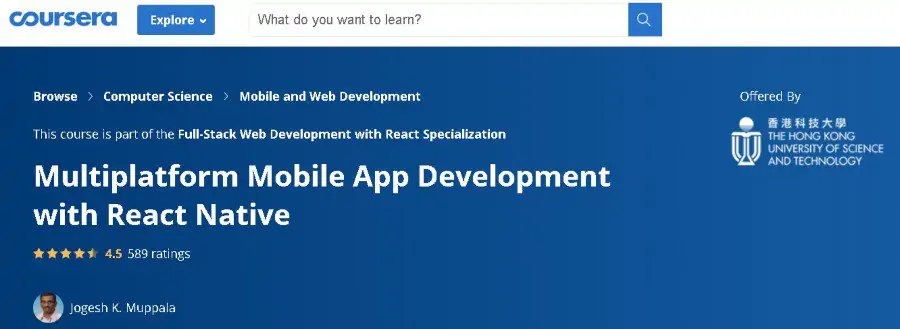
Last but not least on my list is a comprehensive online React course on Coursera that will teach you to kill two birds with one stone – to write code that can work on multiple platforms. Over 51,000 students are enrolled in this intermediate-level online React Native course.
Jogesh K. Muppala, an associate professor of computer science at the Hong Kong University of Science and Technology (HKUST), will be teaching you in this online course. Jogesh has published 12 courses on Coursera, teaching 400,000+ students and earning a rating of 4.7 stars.
In this 36 hours’ long online React course, students will learn the basics of User Interface (UI) development with the React Native UI. Course modules include using the Expo SDK to build cross-platform apps, Redux to design the architecture, and much more.
It doesn’t matter if you can’t afford to pay the full fees – with Coursera, you can apply for financial aid and upon receiving it, complete this online course for free!
- Intermediate level
- 36 hours long
- Taught by associate professor of computer science
- Certificate of completion
- Financial aid available
