
Learn How To Design Intuitive User Experiences With 2024‘s Top 17 Best Online UX/UI Courses
![Best Online UX/UI Courses & Classes [Free & Paid]](https://skillscouter.com/wp-content/uploads/2020/07/Best-Online-UX_UI-Courses-amp-Classes-Free-amp-Paid.webp)

User Experience (UX) and User Interface (UI) designers have become some of the most in-demand roles in 2024 due to the rising trend of websites and mobile apps.
So whether you want to pursue a career in UX/UI, or maybe design your own website/app, you’re in the right place!
After much research, I have rounded some of the best online UX/UI courses in 2024 that will teach you the fundamentals of design thinking and principles of UX/UI.
These online courses will also cover design low-fidelity and high-fidelity prototyping, post-launch analysis, wireframing, and more! Let’s begin!
Top 17+ Best Online UX/UI Courses & Certificates 2024 [Free & Paid]
1. User Experience Design Essentials – Adobe XD UI UX Design (Skillshare)
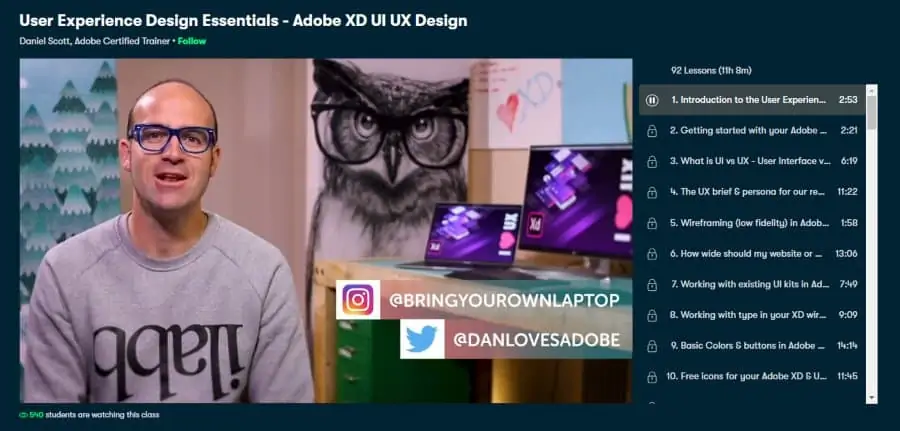
Adobe XD is widely used by industry professionals to design seamless user experiences and interfaces. So if you’re someone without any prior experience in designing or using Adobe XD, this UI/UX design course is a fantastic introduction to these two topics.
Your instructor for this online course will be Daniel Scott, an Adobe Certified Trainer who is a teacher at BYOL international and has been teaching for more than 14 years. Daniel also has over 63,000 followers on Skillshare which is a testament to the quality he has been offering.
In this comprehensive 11-hour beginner class, split into 92 mini-lessons, you will start learning UI/UX using Adobe XD from scratch and build up your skills, going through topics like the difference between UI and UX, low-fidelity wireframes, existing UI kits, prototyping, app design, and using Photoshop/Illustrator to boost your designs.
There are also real-world projects included that will allow students to implement what they have learned!
Currently, this online course is offered on Skillshare which is offering a 1-month free trial for new users that can be canceled anytime. Overall, one of the best online UX courses that cover all the fundamentals of UI/UX design.
- Beginner level
- 11 hours long
- Taught by Adobe Certified Trainer
- Work on a real-world project
- Free 1-month trial of Skillshare Premium
2. Become a UX Designer (Udacity)
If you find yourself dissatisfied with short and superficial courses that plague the internet, then this Udacity nano-degree program is tailored to your needs. It will give you an immersive and hands-on learning experience that will allow you to confidently add the title of UX Designer to your CV.
Instructors for this online UX course are provided by Udacity itself, with a four-member team consisting of senior UX design experts from companies like Google and Feather Docs making sure that you receive world-class education along with relevant industry insights.
In the 3 months that it will take you to complete this beginner-level program, you will go through UX design concepts such as fundamentals, research design, concept development, low- and high-fidelity prototyping, post-launch analysis, and much more. You will be doing a capstone project at the end to apply everything that you learn.
Udacity is offering financial support, especially to people who have been impacted by the pandemic. Overall, this is one of the best online UX courses for those looking to kick-start their UX career!
- Beginner level
- Approximately 3 months long
- Taught by senior UX Design experts
- Financial aid available
- iOS app design
- Get a personal career coach
USE CODE UPSKILL21 FOR AN EXTRA 50% OFF ANY OF THE NANODEGREE COURSES.
3. UX/UI Design Essentials (Skillshare)
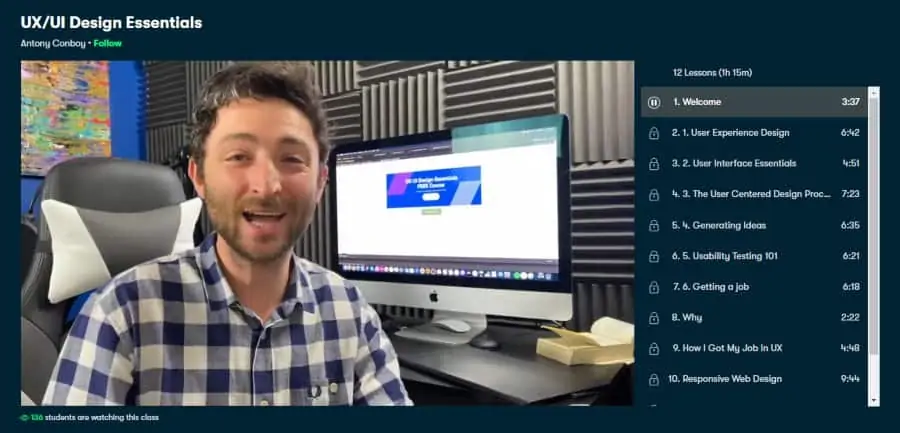
If you are looking for a quick and concise introduction into the world of UX/UI design, this highly-rated Skillshare class can’t be missed! It will also give you a strong enough foundation for you to start building your app/website portfolio and advancing your career in this in-demand field.
For this online class, you will be led by Antony Conboy, a UX designer with 15+ years of experience who has worked for big companies like Cisco, Barclays UK, British Vogue, and Ferrari as a Lead UX Designer.
In this condensed 1 ¼ hour-long beginner-level course, Antony will be taking you through all the fundamentals of UX/UI design including the User-Centered Design Process, usability testing responsive web design, design thinking, how to generate ideas, and even how to get a UX/UI job!
By joining this online class, students can also benefit from a lively and interactive student community and learn from the projects uploaded by past users! There is also a 1-month free trial on offer.
- Beginner level
- 1 ¼ hour long
- Taught by UX designer with 15+ years of experience
- Interactive student community
- Free 1-month day trial of Skillshare Premium
4. UX Foundations: Interaction Design (LinkedIn Learning)
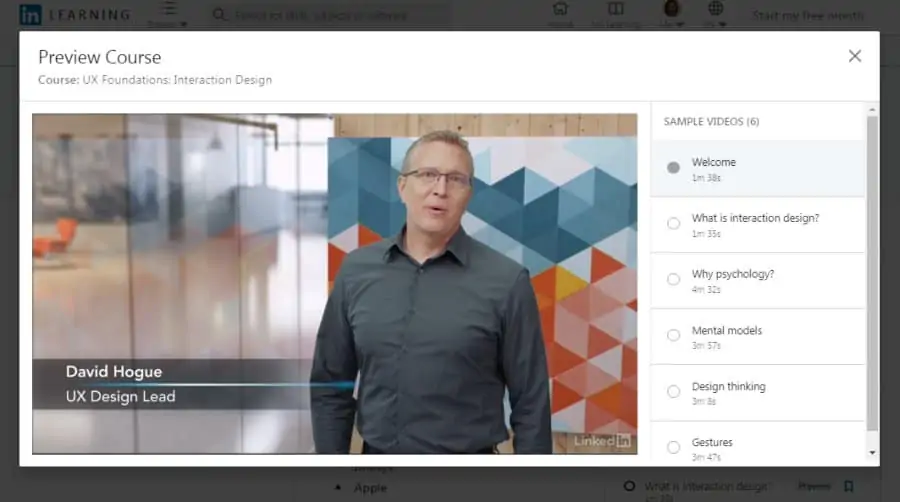
It is not possible to make an easy-to-use interface that is loved by users without understanding the psychology behind the choices people make. So if you’re looking for an online course that will give you a solid grasp on interaction design, starting from the perspective of psychology, this LinkedIn Learning course is one of the best in the industry.
As for your instructor, you will be taught by David Hogue, a UX Design Lead at Google who received his Ph.D. in Applied Psychology from the University of New Orleans. David has also worked with a stellar list of clients during his consulting career including the likes of Reebok, Wells Fargo, and Warner Bros.
Through this beginner-level 3 ½ hours long course, you will learn all about interaction design with topics including learning behaviors, theories of emotion, classical and operant conditioning, design thinking, micro-interactions, error handling, and gestures to name a few.
For those that enroll, you will be joining more than 33,000 other students who are enrolled in this online UX course and have earned a verified certificate of completion. Overall, this is one of the top online UX course that views the topic in a different light.
- Beginner level
- 3 ½ hours long
- Taught by UX design expert
- Certificate of completion
- Free access for new users
5. Introduction to User Experience Design (Coursera)
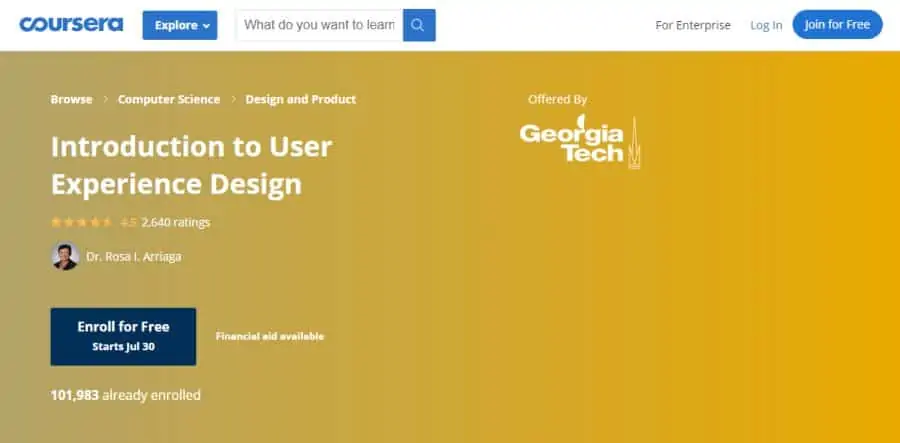
For those of you who are more inclined towards systematic and data-driven thinking, this beginner-level online UX course is a great starting point. Also, if you are pursuing a career in UI/UX, this university grade class is sure to stand out on a resume or CV.
For this online class, you will be instructed by Dr. Rosa I. Arriaga, a Senior Research Scientist at the Georgia Institute of Technology who has a Ph.D. from Harvard University. Dr. Rosa also has over 100,000 students on Coursera with a rating of 4.6 stars which speaks volumes to the quality of her teaching.
In this 7 hours long course, you will be taught how to develop a solid grasp on the four-step user interface design cycle, learn techniques to acquire data, principles for designing interfaces based on this data, evaluating the outcome to ensure the user’s goals were met, and much more.
With Coursera, you can apply for financial aid if you are unable to pay the full fees for this course, and earn a certificate of completion at the end! Overall, one of the best online UX courses taught by a world-class university!
- Beginner level
- 7 hours long
- Taught by Georgia Tech professor
- Financial aid available
- Certificate of completion
6. User Experience Design Fundamentals (Udemy)
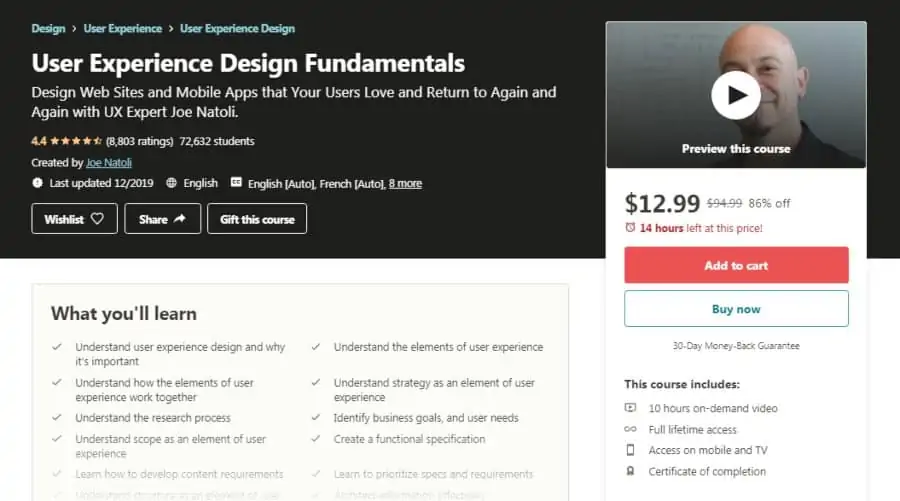
Next on my list is an outstanding online UI course that will give you a strong introduction to UX design principles while also teaching you how to make web pages/apps that result in high conversion rates. Currently, this course has an average rating of 4.4 stars with over 72,000 students enrolled!
Joe Natoli, a UX Design expert with almost 30 years of experience, will be teaching you in this course, who is the author of Think First, a book on UX Strategy and product improvement. Joe has also had over 150,000 students complete his courses!
In the 10 hours of video lessons that this intermediate-level course contains, you will go through an extensive journey learning UX design topics including the elements of UX, research process, navigation design, wireframes, strategy and user needs, skeleton, and surface design to name a few.
With all Udemy courses, there is included lifetime access to all online lessons, a certificate of completion, ability to view on iOS/Android, and a 30-day money-back guarantee.
- Intermediate level
- 10 hours long
- Taught by veteran design expert
- Limited-time discount of 85%
- App design
- Certificate of completion
- Full lifetime access
7. UX Design Fundamentals (Coursera)
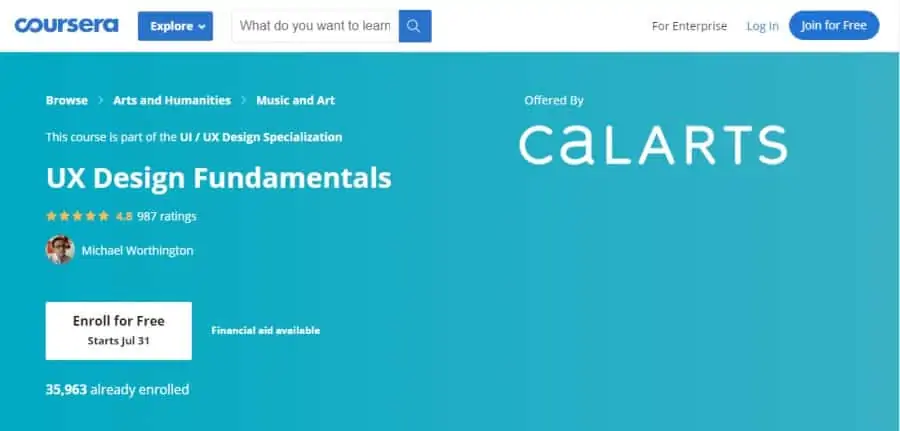
Second in the California Institute of Art’s (CalArts) UX Design Specialization on Coursera is an online class on the fundamentals of UX Design. This is a suitable choice for you if you want an immersive course that focuses on practical, skill-based teaching from a visual communications perspective.
Your instructor for this online UX class will be Michael Worthington, a faculty member in the Program of Graphic Design at the CalArts who is the founding partner of Counterspace. Michael also has a rating of 4.9 stars on Udemy along with over 423,000 students!
In this beginner-level 14 hours long course, you will go through a wide range of concepts to master UX design fundamentals including ideation, articulation, development, planning, testing, researching, mapping, and much more.
Coursera offers you the option to apply for financial aid if you are unable to pay the full fees for the course, along with a certificate of completion once you are done! Overall, this is one of the best online UX courses from an industry-leading pro!
- Beginner level
- 14 hours long
- Taught by instructor with 4.9 rating
- Financial aid available
- Certificate of completion
8. Intro to UX: Fundamentals of Usability (Skillshare)
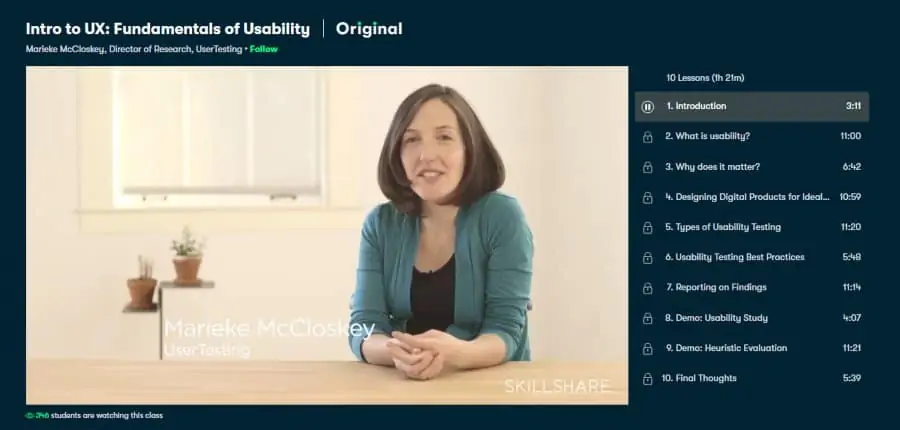
Usability is a central concept to UX design and hugely impacts whether users stick around, or run away from it. So if you’re looking to take a deep dive into usability and add this important aspect to your work, this beginner-level online course is a fantastic pick.
You will be taught in this course by Marieke McCloskey, who has a Master’s in Cognitive Science from Johns Hopkins University and serves as the Director of Research at UserTesting, a research platform in the field of user experience. Over 17,000 students are taking Marieke’s UX course.
Through 10 online lessons that span just 1 ½ hour in total, you will develop a strong intuitive understanding of usability by going through what it actually is, how one can design products to optimize usability, how to measure usability of a product, the best practices for presenting findings, and much more.
You can consolidate your learning on Skillshare by reviewing 43 different projects uploaded by other students and engaging in the active discussion forums!
- Beginner level
- 1 ½ hours long
- Taught by director of UX research platform
- Lively student community and forums
- Free 1-month trial of Skillshare Premium
9. UX & Web Design Master Course: Strategy, Design, Development (Udemy)
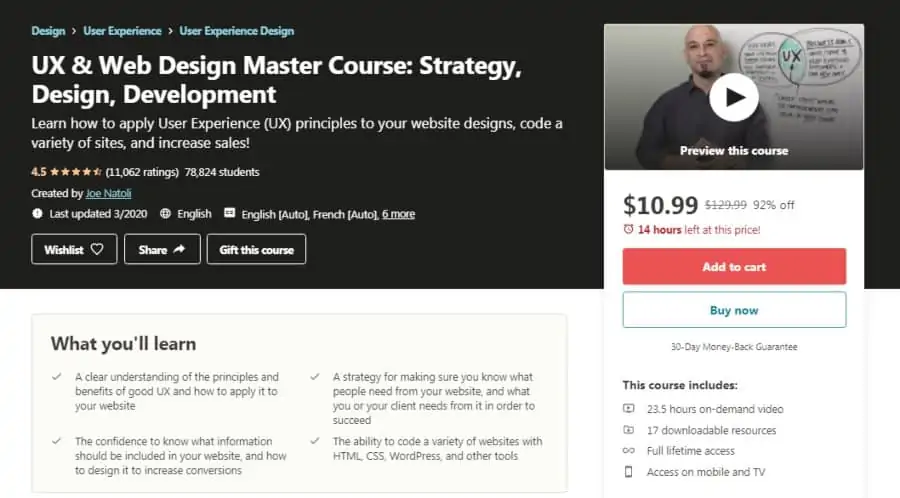
If you are looking for an immersive course that will get you started with the UX principles needed to build high-conversion websites, this beginner-level Udemy course is the right choice for you. Packed with loads of hands-on practice, the course has an average rating of 4.5 stars and has been taken by over 78,000 students.
As for your instructor, you will be taught by Joe Natoli, a design veteran with almost 3 decades of UX design experience who is the author of Think First, a book on product improvement and UX strategy. Joe has an instructor rating of 4.5 on Udemy along with over 150,000 students.
In this immersive 23 ½ hour online course, Joe will take you through everything needed to make you into a master UX web designer, with topics including user identification and research, questions to ask, Information Architecture (IA), UX and UI obstacles, building websites using HTML and CSS, and much more.
With more than 7 hours of learning, you can avail SkillsFuture credits, and earn a certificate of completion to share with your network when you complete the course! Overall, this is easily one of the best online UX courses due to the many lessons and learning credits.
- Beginner level
- 23 ½ hours long
- Taught by author of UX design book
- SkillsFuture credits available
- Full lifetime access
- Certificate of completion
10. Intro to UX Design (CreativeLive)
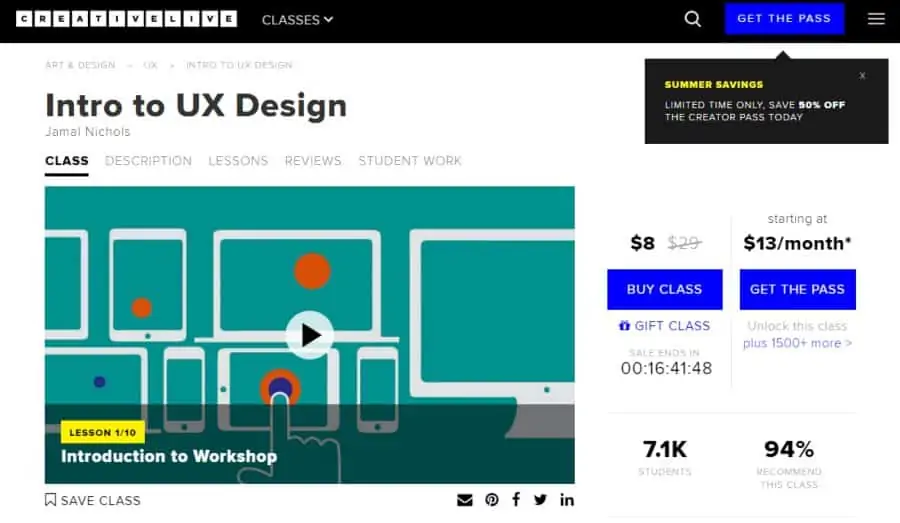
Up next on my list is an online course for complete beginners by Creative Live that will teach you all the basics of UX Design. Go for this one if you feel that you need some extra effort to get your creative juices flowing and your UX Design career started.
In this online UX design course, you will be instructed by Jamal Nichols, who has a Master’s degree in Media System Design and has more than 10 years of experience working as a UX designer. Jamal runs his own online teaching platform that is named truthaboutdesign.com.
Through 1 ¾ hour of HD video lessons in this beginner-level course, you will become acquainted with the basics of UX design, learning what it actually is, what is its importance, what are its core principles and methods of design, what it takes to be a good UX designer, and much more.
CreativeLive is currently giving you the opportunity to ava ‘Summer Savings’ discount which will take 50% off your pass, along with lifetime access to this course!
- Beginner level
- 1 ¾ hours long
- Taught by designer with 10+ years of experience
- Limited-time ‘Summer Savings’ 50% discount
- App/tablet design
- Lifetime access
11. UX Foundations: Prototyping (LinkedIn Learning)
The ability to rapidly prototype a product and test it in the real market can be the difference between a business taking off and a business going bankrupt. So if you’re looking to add this important skill to your arsenal and increase the profits made by your business, this LinkedIn Learning course is the right fit for you.
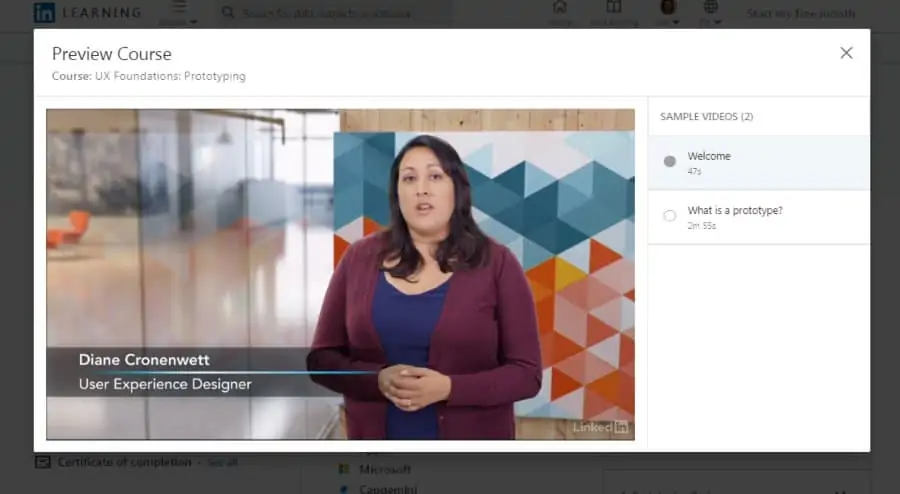
Diane Cronenwett, a self-taught UX designer, will be your teacher for this course. Diane has completed several projects that involved finding solutions to complex problems for Fortune 500 companies. Over 31,000 students have undertaken her course on UX design and foundations.
In this beginner-level online UX course, Diane will take you through all the basics of prototyping, teaching you how it helps user experience, how to define its goals, sketch ideas, create paper, low- and high-fidelity, and HTML prototypes, testing and evaluating them, and much more.
You can join a learning group associated with this course to enhance your learning and even earn a verified certificate of completion at the end!
- Beginner level
- 1 ¼ hour long
- Taught by self-taught UX designer
- Join a learning group
- Free access for new users
- Certificate of completion
12. Intro to User Experience Design (SuperHi)
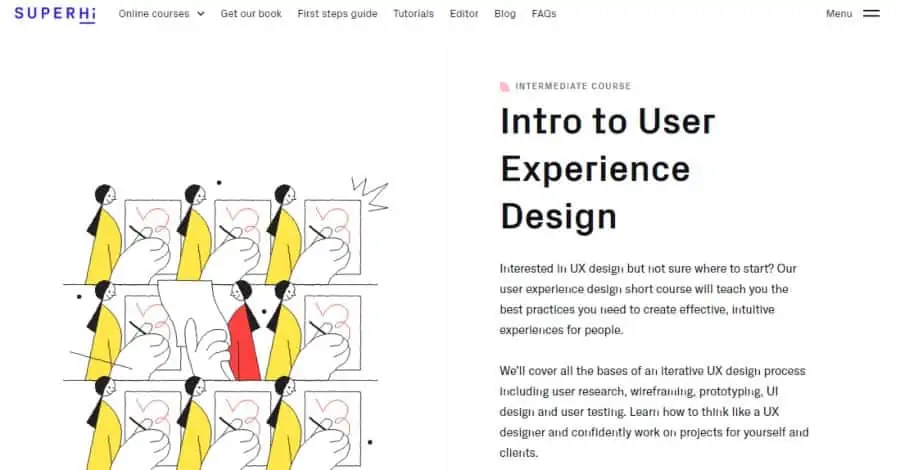
For those of you who are more interested in the creative design aspect of UX instead of all the coding, this short online class developed by SuperHi is a perfect choice. It offers you a more project-based learning style that gives you the freedom to learn at your own pace.
You will be instructed in this course by Milan Moffatt, a designer based out of Brooklyn who has worked with several creative agencies and startups, and Kristen Altomare-Ciallella, who has previously been a part of SuperHi as a designer and currently works at Toronto-based Glitch.
During this short, intermediate-level course on UX design, you will learn the best practices required to create amazing designs with topics including the iterative design process, user research, prototyping, wire-framing, testing, UI design, and much more.
With SuperHi, you will have the benefit of being able to interact with a lively worldwide community of creative students through Slack, and make projects that actually make you excited!
- Intermediate level
- Short online course
- Taught by experienced professionals
- Interact with worldwide community of learners through Slack
- Project-based learning
13. Move from Graphic Designer to UX Designer (Skillshare)
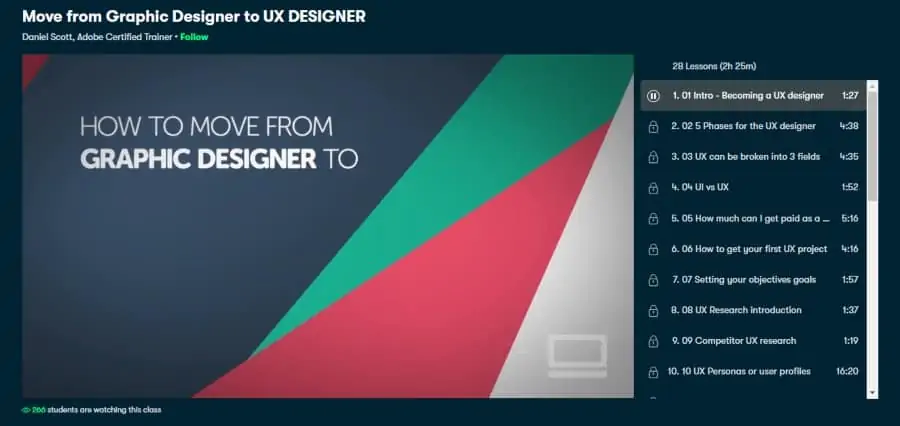
You may be daunted by what it takes to transition from being just a graphic designer to becoming a full-fledged UX designer who earns a lot more. However, you need not worry because this Skillshare course taken by over 16,000 students will make the process smooth and easy for you.
Your teacher for this online UX course will be Daniel Scott, an Adobe Certified Trainer who has over 14 years of experience working and teaching UX design to people from all over the world. Daniel is a top-rated teacher on Skillshare with over 63,000 followers.
In this 2 ½ hours long beginner-level course, you will dive into various aspects of UX design including the necessary tools, research methods, responsibilities of a designer, running user testing, doing competitor research, building wireframes, conducting A/B testing, and much more.
You can take advantage of the 1-month free trial of Skillshare Premium to complete this course quickly, and get your queries resolved quickly through the active discussion forums. Overall, one of the best free online UX courses in 2024!
- Beginner level
- 2 ½ hours long
- Taught by Adobe Certified Trainer
- Free 1-month trial of Skillshare Premium
- Active discussion forums
14. UX Design Course (Springboard)
Not many platforms offer the opportunity for you to receive direct 1:1 mentoring from an industry expert. This is what you will get (along with top-quality education) if you get yourself enrolled in Springboard’s UX Design course that has received a rating of 4.9 stars.
Instructors for this online UI course will be provided to you by Springboard itself, which recruits top industry professionals and experts who come together to develop course content that is not only easy to understand but also up-to-date with modern industry trends.
In the approximately 150 hours of work that you will be doing in this beginner-level course, you will go through 12 units that will teach you about topics like user-centered design, research and personas, usability analysis, design for mobile, lean UX, visual design, and much more.
Springboard will give you a certificate of completion at the end once you’ve completed and passed your capstone project so that you can let your network know that you have upgraded your skills!
- Beginner level
- 150 hours of work
- Taught by top industry experts
- 1:1 weekly mentoring
- Capstone project
- Certificate of completion
15. User Experience (UX): The Ultimate Guide to Usability and UX (Udemy)
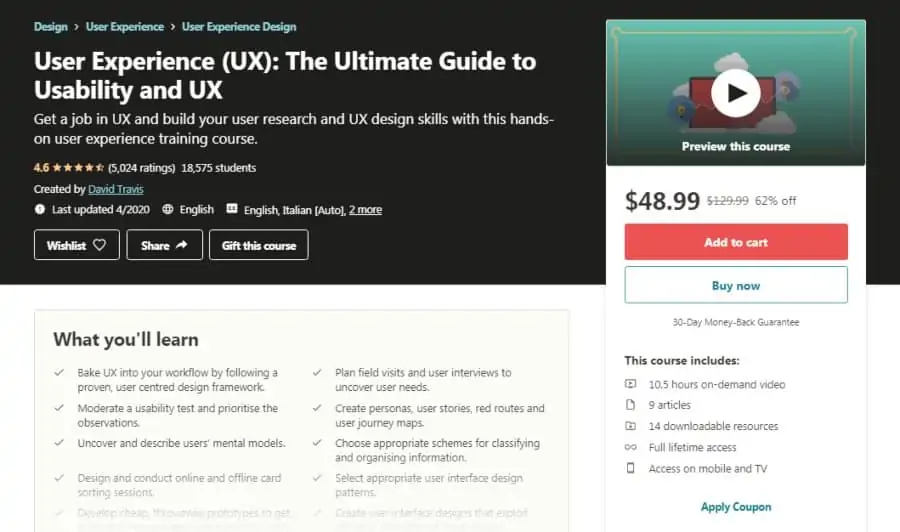
Having an industry-recognized certification can go a long way in attracting better opportunities to you and turbocharging your career. Thus, if you’re looking to succeed in the BCS Foundation Certificate in UX, then this online class is what you should get enrolled in right away.
You will be taught in this course by David Travis, a UX consultant who has a Ph.D. in Psychology and has worked with big companies like Microsoft, Skype, eBay, and HP. David is a top instructor on Udemy with a rating of 4.5 stars and more than 51,000 students.
Through 10 ½ hours of video lessons in this beginner-level course, you will learn everything needed to qualify the BCS Certification exam with flying colors, with topics including usability testing, mental models, developing cheap throwaway prototypes, conducting field visits and interviews, and much more.
You can avail a limited-time discount of 64% on this online course to get full lifetime access and receive a certificate of completion at the end! This is hands down one of the top online UX courses with an included certificate!
- Beginner level
- 10 ½ hours long
- Taught by veteran UX consultant
- Certificate of completion
- Full lifetime access
16. UX Fundamentals (Pluralsight)
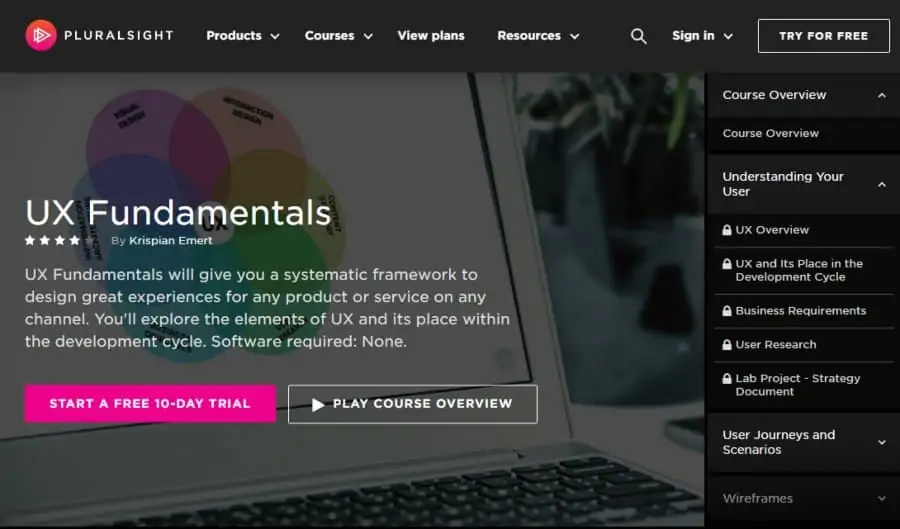
Up next on my list is a beginner-level course on Pluralsight that is perfect for you if you are looking to get a quick overview and description of the various fundamentals of UX design. This will prove to be sufficient for you to launch your career and start adding skills to your CV.
As for your instructor, you will be taught by Krispian Emert, a senior UX designer with 10+ years of experience who has completed projects for renowned agencies in Australia and Canada, and consulted for big companies like Microsoft, Toyota, and Thompson Reuters.
In this 1 hour online UX course, you will cover a wide range of fundamentals of UX design including its place in the development cycle, easy research techniques, user-centered design, business goals and limitations, and much more.
With Pluralsight, you can gain a free 10-day personal trial in which you can access hundreds of courses other than this one! Overall, this is one of the top online UX/UI design courses!
- Beginner level
- 1 hour long
- Taught by UX designer with 10+ years of experience
- Free 10-day personal trial
- Access to hundreds of other courses
17. Advance Your UI/UX Skills with Sketch Symbols and Dynamic Styleguides (Skillshare)
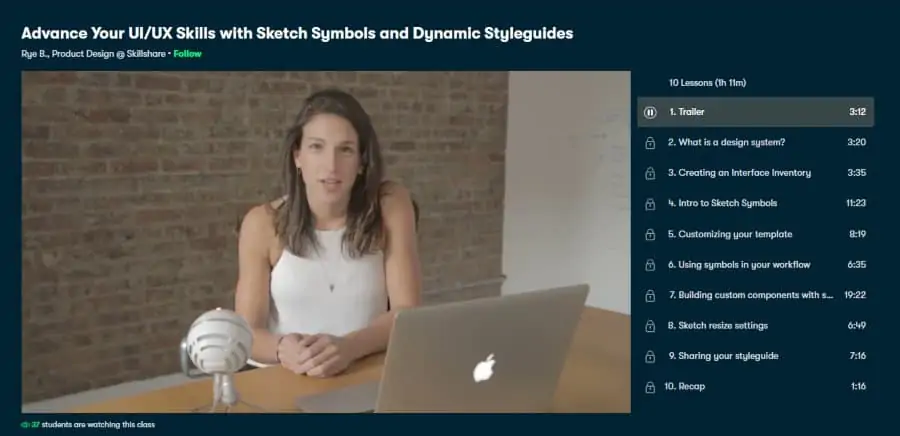
The final pick on my list of best online UX courses list is an intermediate-level offering on Skillshare that will help you build a strong grasp on Sketch. It will enable you to build a structured, scalable, and customized style guide that will help you in all of your future projects, making the design process more seamless.
Rye Bennett, who heads the Product Design department at Orchard, will be your instructor for this course. Rye has a Master’s in Architecture from Tulane University and has benefitted over 2,800 students through this course.
Through 10 video lessons spanning a total of 1 ¼ hour, you will learn everything you need to know about Sketch and style guides to launch a career in this direction with topics including interface inventory, sketch symbols, custom components, sketch resize, style guide sharing, and much more.
You will get the opportunity to benefit from a strong and helpful student discussions forum, along with a 1-month free trial of Skillshare Premium in which you can also access hundreds of other courses! For more learning, you can also see my other post on logo design which can go hand in hand with UX development.
- Intermediate level
- 1 ¼ hour long
- Taught by product design expert
- 1-month free trial of Skillshare Premium
- Helpful student community
