
How To Collaborate With The Top 11 Best Online SharePoint Training Courses
If you are looking for the best online SharePoint training and courses in 2024, you’re in the right place!
Below, you will find a wide range of classes that will teach you the basics of the platform, from start to finish.
You will also learn other aspects of Microsoft SharePoint such as site management, intranet management, data security, accounts, user controls, and information management to name a few.
Also, with many of these training lessons, students will be learning from industry experts and can earn certificates of completion once done. Let’s begin!
Top 11 Best Online SharePoint Training & Courses 2024
1. SharePoint Online Essential Training: The Basics (LinkedIn Learning)
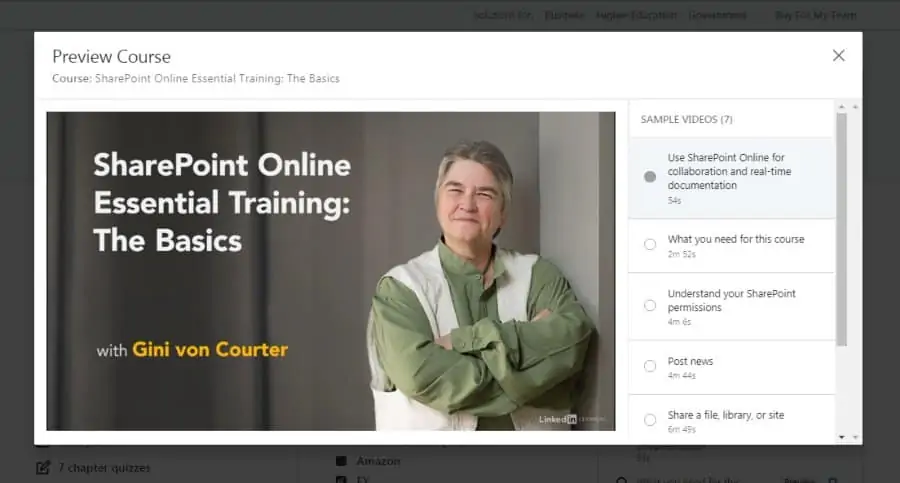
First on my list is a beginner-level course on the basics of SharePoint offered by LinkedIn Learning. It will help you get comfortable with the interface and start using the online version of SharePoint to enhance your collaboration and productivity.
Your instructor for this course will be Gini von Courter, a graduate of the University of Michigan who has been helping her clients implement SharePoint since it was first launched in 2001. She has also written 29 books including Beginning SharePoint with Excel.
In this 3 ¼ hour online course, you will learn about the basics of Microsoft SharePoint including managing default level permissions, working with the Active Directory, identifying useful apps, sharing and syncing documents, using SharePoint on iOS devices, and how to share a file or site.
With LinkedIn Learning, you will get a certificate of completion to share with your network, along with free access to course contents if you are a new user and 5 Continuing Professional Education (CPE) credits! There is also a 1-month free trial! Overall, this is one of the best online SharePoint training courses in 2024!
- Beginner level
- 3 ¼ hours long
- Taught by SharePoint expert
- Certificate of completion
- 5 CPE credits
- Free access for new users
2. Mastering SharePoint (Udemy)
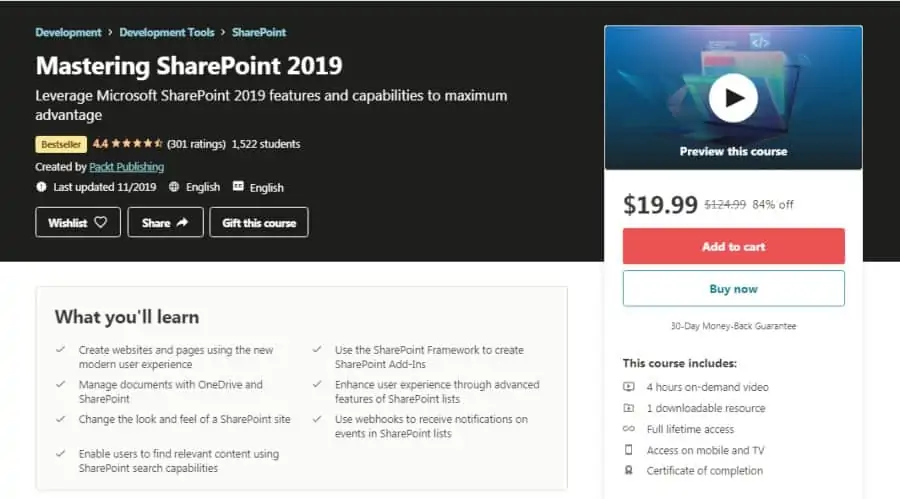
For those of you who are comfortable with using SharePoint but want to take your skills to the next level, this advanced-level Udemy course is a fantastic pick. With an average rating of 4.4 stars, this training will help you truly master this SharePoint for better collaboration, teamwork, and managing content.
For this online SharePoint class, you will be taught by Hasan Shingieti of Packt Publishing who has over 10 years of experience using SharePoint to develop applications and services. Packt Publishing also has an average instructor rating of 4.0 stars along with more than 300,000 students on Udemy!
Through 4 hours of on-demand video content, you will get a grip on all the advanced skills in SharePoint including creating pages and websites, managing documents, tinkering with the visual aspects of a SharePoint site, making use of its search capabilities, using the Framework to create add-ins, and using lists to improve user experience.
Students can grab this Udemy course at a limited-time discount of 90% to gain full lifetime access, the ability to download files, view on mobile devices, and earn a certificate of completion!
- Advanced level
- 4 hours long
- Taught by experienced professional
- Limited-time discount of 90%
- Full lifetime access
- Certificate of completion
3. SharePoint 2019 Essential Training: The Basics (LinkedIn Learning)
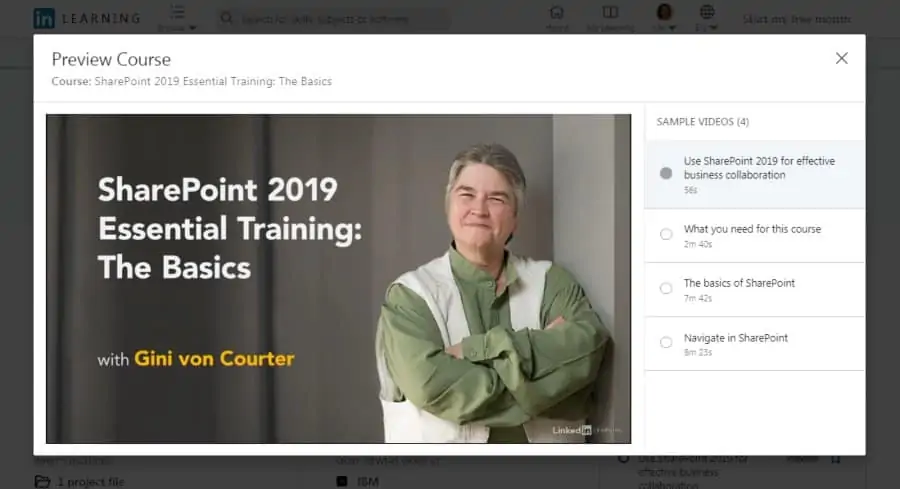
If your organization has implemented the on-premises version of SharePoint and you need to acquire skills to help with its setup, this online course is for you!
For this training lesson, you will be led by Gini von Courter, who is a veteran SharePoint and Microsoft products expert who has been coaching and training her clients for more than 20 years. She has also founded TRIAD Consulting where she is the managing partner.
Some of the topics covered in this 2-hour long course include the basics of SharePoint, including the recommended level of permissions to set up for various security groups, uploading and downloading documents from local storage to team site, the updated security policies, and how to navigate the platform.
By taking this online SharePoint course, you will earn 3 Continuing Professional Education (CPE) credits along with a certificate of completion from LinkedIn Learning! Overall, this is one of the best online SharePoint courses for an in-depth introduction.
- Beginner level
- 2 hours long
- Veteran SharePoint instructor
- 3 CPE credits
- Certificate of completion
4. Microsoft 365 SharePoint Sites (Udemy)
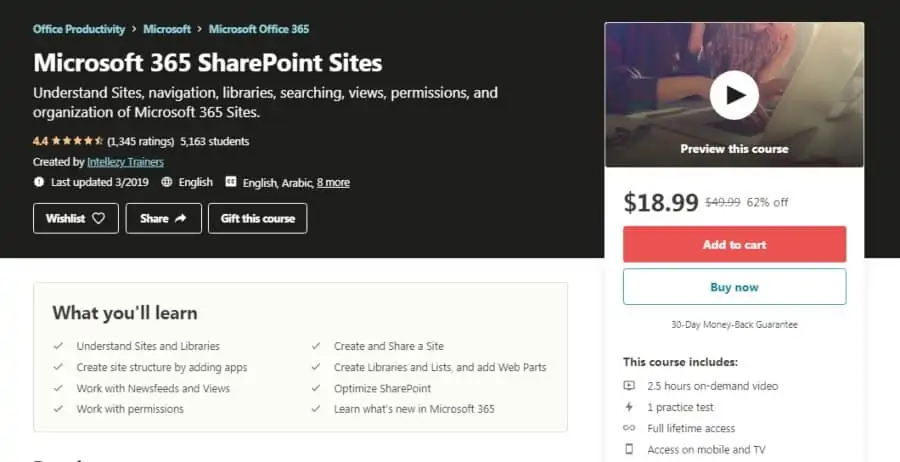
Next on my list is a beginner-level course that will give you a good overview of all the features that Microsoft 365 and SharePoint Sites have to offer. This will allow you to improve your organization’s collaboration without taking too much of your time. You will also be joining 5,000 other students who have given this class a 4.5-star rating.
Instructors for this online course are provided by Intellezy Trainers, a group of specialists that has an average instructor rating of 4.4 stars on Udemy along with more than 144,000 students and 223 courses in total.
During the 2 ½ hours that you will spend in this training, you will add a number of skills to your arsenal including understanding sites and libraries, building a site structure, working with newsfeeds and views, granting permissions, optimizing SharePoint, and much more.
You will have a 30-day money-back guarantee from Udemy if you don’t like this training, and you can earn a certificate of completion at the end once you’re done!
- Beginner-level
- 2 ½ hours long
- Taught by group of specialists
- 30-day money-back guarantee
- Full lifetime access
- Certificate of completion
5. Office 365: SharePoint Online Administrator (edX)
Every organization these days needs an administrator in the IT department who has expertise in managing SharePoint Online. So, if you’re gearing up to clinch that role for yourself, this SharePoint Online Administrator course from Microsoft itself is what you should focus on.
You will be instructed in this training by Christina Singletary, who is working on her Ph.D. in Information Technology and specializes in SharePoint services and products as a Senior Content Developer; and Johnathan Lightfoot, owner of TechForce LLC, a company using its expertise in SharePoint and other Microsoft platforms to train its clients.
In the estimated 6 weeks that it will take you to complete this intermediate-level course, you will understand how SharePoint architecture works, how to set up site collections, intranet, establish user permissions, maximize the value of the search feature, and much more.
You can access the course contents for free if you just want to learn, or pay a small fee and get a verified certificate to showcase your skills! Overall, this is one of the best online SharePoint courses that covers it all!
- Intermediate level
- 6 weeks long with 4 effort hours per week
- Taught by Microsoft-selected experts
- Free access to course contents
- Verified certificate for nominal fee
- Self-paced
6. SharePoint Foundations (Pluralsight)
For those of you looking for a one-stop-shop of courses that will help you go from amateur to an expert in SharePoint administration, this collection by Pluralsight is a perfect choice. It consists of 7 online courses which include beginner, intermediate, and advanced level courses related to SharePoint 2016.
Pluralsight will be providing high-quality instructors for you in these courses, who are selected carefully by Pluralsight to make sure they have a solid grasp of the course material and are skilled in the art of teaching.
Over the course of 2 beginner, 3 intermediate, and 2 advanced level courses that span a total of 14 ¼ hours of learning material, you will start by learning the basics of SharePoint Server, understand the differences between the Online and On-premises versions, learn to install the On-premises version, configure web and service applications, implement security measures, and much more.
Pluralsight is offering a free 10-day trial for you to audit the courses for yourself, and the opportunity to flexibly learn what you want, at your own pace!
- Beginner/intermediate/advanced level
- 7 courses
- 14 ¼ hours long
- Taught by hand-picked experts
- Free 10-day trial
7. SharePoint Online Essential Training: Beyond the Basics (LinkedIn Learning)
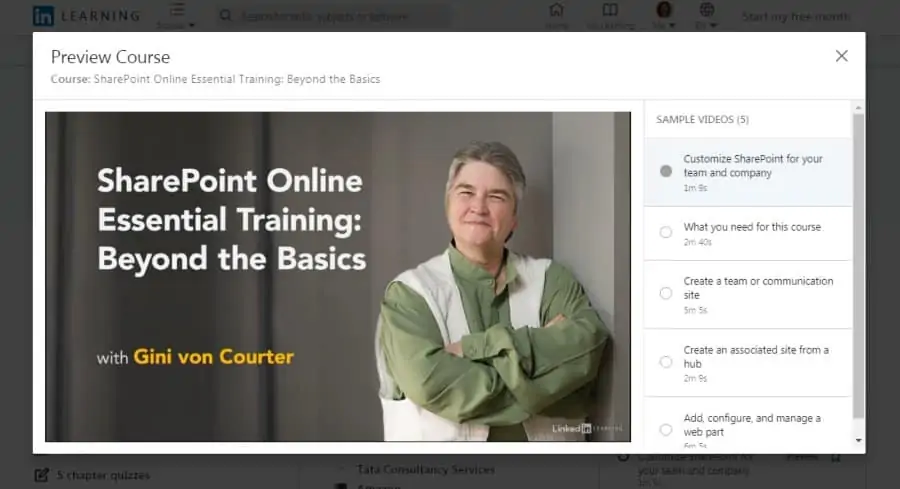
As the name suggests, this course is for you if you’re a SharePoint novice wanting to utilize the full potential of the collaboration tool to ramp up productivity in your company. This LinkedIn-produced course has over 17,000 enrolled students.
Your instructor for this online training course is Gini von Courter, who is a managing partner at TRIAD Consulting and an expert in SharePoint with over 20 years of experience training and teaching various clients, will be taking you through this course. She has authored 29 books including Beginning SharePoint with Excel.
In this 2 ¼ hours long intermediate-level course, you will start learning techniques that will help you make use of SharePoint’s advanced features, enabling you to create sites, apply themes, associate sites with a hub, work with list apps, customize page layouts, assign permissions, use the Power apps to enhance SharePoint’s capabilities, and much more.
In addition to earning a verified certificate of completion after finishing this course, you will also receive 3.4 Continuing Professional Education (CPE) credits!
- Intermediate level
- 2 ¼ hours long
- Taught by a trainer with 20+ years of experience
- Certificate of completion
- 3.4 CPE credits
8. SharePoint Complete Training (Udemy)
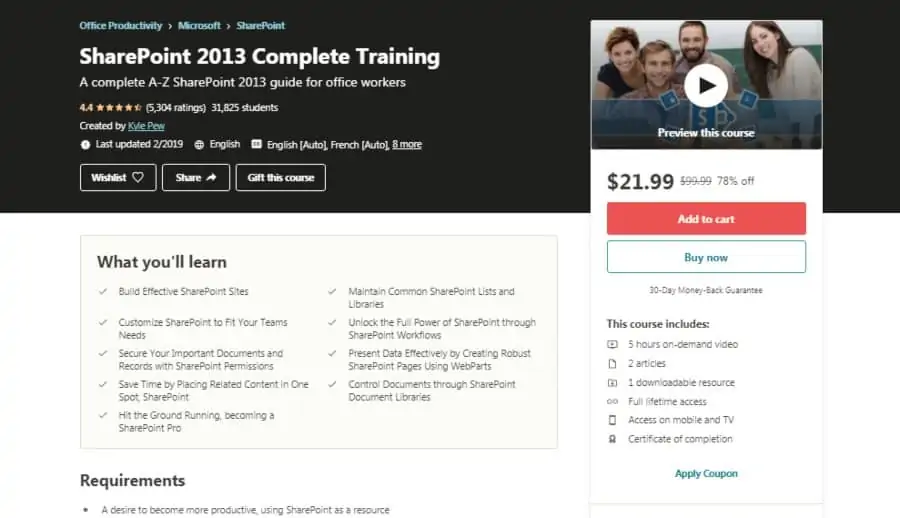
Up next on my list is a beginner-level online course that is perfect for you if you want to learn all the essentials of SharePoint 2013 and single-handedly administer the central SharePoint system of your company. With over 31,000 students and an average rating of 4.4 stars, this Udemy course will enable you to enhance ease and productivity for everyone.
Your instructor for this online class will be Kyle Pew, a Microsoft Certified Trainer with over 10 years of experience providing training and consulting services to clients that include Facebook, Levi Strauss, and Chevron. Kyle has 640,000+ students on Udemy and an instructor rating of 4.6 stars.
Through 5 hours of on-demand video lessons, you will learn how to develop and maintain SharePoint sites, make use of the document libraries, explore customizations, create an intranet network, automate repetitive tasks using workflows, implement simple interfaces to improve search results, and much more.
You can take advantage of subtitles available in 10 different languages, along with full lifetime access to this course and a certificate of completion at the end! Overall, this is one of the top online SharePoint training courses due to the fact it is taught by a certified Microsoft trainer.
- Beginner level
- 5 hours long
- Taught by Microsoft Certified Trainer
- Subtitles in 10 different languages
- Full lifetime access
- Certificate of completion
9. SharePoint Enterprise Content Management (edX)
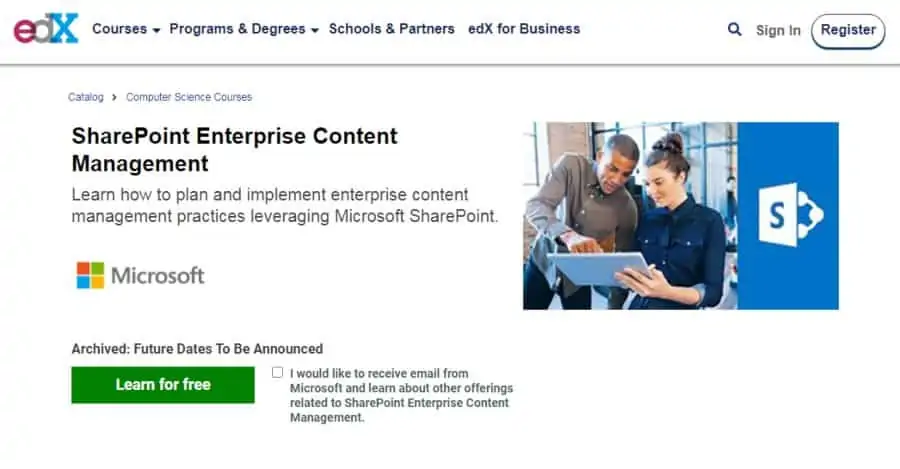
Without the right practices, your SharePoint implementation can very quickly become merely a massive dump-yard for thousands of documents. So if you are struggling with this issue in your own company and want to learn the best practices to manage content, this edX course is what you should be heading towards.
As for your instructors in this online course, you will be taught in this course by Christina Singletary, a Senior Content Developer with expertise in SharePoint; and Chris Riley and Shadrach White, co-authors of Microsoft Press’s SharePoint Enterprise Content Management, the book on which this course is based.
Over the 4 weeks it will take you to complete this intermediate-level course, you will learn everything about content management in SharePoint including how to plan your SharePoint environment, how to develop a governance model, how to design an easy-to-use taxonomy structure, and much more.
edX gives you the complete freedom to learn at your own pace, and the opportunity to earn a verified certificate to share your new skills with your network!
- Intermediate level
- 4 weeks long with 5 effort hours per week
- Taught by authors of coursebook
- Certificate of completion
- Free access to course contents
10. Getting Started With SharePoint Online (Udemy)
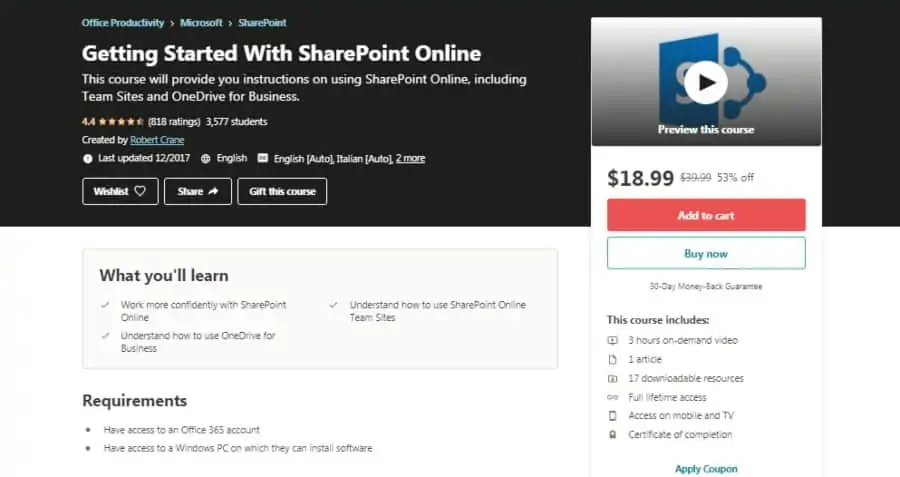
If you’re an IT professional who wants to learn to set up and manage SharePoint’s Team Sites and OneDrive for Business packages in your company, get yourself enrolled in this course right away. This intermediate-level Udemy offering will teach you all of that without going into any extra details or topics.
In this online SharePoint course, you will be taught by Robert Crane, a Microsoft Certified SharePoint Professional and Office 365 Administrator with 20+ years of experience under his belt in the field of IT. He has an average instructor rating of 4.3 stars on Udemy along with over 4,500 students.
In this 3 hours long course, you will be going over all the important topics needed to become more comfortable with SharePoint Online, OneDrive for Business, and Team Sites. These include managing libraries, calendars, lists, spreadsheets, mailboxes, discussion boards, and much more.
With Udemy, you can gain full lifetime access to this course for a limited time discount of 63%, and earn a certificate of completion at the end!
- Intermediate level
- 3 hours long
- Taught by Microsoft Certified SharePoint Professional
- Full lifetime access
- Certificate of completion
- Limited time discount of 63%
11. Learning SharePoint Online (LinkedIn Learning)
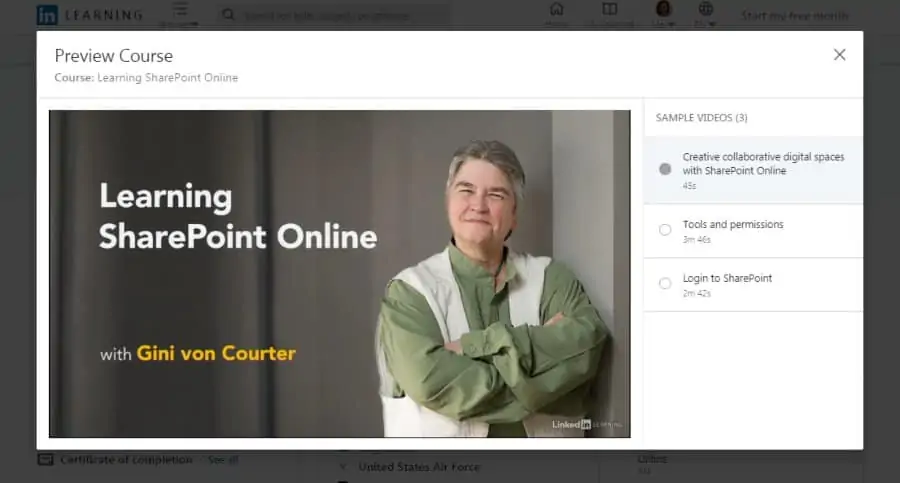
You may have felt the need to brush up on your knowledge of SharePoint Online but found it difficult to do so because of your demanding job. If that is your situation, you should get enrolled in this short beginner-level course about SharePoint Online on LinkedIn.
Your teacher for this class will be Gini von Courter, a graduate of the University of Michigan who is the author of 29 books including Beginning SharePoint with Excel and has over 20 years of experience conducting classes and seminars on Microsoft Office products, particularly SharePoint.
During this 1 ¾ hours long course, you will learn how to navigate and search in a site, upload and create various documents, co-author documents, edit your profile, use customized lists, use the mobile apps, and much more.
If you are a new user on LinkedIn, you can access the course’s contents for free, and earn a shareable certificate of completion at the end to showcase your skills! Overall, this is one of the best online SharePoint courses for those who want to learn the basics.
- Beginner-level
- 1 ¾ hours long
- Taught by author of Beginner SharePoint with Excel
- Free access for new users
- Certificate of completion
Start Your FREE LinkedIn Trial Today
