
Top 13 Best Online After Effects Courses & Classes [Free Guide]
![Best Online After Effects Courses amp Classes Top 13 Best Online After Effects Courses & Classes [Free Guide]](https://skillscouter.com/wp-content/uploads/2020/08/Best-Online-After-Effects-Courses-amp-Classes.webp)
If you are after some of the best online Adobe After Effects courses in 2024, you’re in the right place!
In this comprehensive guide, I have compiled some free and paid online After Effects classes that will get teach you the fundamentals of creating animations, professional motion graphics, and tons more!
Also, many of these online courses also offer top-quality instruction and plenty of hands-on practice, and in some instances, a certificate of completion so you can show off your new skills. Let’s get started!
Top 13 Best Online After Effects Courses & Classes 2024
1. Animating With Ease in After Effects (Skillshare)
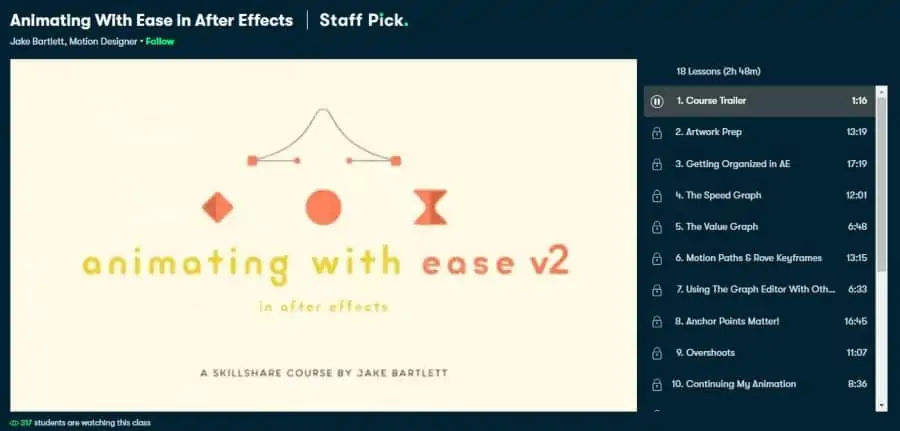
First on my list is an intermediate level online After Effects course that will turn you from a rookie into a professional in no time! You will also be joining over 15,000 other students currently taking this online class and gain access to a library of 275 student projects on display.
Your instructor for this course will be Jake Bartlett, a motion designer with more than 10 years of professional experience. Jake is also a top-rated teacher on Skillshare with over 55,000 followers and has the likes of Netflix, National Geographic, Twitter, and YouTube in his clientele.
In this 2 ¾ hour course divided into 18 lessons, students are guided through learning After Effect’s graph editor, covering topics including the speed graph, value graph, anchor points, overshoots, rove and commanding keyframes to name a few.
As this online course is hosted on Skillshare, new users can take advantage of the 1-month Skillshare Premium free trial (cancel anytime) and access to 29,000+ other classes! Overall, a great online After Effects course to ease you into animation!
- Intermediate level
- 2 ¾ hours long
- Taught by motion designer with 10+ years of experience
- Free 1-month trial of Skillshare Premium
- Access hundreds of other courses
Activate FREE Skillshare Trial
2. Introduction to Adobe After Effects (Skillshare)
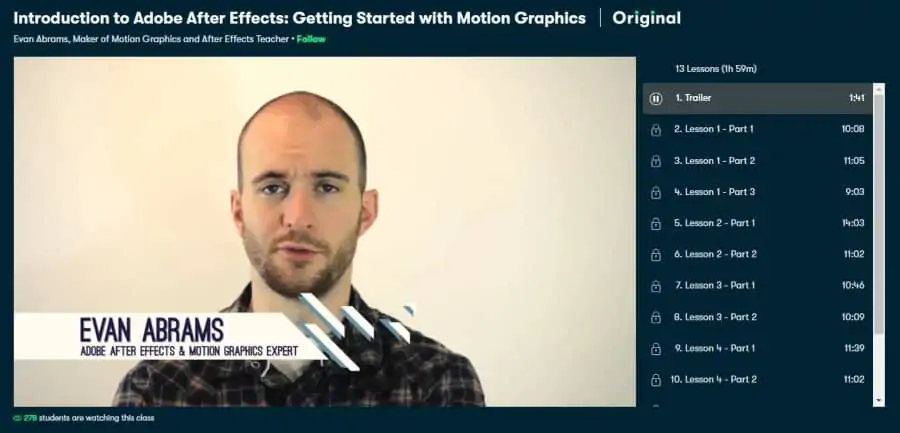
If you are a complete After Effects beginner in need of a proper introduction, whether for pursuing a career or personal project, this could be the online course for you!
Your instructor for this class will be Evan Abrams, a motion graphics artist and After Effects teacher who has over 25 years of professional experience. Evan has also amassed more than 5,000 followers on Skillshare through top-quality teaching and a solid grasp on the subject matter.
Across 13 lessons packed into 2 hours of learning, students receive a complete introduction to After Effects, including understanding and navigating the interface and windows of the program, creating assets such as shapes, text, marks, keyframing, and much more.
Also hosted on Skillshare, new users can a free 1-month trial (cancel anytime) which includes all class projects, on-demand video lessons, and access to 29,000+ other classes!
- Beginner level
- 2 hours long
- Taught by a veteran motion graphics designer
- Access to hundreds of other Skillshare courses
- Free 1-month trial of Skillshare Premium
Activate FREE Skillshare Trial
3. After Effects CC Masterclass: Complete After Effects Course (Udemy)
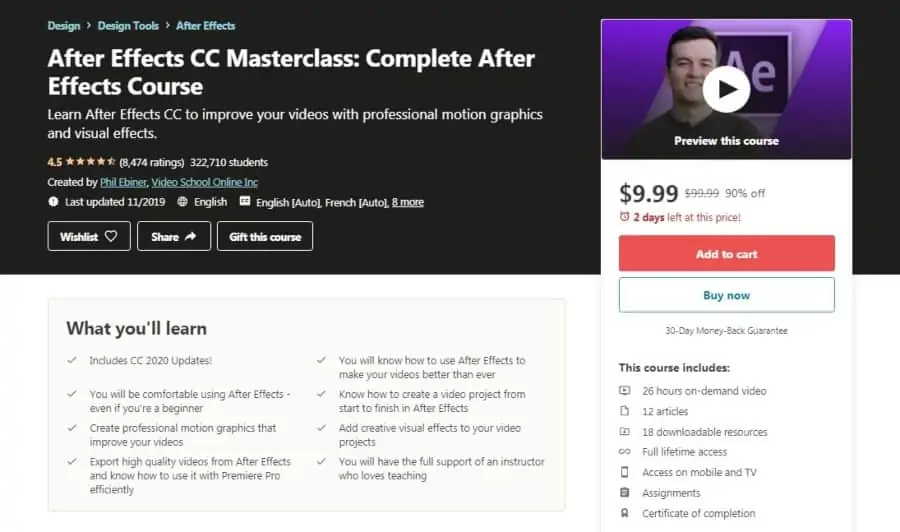
If you want to take your animations and motion graphics to the next level, you’ll want to check out this online After Effects course! You’ll also be joining 322,000 other students!
As for your instructor, you will be led by Phil Ebiner, who has a bachelor’s degree in film and television production from Loyola Marymount University. Phil is also a top-rated instructor on Udemy with 119 courses published and close to 2 million students taught. So you will be in great hands!
In this comprehensive 26 hour-long course, Phil will take students through the foundational concepts of using After Effects for their videos, teaching animation using keyframes, using layers and shapes, pre-compositions, blend modes, stabilizing footage, green screen, and tons more.
With Udemy, you can get full lifetime access to this course, plus access to over 150,000 others, for a limited-time discount of 90%, along with a certificate of completion! Overall, a great class that covers After Effects in great detail.
- Beginner level
- 26 hours long
- Taught by top-rated Udemy instructor
- Full lifetime access
- A limited-time discount of 90%
- Certificate of completion
4. After Effects Essential Training: The Basics (LinkedIn Learning)
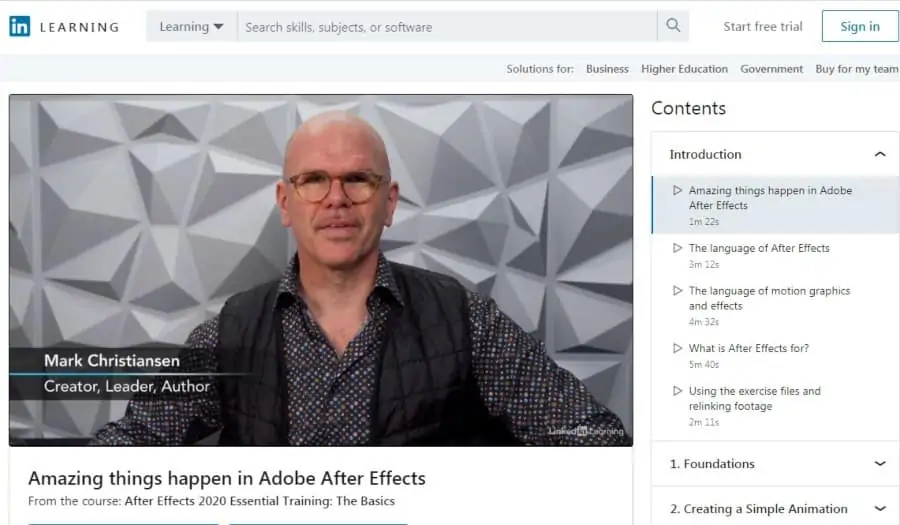
If you’re a complete beginner to Adobe After Effects and want to start your creative journey with some hands-on learning, this beginner-level course on LinkedIn will help you do just that.
Mark Christiansen, an instructor at the Academy of Art University, will be teaching you in this class. Mark is also the author of the video-making guide After Effects Studio Techniques and boasts a clientele that includes companies like Sony, Adobe, Sun, and Intel.
Some of the lessons taught in this 1 ¾ hour online course include topics on industry terminology, working with layers, animate compositions, apply various effects, track motion, render, and heaps more!
Hosted on Linkedin Learning, students will receive a certificate of completion at the end of this After Effects course, along with free access to all 17,000 other classes. Short, sharp, and teaching you all the basics you need to get started, this is a great After Effects course for beginners.
- Beginner level
- 1 ¾ hours long
- Taught by the author of After Effects Studio Techniques
- Free access for new users
- Certificate of completion
5. The Stop Motion Look in After Effects (Skillshare)
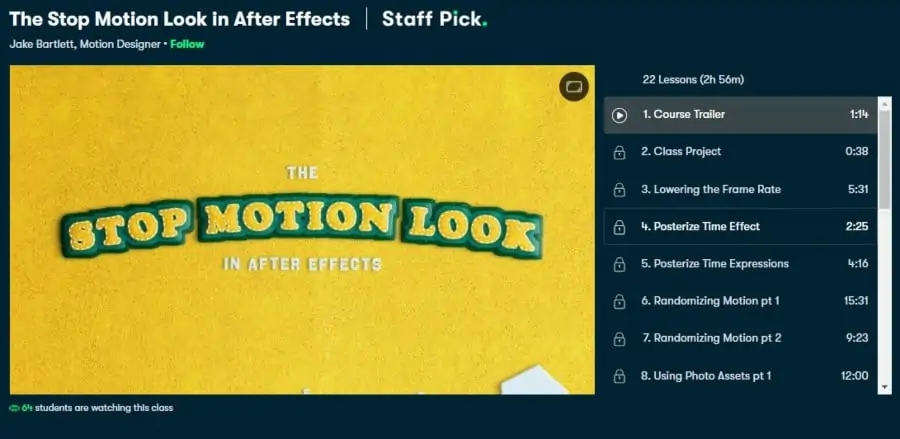
Next on my list of the best online After Effects courses is an intermediate level course on Skillshare that could make you a master of the stop motion technique!
As for your instructor, you will be led in this course by Jake Bartlett, a motion designer who is also a ‘Top Teacher’ on Skillshare with a following of over 55,000. Jake also has a degree in digital media and has worked for clients like National Geographic, Twitter, and Yahoo.
In the 22 lessons spanning a total of 3 hours, students will learn about implementing the stop motion technique, with topics including lowering the frame rate, making graphics more realistic by adding depth, testing out a variety of textures, and much more.
For a limited time, you can subscribe to Skillshare Premium for 1 month completely free and access over 29,000 other online courses. Start your journey to stop motion mastery with this highly recommended After Effects course!
- Intermediate level
- 3 hours long
- Taught by ‘top-rated’ teacher on Skillshare
- Free 1-month trial of Skillshare Premium
- Thriving student community for discussion
Activate FREE Skillshare Trial
6. After Effects Motion Graphics Beast (Udemy)
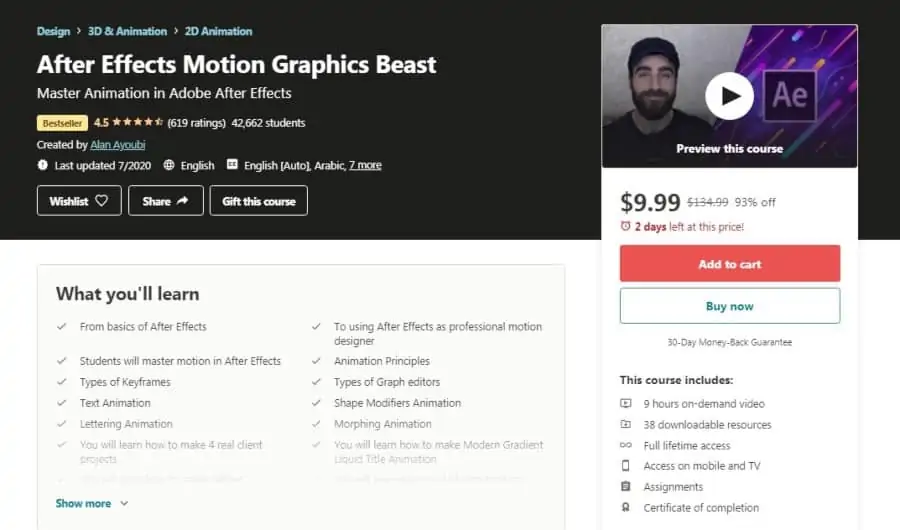
As the name suggests, this ‘beast’ of a course will up your animation game using After Effect, whether you’re a complete beginner or an experienced animator! With 42,000+ students enrolled already, this best-selling course has an average rating of 4.5 stars.
As for your teacher, you will be taught by Alan Ayoubi, a motion graphic designer who has over 11 years of experience working for TV stations and several international organizations. Alan has earned an average instructor rating of 4.5 stars on Udemy and taught more than 63,000 students.
Through 9 hours of on-demand video, students will start with the very basics of After Effects such as navigating the interface, animation principles, text, shape, morphing, and letter animations, modern data visualization, advanced motion tracking, and much more.
Currently, users can get full lifetime access to this After Effects course on Udemy, which hosts over 150,000 on-demand online courses from beginner to advanced level, course for a limited-time discount of 93%, along with a certificate of completion at the end!
- Beginner level
- 9 hours long
- Taught by motion graphic designer with 11 years of experience
- Full lifetime access
- A limited-time discount of 93%
- Certificate of completion
7. After Effects CC Essential Training: Motion Graphics (LinkedIn Learning)
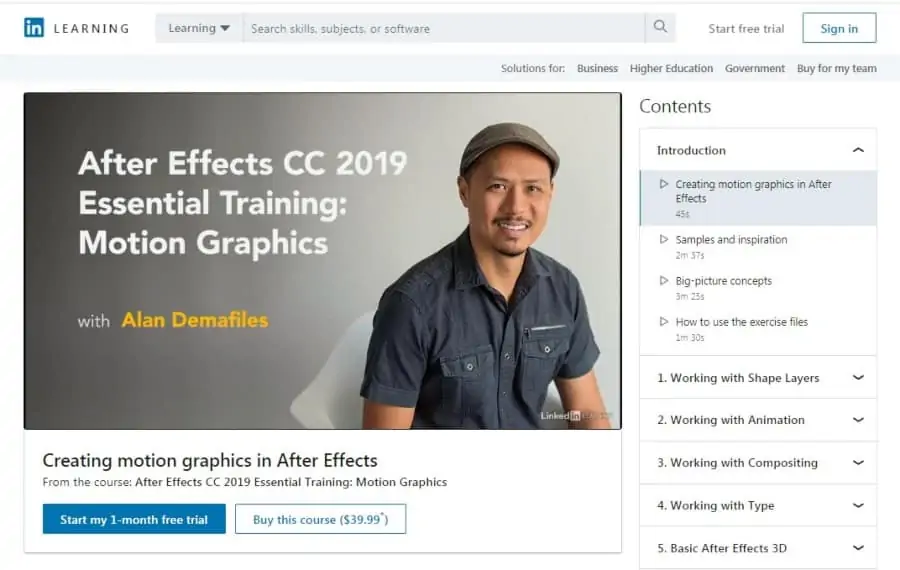
If you’re aspiring to become a motion graphics designer using Adobe’s After Effects, this course on LinkedIn will give you the skills you need to get started! With 21,000+ students enrolled already, this beginner-level course offers you the opportunity to dive deep into After Effects’ motion graphics capabilities.
As for your instructor, you will be led by Alan Demafiles, who is a motion designer that has over 15 years of professional experience, and his clients include big names like Samsung, Sony Pictures, and Universal Studios.
In this 4 ¼ hours long course, Alan will be teaching students the basics of using After Effects for motion graphics with topics including how to work with paths and layers, compositing, animating 3D layers, putting the motion graphics through renders, and much more.
LinkedIn Learning is where you will find this online course, providing you with a certificate of completion upon ending the course and clearing the project, and the opportunity to access the course for free if you are a new LinkedIn user. Overall, a great short class to level up your motion graphics skills using After Effects.
- Beginner level
- 4 ¼ hours long
- Taught by motion designer with 15 years of experience
- Certificate of completion
- Free access for new users
8. Creating Authentic Facial Expressions in Adobe After Effects (Skillshare)
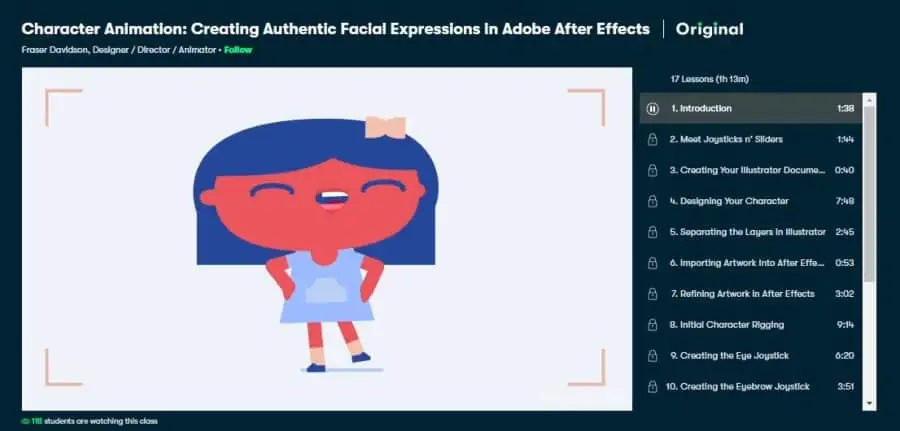
Finding it daunting to make animated characters with precise and fluid facial expressions? Make the task easier for yourself by learning all the tips and tricks you need to create authentic facial expressions in an After Effects online course focused on its special Joysticks ‘n’ Sliders plugin!
Fraser Davidson, a director, and animator who won the BAFTA awards, will be teaching you in this course. Fraser is the owner and co-founder of Cub Studio through which he works with several international sporting institutions. He has gained a follower-count of 31,000+ on Skillshare.
In this intermediate-level 1 ¼ hours course, students will be introduced to the After Effects plug-in that is called Joysticks n’ Sliders, and will be taught how to make use of it to make authentic facial expressions without too much hassle. Students will learn to separate layers, create the joystick and sliders, and much more.
As with others on my list, this online After Effects course is also hosted on Skillshare. By signing up now, you will get a free 1-month trial of Skillshare Premium giving you access to hundreds of courses alongside this one! All in all, a fantastic specialized course to have you creating authentic facial expressions in After Effects in no time.
- Intermediate level
- 1 ¼ hours long
- Taught by BAFTA award-winning director and animator
- Free 1-month trial of Skillshare Premium
- Access to hundreds of other courses
Activate FREE Skillshare Trial
9. After Effects CC Essential Training: The Basics (LinkedIn Learning)
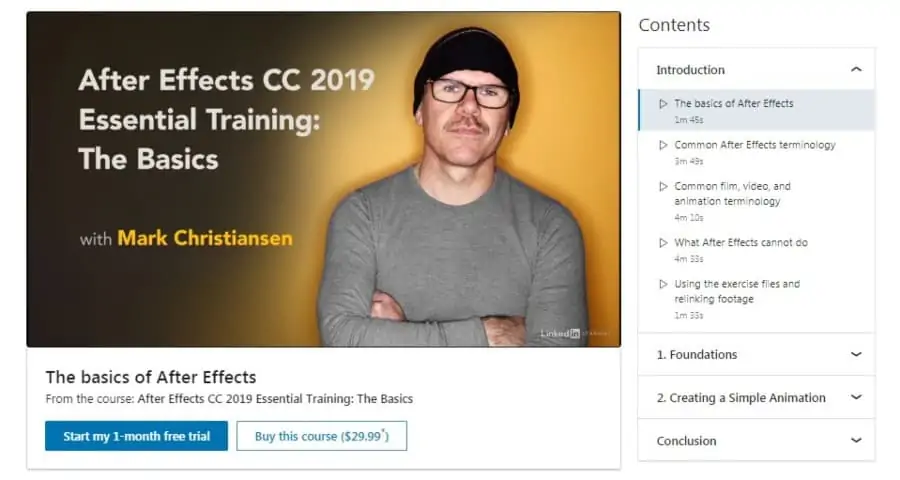
If you have no prior experience with After Effects but are searching for the inspiration to get started, this is a great online class for you! More than 43,000 students have taken this beginner-level course that will make you fall in love with After Effects.
Your instructor for this After Effects course will be Mark Christiansen, a visual effects and motion graphics expert who is the author of After Effects Studio Techniques. Mark has worked to develop animations for big movies like Avatar and Pirates of the Caribbean and had big clients like Sony and Intel.
Over 2 hours of learning in this course, students will be introduced to the 6 foundational concepts of After Effects including compositions, making use of layers, using the Timeline to animate, adding visual effects, making 3D designs, and rendering. Students also get a fantastic opportunity to work on a real-life project to help you consolidate your learning.
Just like other courses I have spotlighted in this list, this After Effects course can be found on LinkedIn Learning. You can access this course for free if you are a new user on LinkedIn. You will also get a certificate of completion at the end of this course! Packing high-quality content and teaching into one short course, this After Effects training is not to be missed!
- Beginner level
- 2 hours long
- Taught by veteran motion graphics expert
- Free access for new users
- Certificate of completion
10. Adobe After Effects for Beginners (CreativeLive)
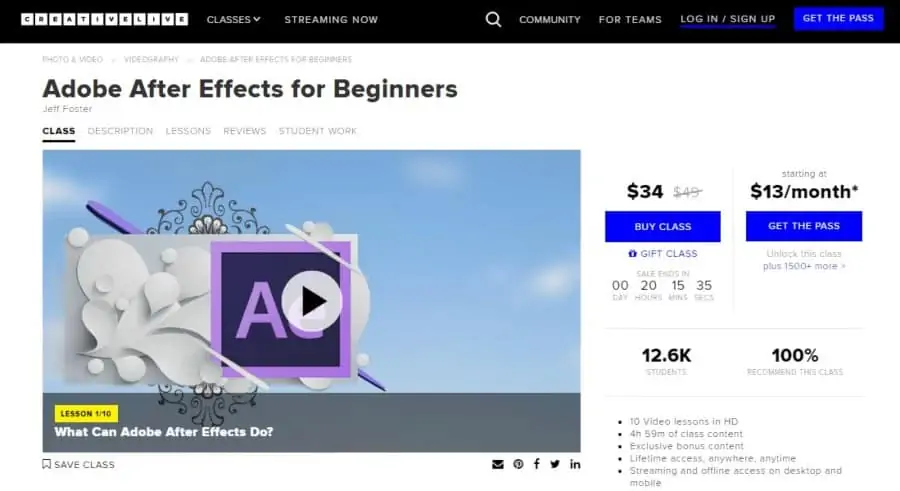
As a haven for creative individuals, After Effects opens up a world of animation-related possibilities for motion designers. So, if you want to learn how to use After Effects to bring your images to life through animations, this could be the online course for you!
In this course, you will be taught by Jeff Foster, an Adobe Certified Expert who has been developing and publishing training regarding video production, film, and After Effects for the past 20 years. Jeff is also the author of After Effects & Photoshop.
In this 5 hours long beginner-level course, students will start by learning the purpose and principles of After Effects before diving into the basics of animation, building towards 3D representations, stabilization and tracking, changing the pace of time, compositing on a green screen, and much more.
Accessible on CreativeLive, this online learning platform offers you the option to either buy this course on its own or get its ‘Creator Pass’ at a 50% discount which will allow you to access hundreds of other courses on the platform! Taught by an Adobe Certified Expert, this engaging course is not to be missed!
- Beginner level
- 5 hours long
- Taught by Adobe Certified Expert
- 50% discount on Creator Pass
- Access to hundreds of other courses
11. Motion Design in After Effects (LinkedIn Learning)
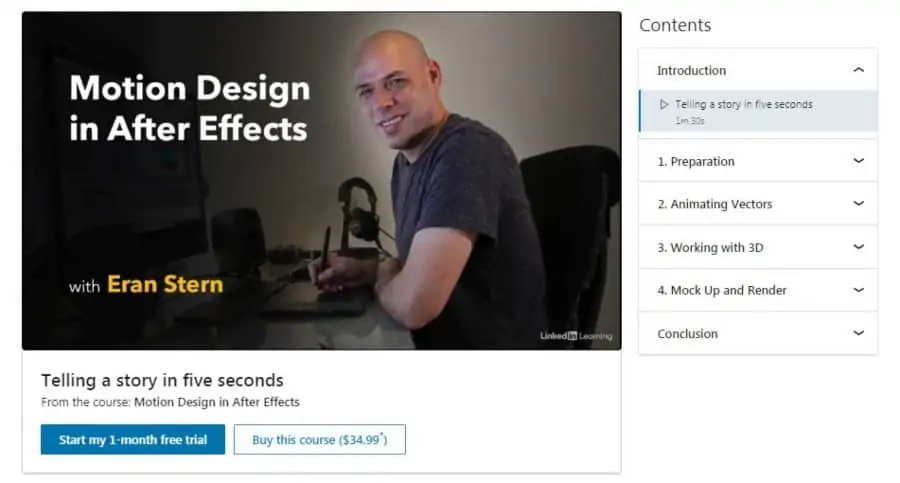
Next up is a short beginner-level course that will be great for you if you want to learn how to combine Illustrator with After Effects to design animated text and logos. After completing this course, you will have become capable of telling a story through motion design.
As for your instructor, Eran Stern, a motion designer who has 20+ years of experience working in post-production, will be teaching you in this course. Eran has held the position of head of the motion graphics department in Shenkar, and is a certified Adobe Expert.
Through this short 1 ¼ hours course, Eran will teach students how to prepare a design in Illustrator for animation, how to actually do the animation by making use of vectors, how to build 3D text in After Effects, create a mockup, perform renders, and much more.
Yet another fantastic course offering from LinkedIn Learning, by enrolling in this After Effects course you will get to work on a practical project to apply the skills that you learn. Once you’ve qualified it, you will receive a certificate of completion to share with your network! Overall, a great course for budding motion designers using After Effects!
- Beginner level
- 1 ¼ hours long
- Taught by motion designer with 20+ years of experience
- Free access for new users
- Certificate of completion
12. After Effects CC Fundamentals (Pluralsight)
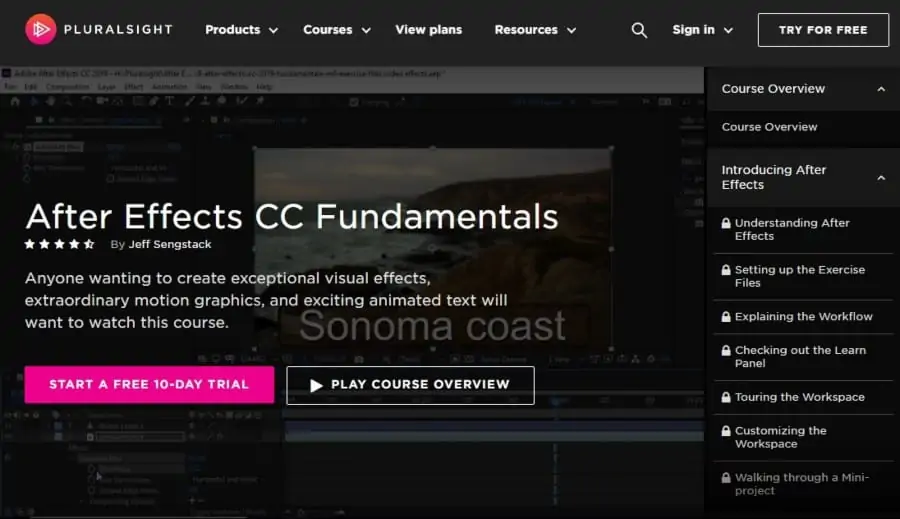
If you’re looking for a course for exploring all three of the primary features of After Effects (visual effects, motion graphics, and animated text), go ahead and check out this online course! With an average rating of 4.5 stars, the beginner-level course promises to deliver quality teaching.
Your teacher for this course will be Jeff Sengstack, an audio and video producer who is an Adobe Certified Expert. Jeff has published 3 courses on Pluralsight that have received an average rating of 4.6 stars. He is also the author of the Adobe Digital Video Higher Education Curriculum Guide.
Over 6 hours of learning in this course, students will explore step-by-step what makes After Effects so popular by first learning how to animate objects and change their size and rotation, before moving on to implementing visual effects, manipulating text to make it animated and appealing, and much more.
You can access this online class on Pluralsight, which gives you the chance to start a free 10-day trial of its platform where you can access hundreds of courses other than this one, and earn certificates of completion if you finish any! Take advantage of a great offer, great quality content and great teaching with this in-depth After Effects course!
- Beginner level
- 6 hours long
- Taught by audio/video producer
- A free 10-day trial of Pluralsight
- Access to hundreds of other courses
- Certificate of completion
13. After Effects CC: Complete Course from Novice to Expert (Udemy)
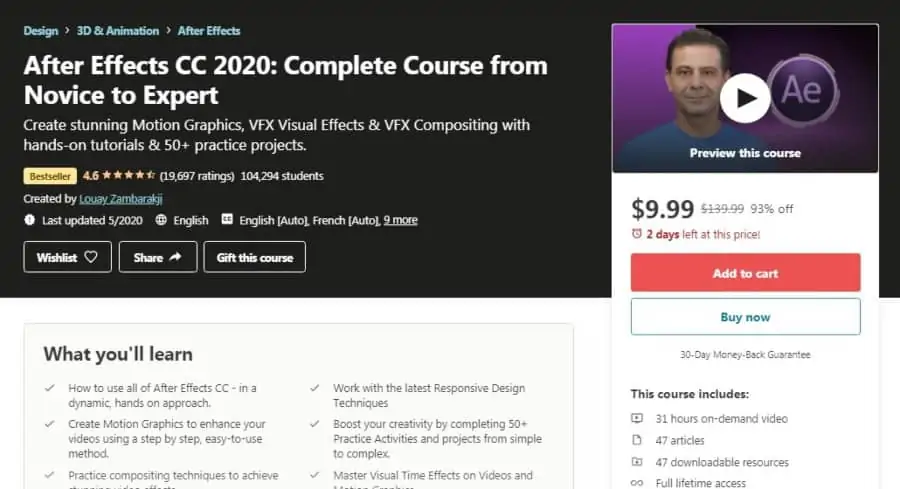
Ending my list on a high note, I’m bringing you a best-selling online course that will prove to be your one-stop-shop for everything related to motion graphics and visual effects in After Effects. With more than 100,000 students enrolled, the course has a rating of 4.6 stars.
Louay Zambarakji, an experienced motion graphics designer and visual effects expert, will be teaching you in this course. Louay has been working in this field since 1985 and has received an average instructor rating of 4.6 stars, teaching close to 300,000 students on Udemy.
In this beginner-level 31 hours long course, students will learn a long list of techniques in After Effects including responsive design techniques, spatial and temporal interpolation, puppet tools, text animations, compositing, motion and camera tracking, vector graphics, and much more.
Overall, this is one of the most comprehensive introductory After Effects courses available on Udemy, which hosts over 150,000 on-demand online courses from beginner to advanced level. You will also have exercise files and study guides to enhance your learning, and will receive a certificate of completion at the end of this course to share with your network!
To learn more, you can also see my related posts on video editing and Final Cut Pro to lift your video production game!
- Beginner level
- 31 hours long
- Taught by top-rated Udemy instructor
- Certificate of completion
- Full lifetime access
- A limited-time discount of 93%
