
Learn How To Work More Efficiently With 2024‘s Top 10 Best Online Microsoft Office Courses
![Best Online Microsoft Office Courses Classes Learn How To Work More Efficiently With [year]'s Top 10 Best Online Microsoft Office Courses](https://skillscouter.com/wp-content/uploads/2020/08/Best-Online-Microsoft-Office-Courses-Classes.webp)

In today’s world, not having skills in Microsoft Office can become a career-halting disadvantage.
So no matter what industry you are working in, if you are looking to future-proof and enhance your career and skills, you’ve come to the right place!
In this guide, I have collected some of the best online Microsoft Office courses in 2024 that will get you up to speed and proficient with Microsoft Office in no time! Let’s begin!
Top 10 Best Online Microsoft Office Courses, Classes & Certifications 2024
1. Ultimate Microsoft Office; Excel, Word, PowerPoint, & Access (Udemy)
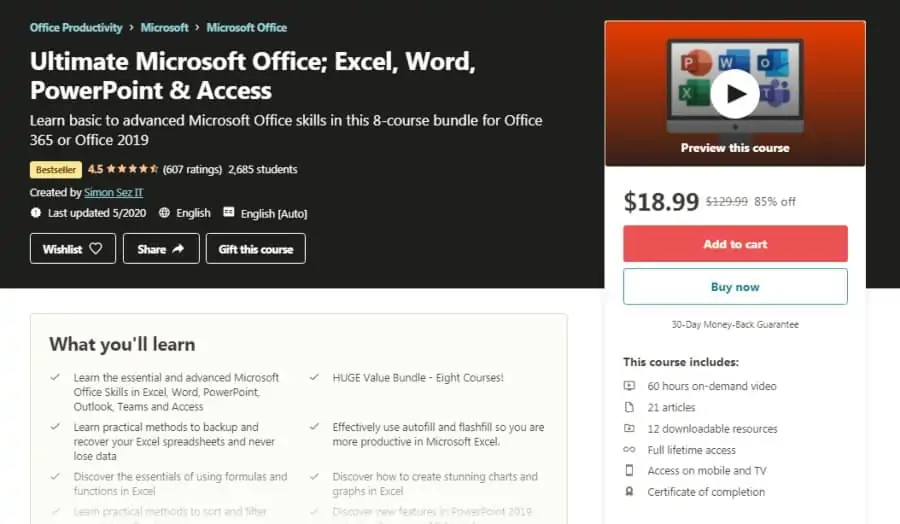
First on my list is a comprehensive beginner online course that is perfect for those who want to master everything that Microsoft Office has to offer. This in-depth class, with a high rating of 4.5 stars, will teach you all the ins and outs of Excel, Word, PowerPoint, and more!
You will be taught by instructors from Simon Sez IT, an IT education company that has over 450,000 students on Udemy and an average rating of 4.4 stars. Founded in 2008, Simon Sez IT has been helping individuals and employees of top companies acquire real-world and actionable skills.
In this beginner-level course which spans 63+ hours of on-demand video, you will be taken through the basics of Microsoft Excel, PowerPoint, Word, Access, and Teams, before being taught more advanced concepts to help you master the latest versions of each package.
Students also have the ability to skip sections that might not be applicable to them. So there is no pressure to take all 63 hours!
Currently, this online Microsoft Office class is hosted on Udemy, which typically runs 90% discounts, includes lifetime access to all lessons, access to downloadable resources, and a certificate of completion!
- Beginner-to-advanced
- 8 courses
- 63+ hours long
- Learn Excel, Word, PowerPoint, Access, and Teams
- Produced by top IT education company
- Certificates of completion
2. Using Microsoft Office 2019 (Pluralsight)
Next on my list is a collection of 23 online courses by Pluralsight that will make you ready to tackle any challenge in any application of Microsoft Office 2019. You will find courses for all difficulty and skill levels in their collection that will make you a productivity and collaboration master in your workplace.
You will be taught by a team of highly qualified and experienced individuals in this course which is carefully selected by Pluralsight to make sure you receive a top-quality education, hands-on learning, and insights into emerging industry trends.
Through 10 beginner-level, 8 intermediate-level, and 5 advanced-level online courses, you will have the freedom and opportunity to learn all the Microsoft Office 2019 applications including Word, Excel, PowerPoint, Outlook, Access, Publisher, OneNote, Visio, and Project. The advanced-level courses will help you attain professional-level mastery in Word, Excel, PowerPoint, Outlook, and Access.
With Pluralsight, you can take a free 10-day trial if you’re an individual and a 14-day trial if you’re part of a team, alongside numerous other analytics and guidance! Overall, this is one of the best online Microsoft Office courses!
- Beginner/intermediate/advanced
- Collection of 23 courses
- Learn Word, Excel, PowerPoint, Outlook, Access, Publisher, OneNote, Visio, Project
- Top quality instructors
- Free 10-day trial for individuals
- Free 14-day trial for teams/companies
3. Microsoft Office – The Basics (CreativeLive)
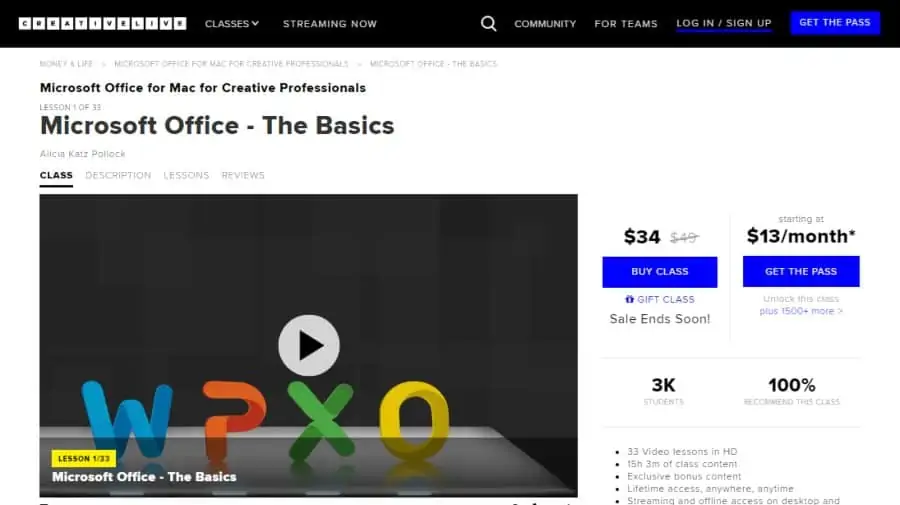
Creative professionals trying to launch their projects and businesses can often feel overwhelmed by the technical aspects of managing their work. So if you want to take control of your online work environment, this crash course into Microsoft Office will set you off in the right direction.
Your instructor for this online course will be Alicia Katz Pollock, a Partner at Royalwise Solutions, Inc., who is also a Microsoft Certified Trainer, a Master-Level MS Office Specialist in Word, Excel, Access, PowerPoint, and Outlook, and also a part of the Apple Consultants Network. So you will be in capable hands!
In this beginner-level 15-hour long class, you will learn how to use Word, PowerPoint, Excel, and Outlook to create, organize, and manage your creative projects. There are also other lessons on creating manuscripts in Word, budgeting for your project in Excel, and how to make presentations using PowerPoint.
GET 20% OFF THE CREATOR PASS WITH CODE CREATIVELIVE20 THRU 10/31!
CreativeLive is offering a limited-time discount of 20% to gain access to this course and their full course catalog, along with the option to offline sync this class on your iPhone and iPad!
- Beginner level
- For creative professionals using Mac
- 15 hours long
- Learn Word, PowerPoint, Excel, and Outlook
- Full lifetime access
4. Microsoft Office Essential Skills (Udemy)
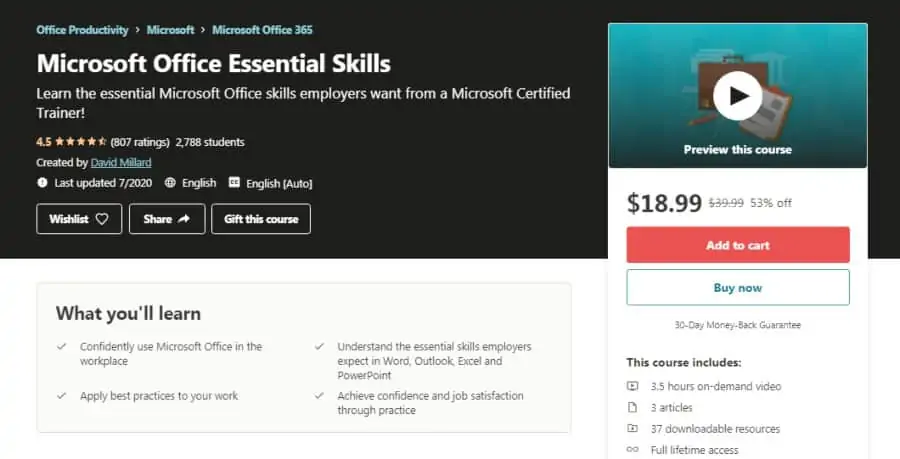
For those who have been out of practice with Microsoft Office or have never been formally trained, this beginner-level online course is a well-rounded introduction. It will equip you with enough expertise in MS Office to help you progress your career and attain job satisfaction, without taking too much of your time.
As for your instructor, you will be taught by David Millard, a former Microsoft Master Instructor who attained the Microsoft Certified Trainer status in 2009, and has close to 3,000 students on Udemy with an average instructor rating of 4.5 stars.
Over the course of 3 ½ hours of on-demand video lessons, you will be equipped with the essential skills to confidently use MS Office at work, learn the skills employers require in Word, Outlook, Excel, and PowerPoint, and learn to apply the best practices to make your work efficient and effective.
With Udemy, you have the option of activating a limited-time discount of 70% on this course to gain lifetime access, along with a certificate of completion to share your newly acquired skills with your network! Overall, this is one of the best online Microsoft Office courses in 2024!
- Beginner level
- 3 ½ hours long
- Taught by Microsoft Certified Trainer
- Full lifetime access
- Certificate of completion
5. Microsoft 365 Essential Training (LinkedIn Learning)
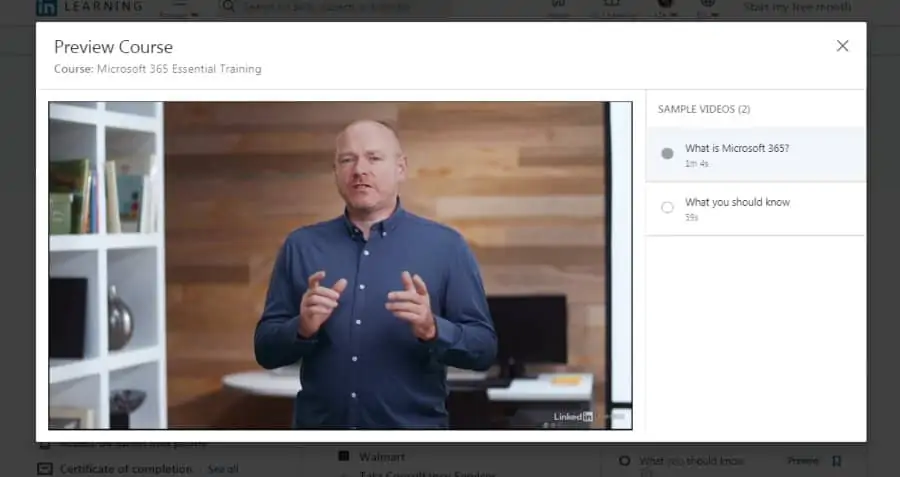
Microsoft 365 can make an organization’s data secure while enhancing collaboration and productivity, but it requires an experienced administrator who can manage it successfully. If you are looking to become that Microsoft 365 guru in your organization or convince your boss to subscribe to it, this is the online class you should take!
Your trainer for this class is Andrew Bettany, who is a trainer, and author who has years of experience in implementing mobility and cloud technologies such as Office 365 and Microsoft 365. He has also spent 8 years growing the IT Academy at the University of York.
Through this 3 ½ hours long intermediate-level course, Andrew will be teaching you a number of Microsoft 365 essentials including configuration, managing users and identities, assigning licenses, deployment methods, data protection, data leakage prevention, and regulatory compliance to name a few.
With LinkedIn Learning, you can access the online course contents for free if you are a new user, and get a verified certificate of completion at the end! Just make sure you take advantage of the 1-month free trial!
- Intermediate level
- 3 ½ hours long
- Experienced instructor
- Learn Microsoft 365 administration
- Certificate of completion
- Free access for new users
6. Microsoft Office 365: Administration (LinkedIn Learning)
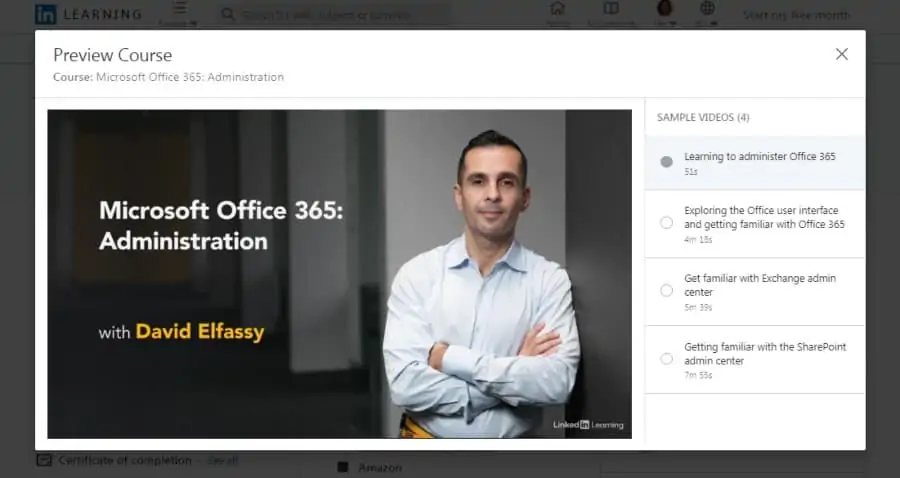
If your company has entrusted you with the responsibility to implement Microsoft Office 365 in your organization, you should definitely try out this course. This intermediate-level online course on MS Office 365 administration offered by LinkedIn will buff up your CV greatly.
You will be instructed in this course by David Elfassy, a veteran in the IT field who has been associated with Microsoft since the early 1990s and is currently a consultant and trainer with expertise in Microsoft Exchange and Office 365.
In this 2 ¾ hour-long online training, you will learn how to manage global subscriptions, create new Office 365 users, manage online mailboxes, create groups and distribution lists, control the flow of mail, configure SharePoint sites, manage team policies, and much more.
When you complete the course, you will earn a verified certificate of completion that you can post on your LinkedIn profile to share your new skills with your network!
- Intermediate level
- 2 ¾ hours long
- Taught by Microsoft consultant and trainer
- Learn Office 365 administration
- Certificate of completion
Activate Your FREE LinkedIn Trial
7. Microsoft Office Time-Saving Techniques (Udemy)
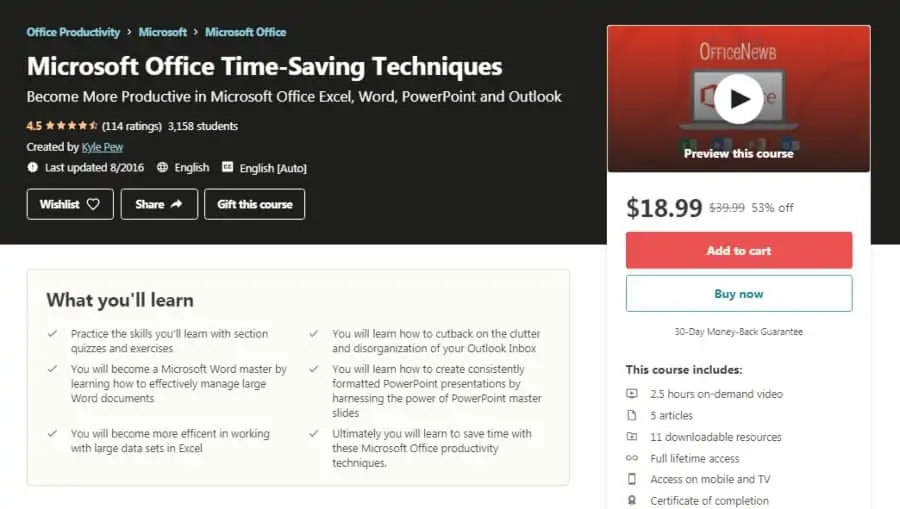
You may have felt that you spend too much time at work doing routine tasks on Microsoft Office applications that should be simplified and automated. If that is the case, then you should look no further than this Udemy course which has a rating of 4.6 stars.
In this online course, you will be taught by Kyle Pew, a Microsoft Certified Trainer who has over 640,000 students on Udemy and an instructor rating of 4.6 stars. Kyle has 10+ years of experience training and consulting for high-profile clients like Facebook, VISA, and Walmart.
Over 2 ½ hours of video lessons in this beginner-level course, you will be taught time-saving techniques for Microsoft Word, Excel, PowerPoint, and Outlook learning how to standardize formatting and table of contents in Word, automate Excel work using macros, quickly make good presentations in PowerPoint using master slides, and organize your Outlook inbox with categories.
You can get full lifetime access to this course for a limited-time 70% discount offered by Udemy, and earn a shareable certificate of completion at the end! Overall, hands down one of the best online Microsoft Office training courses!
- Beginner level
- 2 ½ hours long
- Microsoft Certified Trainer
- Full lifetime access
- Certificate of completion
8. Microsoft 365: Implement Security and Threat Management (LinkedIn Learning)
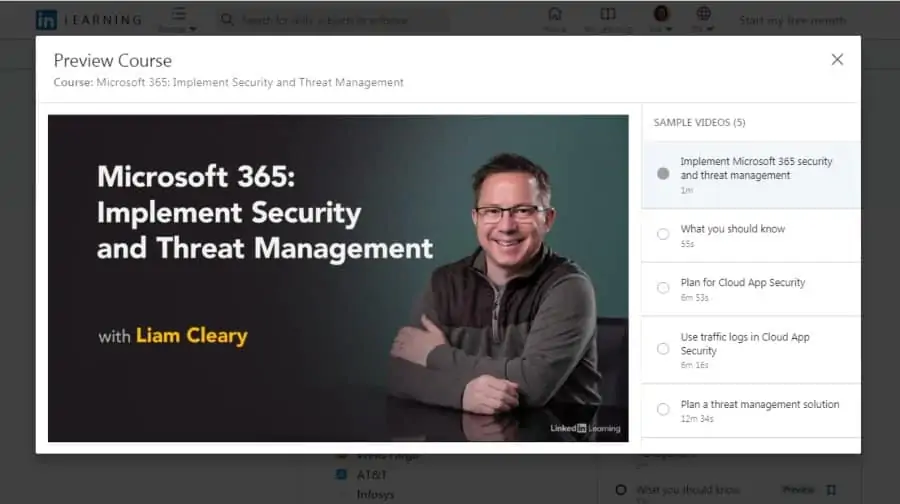
The second domain of the Microsoft 365 Mobility and Security (MS-101) certification exam requires administrators to have a good command over threat management and security protection services. Hence, if you’re looking to pass this certification exam and further your career, you should go through this course.
As for your instructor, Liam Cleary will be teaching you in this course. Liam is the CEO of SharePlicity, a tech firm that specializes in Microsoft 365 solutions. He has also been a 13-time Microsoft MVP and is passionate about educating, giving presentations all over the world.
In this intermediate-level online course, you will learn to configure Microsoft 365’s Cloud App Security and design a solution for it, use traffic logs, configure Office 365 ATP policies, monitor ATP incidents, implement Windows Defender ATP policies, and much more.
You can access this course for free if you are a new LinkedIn user, and also receive a shareable certificate of completion at the end!
- Intermediate level
- 3 hours long
- Taught by 13-time Microsoft MVP
- Free access for new LinkedIn users
- Certificate of completion
FREE LinkedIn Access For 1 Month
9. Microsoft Office Suite (GoSkills)
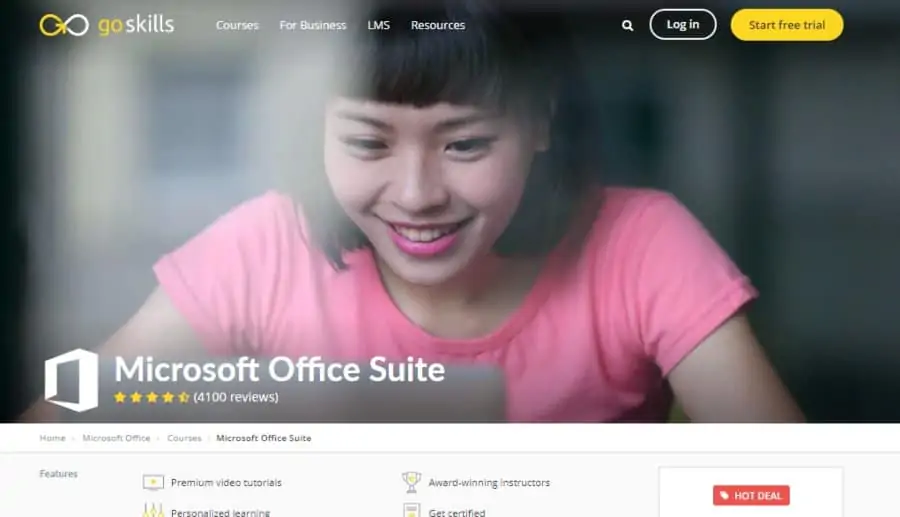
Next on my list is a collection of 9 online courses by GoSkills that is best suited for those looking for a one-stop one-stop-shop to learn all things MS Office. With short and interactive videos, the bundle has an average rating of 4.5 given by over 4,000 students.
Instructors are provided by GoSkills itself, which is a flexible online learning platform helping people acquire important and in-demand business/productivity skills and is the preferred training partner for a number of Fortune 500 companies.
In this 9-course bundle with 314 bite-sized video lessons, you will be able to dive into the basics of MS Access, Excel, Outlook, PowerPoint, Project, Publisher, and Word, and also get the opportunity to learn more advanced techniques in Word and Excel through two separate courses to really make yourself stand out from your peers.
For a small subscription fee, you can earn a certificate of completion to share with your network, and gain access to over 70 other courses! Overall, this is one of the best online Microsoft Office classes due to the wide range of in-depth content.
- Beginner/advanced
- Bundle of 9 courses
- 314 bite-sized video lessons
- Taught by award-winning instructors
- Learn Access, Excel, Outlook, PowerPoint, Project, Publisher, and Word
- Certificate of completion
10. Excel Essential Training – Office 365 (LinkedIn Learning)
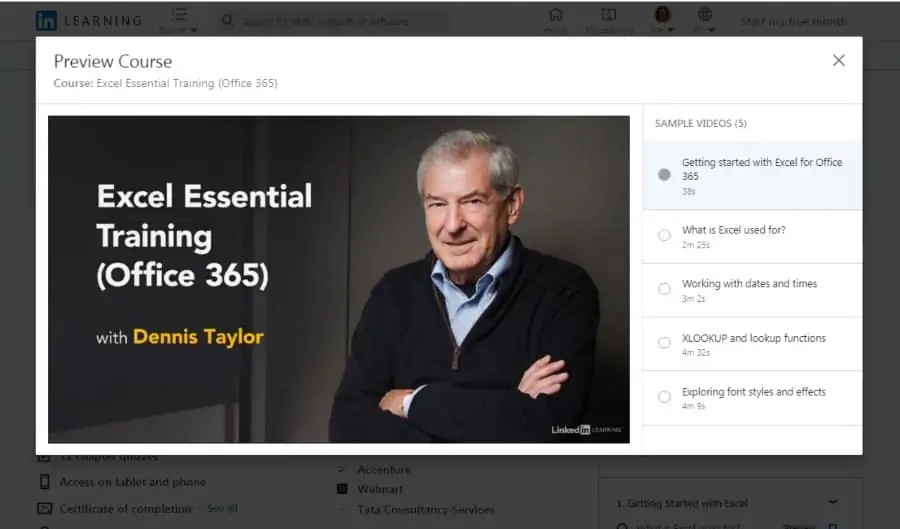
If you want to learn how to use a revolutionary tool to efficiently manage, sort, and manipulate your data, you should get enrolled in this Microsoft Excel course right away. Brought to you by LinkedIn, this online Microsoft Office course will make sure to add value to your projects and organization as a whole.
Your instructor for this course will be Dennis Taylor, a veteran trainer who has more than 25 years of experience teaching people how to make the most of spreadsheets. Dennis has conducted more than 500 webinars to various audiences to teach them the basics of Excel.
In this 2 hours long course, you will learn all the basics of Excel including adding commands to the Quick Access toolbar, remembering shortcuts for frequently-used commands, creating charts, freezing and unfreezing panes, sorting data, generating pivot tables, and much more.
You will also earn 4 Continuing Professional Education credits for completing this online Microsoft Office course, along with a certificate of completion!
- Beginner level
- 2 hours long
- Trainer with 25+ years of experience
- Certificate of completion
- 4 CPE credits
Final Thoughts
If you are looking to learn more, go deeper with our individual Microsoft product reviews:
Or perhaps you’d rather just get some temporary help with Microsoft Office from an expert today. If that’s the case, I can highly recommend Fiverr. I have found freelancers with a wide variety of skills to help me knock through projects.
Better yet, they’re often less expensive than full-time help and located in countries on the other side of the world, so your work gets done while you sleep. Amazing! Here are a few highly rated experts to get you started.
