
Learn How To Build Complex Model With 2024‘s Top 7 Best Online Stata Courses & Classes
Stata is among the go-to tools used by researchers for managing and analyzing large data sets. So, if you are seeking out the best online Stata courses, you’re in the right place!
In the guide below, I have rounded up the top Stata classes to get you comfortable navigating the interface of Stata and building highly sophisticated models to analyze your data.
Many of these online courses will give you certificates of completion for your achievement so that you can showcase your new skill to potential employers. So, let’s get started!
Top 7 Free Best Online Stata Courses & Classes 2024
1. Learn Data Analytics with Stata (Skillshare)
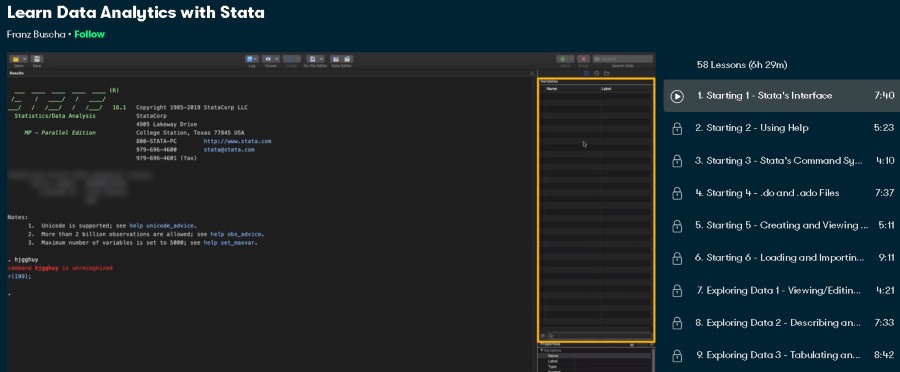
First on my list is a comprehensive online Stata course from Skillshare that is great for beginners wanting to thoroughly practice all the functionalities of this software.
Your instructor for this Stata class will be Franz Buscha, an economics professor at the University of Westminster. Franz is Westminster Business School’s director of research and has also overseen the research of over 200 academics, so you are in expert hands!
In this 6 ½ hours long course, students will go through a wide range of topics centered on Stata including the features in its interface, how to explore and view data, create beautiful graphs from the data, build complicated regression models, test various hypotheses, and much more!
The best part is that you can sign up for a free 1-month trial of Skillshare Premium and take this course (along with countless others) for free!
- Beginner level
- 6 ½ hours long
- Taught by veteran economics professor
- Free 1-month trial of Skillshare Premium
Activate FREE Skillshare Trial
2. Introduction to Stata 15 (LinkedIn Learning)
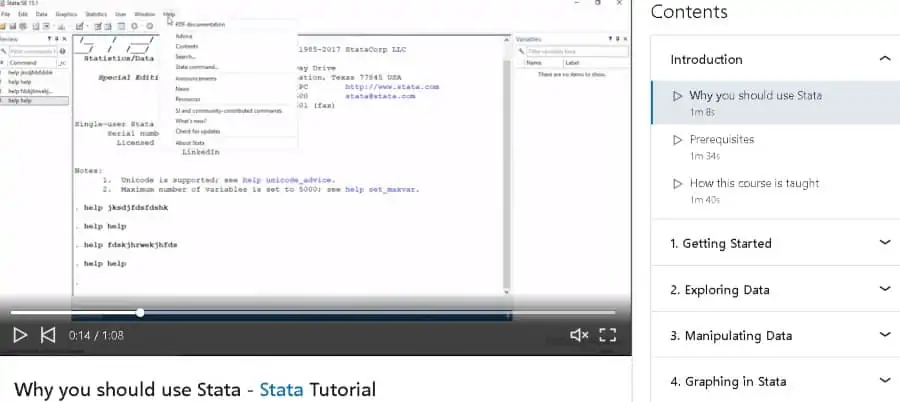
If you’ve been considering using Stata to analyze large amounts of data for your research, this beginner-level online Stata course is a great place to start! Taken by more than 8,600 students, this course will show you what Stata is truly capable of!
As for your instructor, you will be taught by none other than Franz Buscha, an economics professor at the University of Westminster who is an expert in Stata and has taught 100,000s of students through all of his classes.
Through 4 ¼ hours of video lessons, Franz will show students how to use Stata for various applications by taking them through topics like importing and displaying data, conducting distributional and regression analysis, working with variables, implementing choice models, and much more.
If you’re a new user on LinkedIn, you can access this online Stata course for free, and earn a certificate of completion when you’re done with it!
- Beginner level
- 4 ¼ hours long
- Taught by economics professor from University of Westminster
- Free access for new LinkedIn users
- Certificate of completion
3. Complete STATA Workflow + Tips (Udemy)
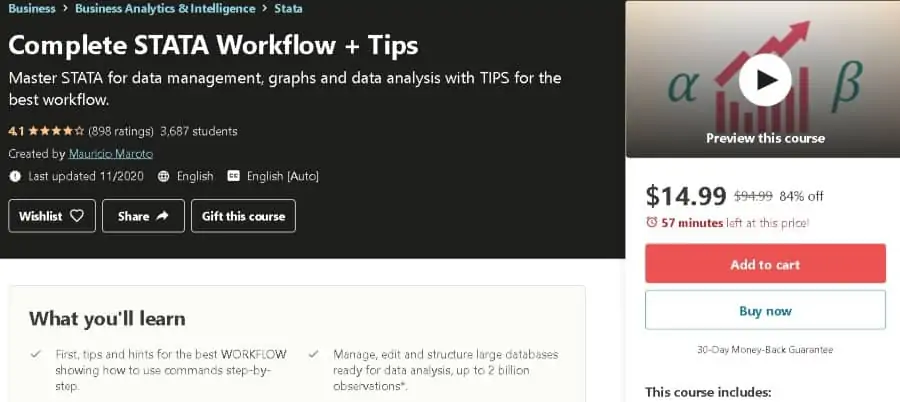
You can learn all the features of a software like Stata, but if you don’t know how to build a proper workflow, you won’t be able to do anything with it. So if you want to avoid falling into this trap, this beginner-level online Stata course on Udemy is the perfect choice for you.
As for your teacher, Mauricio Maroto, an industrial economics graduate from Carlos III University, Spain, will be instructing you in this online course. Mauricio has more than 8 years of professional experience and has taught over 10,000 students on Udemy.
In this massive 9 ½ hour Stata course, students will learn the right techniques and workflow to follow in Stata to accomplish any project that they set out to complete. More specifically, students will learn to use its syntax, manage variables and data, make insightful graphics, and much more.
Don’t worry about forgetting anything later on – the full lifetime access you’ll get from Udemy will allow you to come back to the course materials even when you have one foot inside your grave!
- Beginner level
- 9 ½ hours long
- Taught by professional with 8+ years of experience
- Certificate of completion
- Full lifetime access
4. Advanced and Specialized Statistics with Stata (LinkedIn Learning)
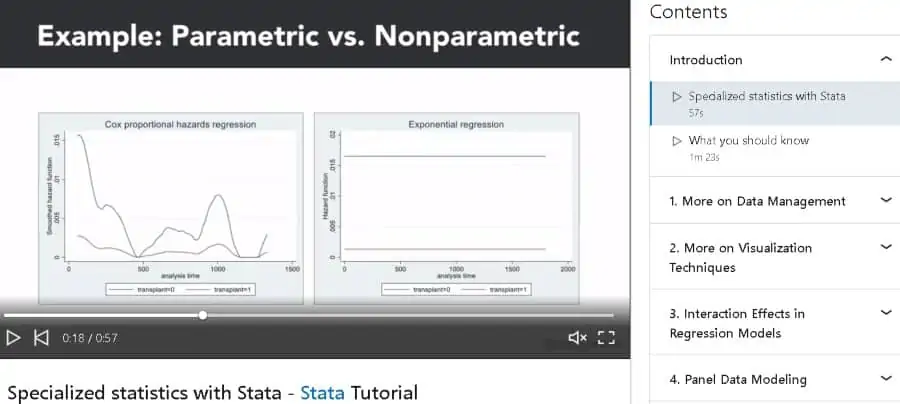
Next on my list is an advanced-level online Stata course on LinkedIn that is suitable for those who have already mastered the basic features of Stata and now want to get to the next level. Completing this online course will also earn you 7.8 hours’ worth of Continuing Professional Education credits.
Our popular Stata expert, Franz Buscha, will be teaching you in this course. Franz has become a name associated with Stata training content and has helped 1,000s of students become masters of this powerful tool.
Over the 5 hours of this online Stata class, students will go through an entire list of complex topics such as looping over variables using set parameters, using linear panel estimators, conducting Hausman tests, and much more.
Along with a hefty amount of CPE credits, you will get a certificate of completion at the end of this online course so that you can let your network know that you have become a Stata master!
- Advanced level
- 5 hours long
- Taught by renowned Stata instructor Franz Buscha
- Certificate of completion
- Free access for new LinkedIn users
5. An Introduction to Stata (Udemy)
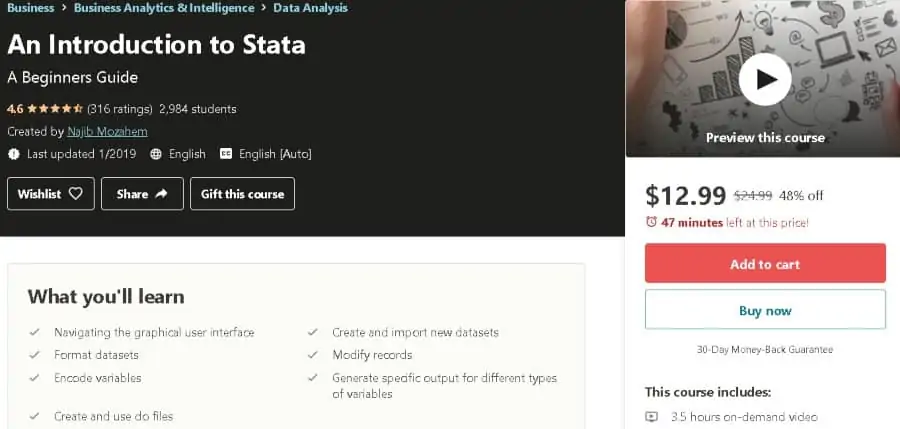
If you’re just starting out in the field of data science and want to get a ‘taste’ of Stata and its functionalities, you’ll want to check out this beginner-level Stata course. Close to 3,000 students have taken this training, which has earned a rating of 4.7 stars!
Your teacher for this course will be Najib Mozahem, an assistant professor who is specialized in the field of quantitative analysis. Najib has also taught over 8,500 students on Udemy and has a Ph.D. in organizational theory.
In this 3 ½ hours long Stata class, Najib will teach students a number of basic things that a beginner should know how to do in Stata including using the graphical user interface, formatting datasets, encoding variables, importing new datasets, modifying records, and much more.
You will get scripts for all the videos in the online course so that you can revise material whenever you want without having to go through the videos again!
- Beginner level
- 3 ½ hours long
- Taught by PhD specialized in quantitative analysis
- Certificate of completion
- Full lifetime access
6. Training by Stata (Official Stata website)
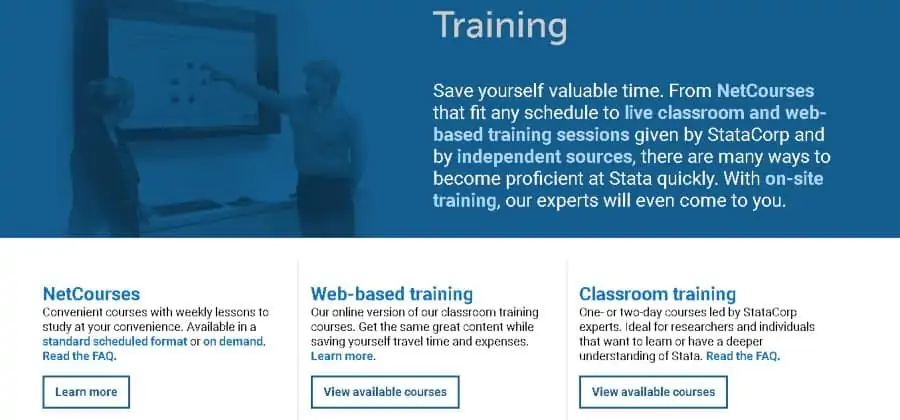
If you want to learn Stata from StataCorp itself, then this training can’t be missed! Not only will you learn specialized Stata skills, but all of the training is frequently updated with all the latest software versions.
On Stata’s official training website, students will find a diverse range of training options that you can choose based on their own feasibility. There is the opportunity to take online courses to complete at your own pace, attend live classrooms and web-based training, or even get on-site training for your company.
Access this course straight from the source by heading to the official Stata website. After completing your chosen training, you’ll be fully up-to-date with state-of-the-art Stata knowledge and skills!
- Beginner/Intermediate/Advanced level
- Collection of online courses, live classrooms, webinars
- Option to organize on-site training for group of people
- Prepared by StataCorp, the developer of Stata
7. Introduction to Stata – Hands on! (Udemy)
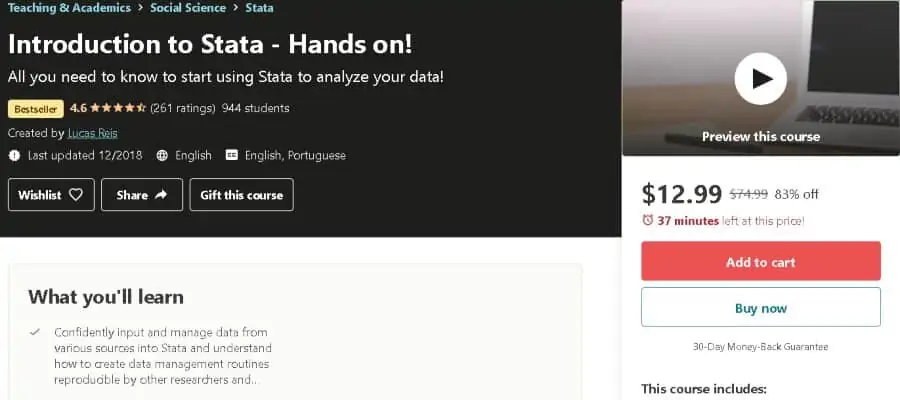
Ending on a high note, I’m bringing you a hands-on online Stata course from Udemy that will get you started with using Stata regardless of your desired application. This bestselling beginner-level online class has been taken by close to 1,000 students and takes a practical approach to teaching this software.
As for your teacher, Lucas Reis, a data analyst, and entrepreneur will be teaching you in this Stata class. Lucas is an experienced professional with 2 masters’ degrees from renowned universities like Harvard and the University of Texas.
In this 2 ½ hours training, Lucas will get students up and running with Stata by taking you through topics like establishing a workflow, using do-files, importing and saving data, managing and analyzing a dataset (with loads of practice), and much more.
For a limited time, you can get full lifetime access to this online course for a whopping discount of 84%, so this is a deal you do not want to miss! For more lessons, also check out my guide on Big Data.
- Beginner level
- 2 ½ hours long
- Taught by expert data analyst
- Full lifetime access
- Certificate of completion
