
Learn How To Create Rich Data Visualizations With 2024‘s Top 10 Best Online Tableau Courses


If you are looking for the best online Tableau courses so you too can create interactive charts out of complex data, you’re in the right place!
After much research, I have rounded up some of the top Tableau courses in 2024 that will take you from novice to pro in no time!
All of these classes offer an immersive hands-on learning experience and cover a range of topics including building bar charts, maps, storylines, and interactive dashboards, and more! Let’s get started!
Top 10 Best Free Online Tableau Courses, Classes & Certificates 2024
1. Tableau MasterClass: Data Visualization Introduction (Skillshare)
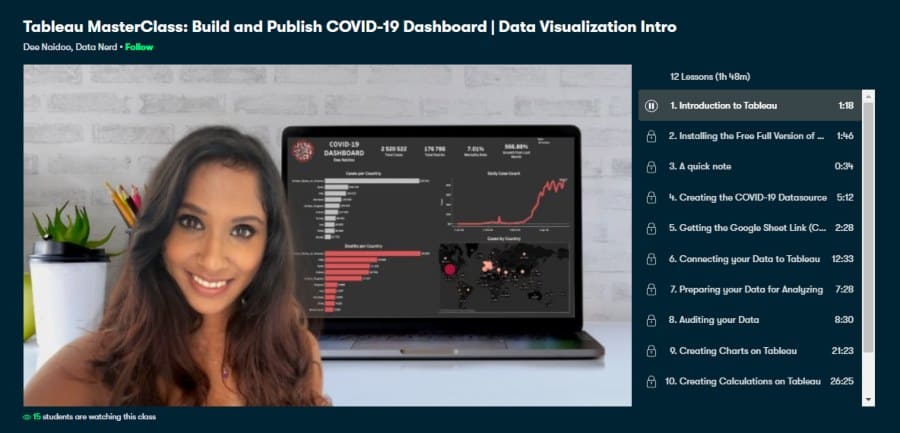
First on my list is a condensed course on the basics of building interactive dashboards with Tableau. Additionally, this course is catered for complete beginners, so if you have never used Tableau before, this is a great place to start!
Your instructor for this class is Dee Naidoo, a Chemical Engineer with expertise in data analytics who also has more than 2 years of experience in producing data visualizations using Tableau.
Through this 1 ¾ hour-long beginner class, you will learn how to create a well-designed dashboard, share your dashboard with your network and the world, use Google Sheets to connect to live data, perform various calculations, audit your data, create a calculation, build/ format graphs, and more!
Being hosted on Skillshare, new users can get 1-month access to this class when activating their free trial. As an added bonus, there is also a free 14 day trial of Tableau!
- Beginner level
- 1 ¾ hour long
- Instructor with 2+ years of experience
- 9 video lessons
- Free 14 day Tableau trial
Activate FREE Skillshare Trial
2. Tableau Essential Training (LinkedIn Learning)
If you are looking for a course that will teach you how to analyze and display data using Tableau, and bring you up to speed with all the latest features in 2024. This free LinkedIn Learning course may be perfect for you!
In this class, you will be tutored by Curtis Frye, a graduate of the University of Illinois at Urbana-Champaign, president of Technology at Society, Inc., and author of over 40 books about data analytics and trends.
Through this 4 ½ hour-long beginner course, you will be introduced to Tableau, learn how to manage visualizations, view data sources, create worksheets/workbooks, create custom calculations/fields, analyze data, define groups and sets, create and format visualizations, and much more.
Since this course is hosted on LinkedIn Learning, new users can enroll in this class for free when taking advantage of the 1-month free trial. For those that complete all the lessons, there is also a printable certificate of completion available!
- Beginner level
- 4 ½ hours long
- Accomplished and experienced instructor
- Certificate of completion
- Free for new LinkedIn users
- The latest version of Tableau
3. Creating Interactive Tableau Dashboards (LinkedIn Learning)

Next on my list is an intermediate-level course that will help you upgrade your dashboard skills while also earning Continuing Professional Education (CPE) credits while you’re at it. This course is currently offered by LinkedIn Learning and has been taken by more than 13,000 students to date.
Matt Francis is your teacher for this online class, who is a graduate from the University of London and is a Senior Software Developer at Wellcome Trust Sanger Institute. Matt also has more than 10 years of professional experience working with Tableau, so you’ll be learning from one of the best!
In this 3 ½ hour-long Tableau course, you will learn the core principles of dashboard design, how to use simple/dynamic elements to construct your dashboard, how to integrate interactive features, create a data narrative using stories, and customize your dashboard based on your requirements.
For those that complete this course, you will also get a verified certificate of completion and 6 CPE credits! Currently, this class can be taken for free when using the 1-month free trial!
- Intermediate level
- 3 ½ hours long
- Experienced industry professional
- Certificate of completion
- 6 CPE credits
- Free for new LinkedIn users
Activate Your FREE 1-Month Trial
4. Data Visualization with Tableau – Specialization (Coursera)
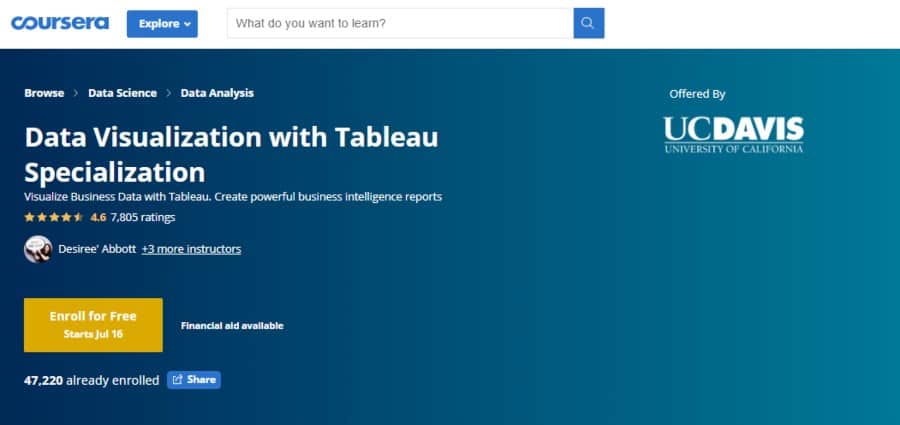
Are you serious about launching a career in business intelligence and are seeking a course that will help you specialize in Tableau? If so, this comprehensive class by Coursera is a great place to start. You will also be joining 46,000 other students who have completed this course that gave it an average rating of 4.6 stars.
As for your instructors, you will be led by 4 experienced teachers who are Desiree’ Abbott, Business Intelligence Developer III at Limeade; Govind Acharya, principal analyst at Budget and Institutional Analysis; Hunter Whitney, a senior consultant, author, and instructor in Design Strategy and Data Visualization; and Suk S. Brar, a lead business consultant at Blue Shield of California.
In this 6 month long specialization course, with 3 weekly hours, you will examine, navigate, and learn to use the features of Tableau, create and design visualizations and dashboards for your target audience, perform exploratory analysis and assess the quality of the data, combine the data to tell your story, and much more.
Surprisingly, students can enroll in this course for free, however, if you want a certificate of completion, this will come at a small cost. Nonetheless, one of the top Tableau courses available!
- Beginner level
- 6 months long with 3 hours of effort per week
- Experienced group of instructors
- Financial aid available
- Certificate of completion
- Hands-on project
5. Tableau A-Z: Hands-On Tableau Training For Data Science (Udemy)
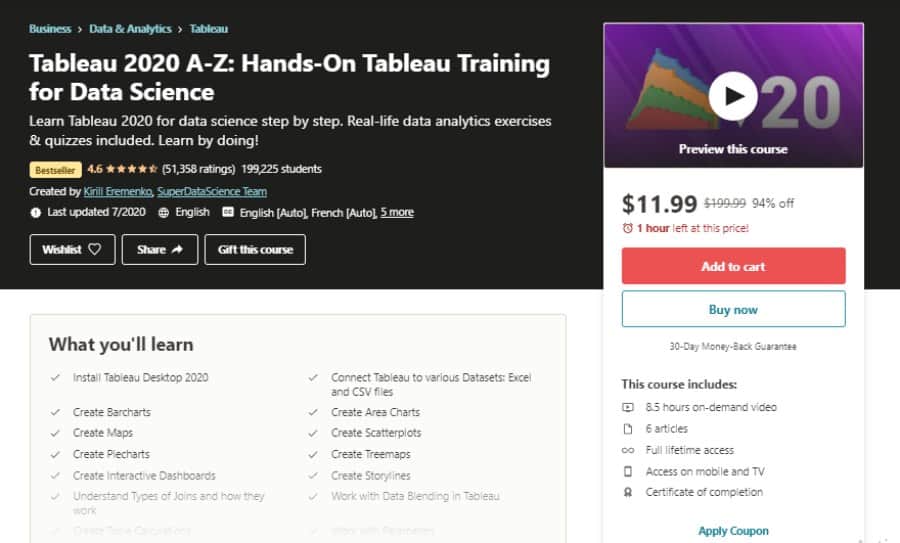
If you are looking to turbocharge your data science career or just start learning Tableau from scratch with lots of hands-on practice, this Udemy course will serve you perfectly well. With almost 200,000 students enrolled and an average rating of 4.6 stars, this course is a proven deal.
As for your teacher, you will be taught by Kirill Eremenko, a data scientist mentored by the best analytics experts in Deloitte Australia, and a management consultant in the field of data science with more than 5 years of experience.
In this 8 ½ hours long beginner-level course, you will be taught everything about Tableau that you need to start using it to drive business decisions.
You will also learn how to create a host of charts including bar charts, maps, pie-charts, and interactive dashboards, conduct calculations on the back-end, connect Tableau to datasets like Excel and CSV files, export results, add filters, create data hierarchies, and much more.
You can even benefit from subtitles available in 7 different languages, a limited-time discount of 94% on this course, and earn a verified certificate of completion!
- Beginner level
- 8 ½ hours long
- Instructor with 5+ years of experience in Tableau
- Limited-time discount of 94%
- Certificate of completion
- Full lifetime access
6. Data Visualization and Communication with Tableau (Coursera)
For those that want to master the art of communicating data using Tableau in a way that leads to actionable decisions that create value for stakeholders, this Coursera course turns out to be the perfect fit. The course has more than 140,000 students enrolled and has received a high rating of 4.7 stars.
You will be instructed in this course by Daniel Egger, Executive in Residence and Director of the Center for Quantitative Modeling at the Pratt School of Engineering, Duke University; and Jana Schaich Borg, Assistant Research Professor at the Social Science Research Institute.
In this 25 hours long beginner-to-intermediate level course, you will learn how to structure your data analysis projects so that they create value for stakeholders, how to create visualizations that streamline your analyses and highlight implications, how to design and construct data stories to persuade, and much more.
You can try out this course on a free 7-day trial, to begin with, and even apply for financial aid if you are unable to pay the full fees. At the end, you will also receive a certificate of completion to mark your accomplishment!
- Beginner-to-intermediate level
- 25 hours long
- Expert and professional instructors
- Certificate of completion
- Financial aid available
- Flexible deadlines
7. Beautify your Data: Intro to Data Visualization using Tableau (Skillshare)
You can access this short and hands-on course on Skillshare that will help you visualize your data using Tableau in a clear manner that leads to the right decisions for your company or business. This beginner-level course has over 1500 students and is one you should definitely head towards.
Tyler Pernes will be taking you through this course. He is a graduate of Johns Hopkins University who specializes in data visualization, modeling, and analysis. He has been working as a Learning and Development Consultant and leading two business intelligence teams.
In this 1 ¼ hour course divided into 12 lessons, you will be taught all the foundations necessary for building visualizations that include learning how to build a dashboard, creating fields that are calculated, building graphs laid out in an insightful dashboard, and much more.
You can avail a limited-time 1-month free trial of Skillshare Premium if you don’t waste too much time, and benefit from interacting with and going through 14 other projects that your peers have been working on!
- Beginner level
- 1 ¼ hour long
- Instructor experienced in using Tableau
- Limited-time 1-month free trial of Skillshare Premium
- Hands-on project
- Browse catalog of projects from other students
Activate FREE Skillshare Trial
8. Tableau for Beginners: Get CA Certified, Grow Your Career (Udemy)
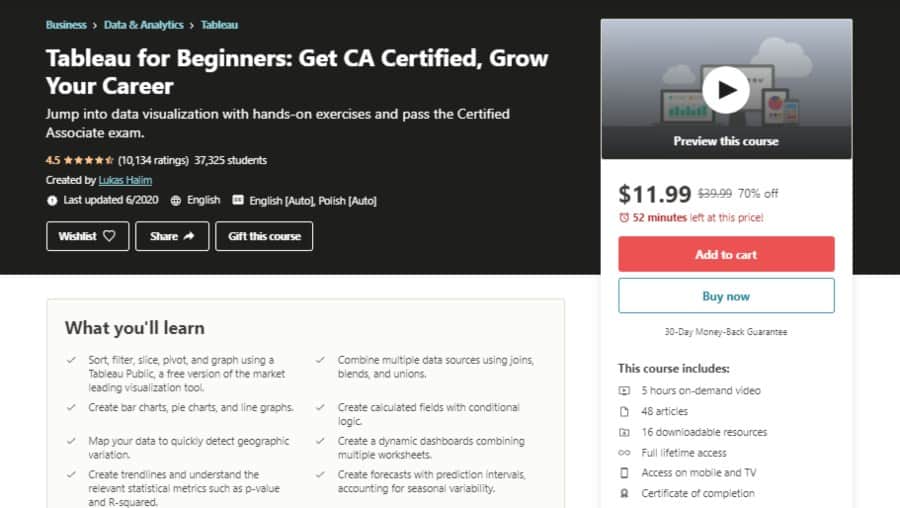
If you are looking for a course that will help you pass the Tableau Certified Associate exam with ample amounts of practice and make you ready for a career in Tableau and business intelligence, then this beginner-level Udemy course is perfect for you. With over 37,000 students, the course has received an average rating of 4.5 stars.
In this course, you will be instructed by Lukas Halim, recipient of a Master’s degree in Analytics in 2013 from North Carolina State University who has been working in the healthcare industry as a data analyst.
Through this 5 hour-long course, you will learn everything you need to know to pass the Tableau Certified Associate exam with flying colors including sorting and filtering data, creating different kinds of charts, mapping data for geographic variation, creating trend-lines, combining multiple data sources, building dynamic dashboards, and much more.
You can also take advantage of two full-length practice exams for the CA exam, and earn a verified certificate of completion from Udemy when you complete this course!
- Beginner level
- 5 hours long
- Instructor with Master’s in Analytics
- Practice for the Tableau Certified Associate exam
- Certificate of completion
- Full lifetime access
9. Grow Your Tableau Skills (Pluralsight)

Mastering the art of crafting beautiful and effective data visualizations using Tableau is what this collection of courses on Pluralsight is all about. Not only will you find yourself creating value for your business, but you will also know how to stay up to date with emerging industry trends as well.
A hand-vetted team of experts will be teaching you in this course, who have many years of experience working as data analysts and building visualizations using Tableau to help their companies and clients.
Through this collection of courses, you will learn everything from building effective dashboards with Tableau, using data to tell stories, and the best practices in data visualization, to more advanced topics such as using Tableau for big data analytics and cloud business intelligence.
With Pluralsight, you will have full control over your timeline and the option of a free 10-day trial. You can even avail a limited-time discount of 33% off of their annual and premium subscriptions! Overall, this is one of the best online Tableau courses in 2024!
- Beginner-to-intermediate level
- Collection of courses
- Taught by industry experts
- Self-paced learning
- Free 10-day trial
- Limited-time discount of 33% off on annual and premium plans
10. Introduction to Tableau (DataCamp)
This DataCamp offering is a tried and tested course on the fundamentals of Tableau that has been taken by employees from top companies such as Deloitte and Credit Suisse.
DataCamp will provide the instructors for this course including Sara Billen, a Master’s graduate in Business Engineering and Marketing Analysis and ex-consultant for a Belgian IT company; Hadrien Lacroix, a content developer at DataCamp; Lis Sulmont, a Master’s graduate in Computer Science from McGill University; and David Venturi, Curriculum Manager at DataCamp who has majored in Chemical Engineering and Economics.
In this beginner-level 4 hours long course, you will learn how to use Tableau’s drag-and-drop functionality to clean and analyze data efficiently, how to navigate its interface, connect data from multiple sources, present it in an easy-to-understand visualization, and much more.
You can take advantage of the option to start this course for free, and complete more than 70 exercises to really consolidate your skills! To learn more, you can also see my guide on the top free Ivy league courses for data science, Tableau, and more.
- Beginner level
- 4 hours long
- Expert instructors
- Taken by employees from top companies
- Start course for free
- 70+ exercises
