
Learn How To Do 3D Rendering Like A Pro with 2024‘s Top 11 Best Free Online V-Ray Courses
Are you ready to build your 3D graphic rendering skillset to visualize plans, develop video games using V-Ray? If so, you’ve come to just the right place!
In this guide, I have compiled some of the best online V-Ray courses that will take you from beginner to pro in no time at all!
Also, many of these V-Ray classes include downloadable resources, certificates of completion, workbooks, student boards, and access to 1,000s of other classes. Let’s get started!
Top 11 Best Free Online V-Ray Courses & Classes
1. Create Photorealistic Interior Renders with Vray & Photoshop (Skillshare)
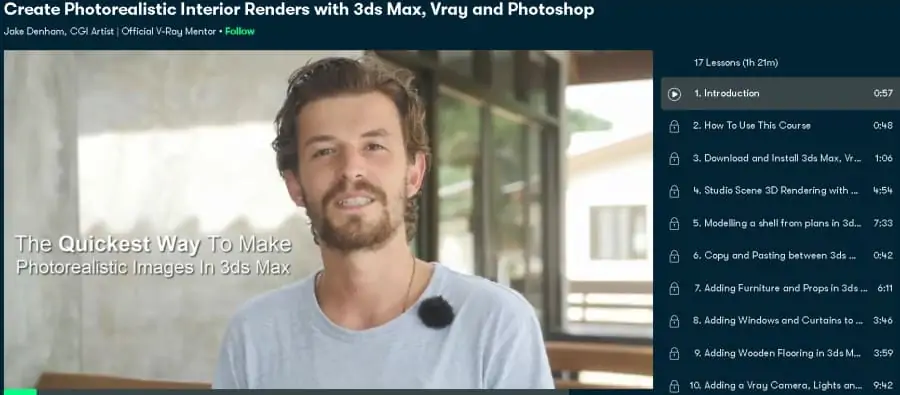
If you’re already using V-Ray and want to take your existing 3D rendering skills to the next, this could be the course for you!
As for your instructor, you will be taught by official V-Ray mentor and CGI artist Jake Denham, who has created 3D renderings, video games, and illustrations for major brands including Grundig, Kia, Volkswagen, and Google.
Across this 1 ½ hour online V-Ray course, students learn all about modeling from plans, copy and pasting, adding furniture, creating wooden floors, UVW mapping, exterior backgrounds, post-production, lights, camera angles, and tons more!
Currently, students can take this class for free when taking advantage of the free trial offered by Skillshare! Overall, a great introduction to V-Ray, 3DS Max, and Photoshop!
- Intermediate level
- 1 ½ hours on demand video
- Taught by an official V-Ray mentor
- Step-by-step guide
- Downloadable resources
- Class projects
Activate FREE Skillshare Trial
2. Vray Class 1: Introduction and Lights (Skillshare)
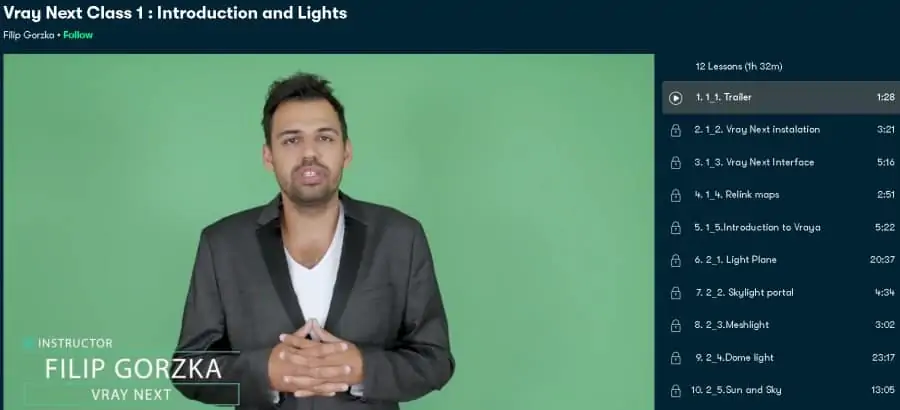
Architectural engineering often requires visualizations and 3D rendering to give an accurate idea of what the project will look like once constructed. If this is a skill you want to acquire, then this online V-Ray course might be a perfect fit!
Your instructor for this online course is Filip Gorzka, who is the founder of schooldesign.net, an online platform that offers instructions for graphics, illustration, and 3D rendering.
Spanning 1 ½ hour, class modules include VRay interface, light plane, skylight portal, mesh light, sun and sky, dome light, and IES to name a few!
Additionally, there are also included class projects so you can implement your new skill immediately after, or during the course.
Again, this course is hosted on Skillshare, which gives access to this course, plus all the others on this list with their free trial! Overall, a great V-Ray course for those wanting to learn architectural rendering.
- Beginner level
- 1 ½ hours on demand video
- Taught by school founder for rendering
- Downloadable resources
- Class projects
- Class discussion
Activate FREE Skillshare Trial
3. Introduction To Lights In V-Ray Next (LinkedIn Learning)
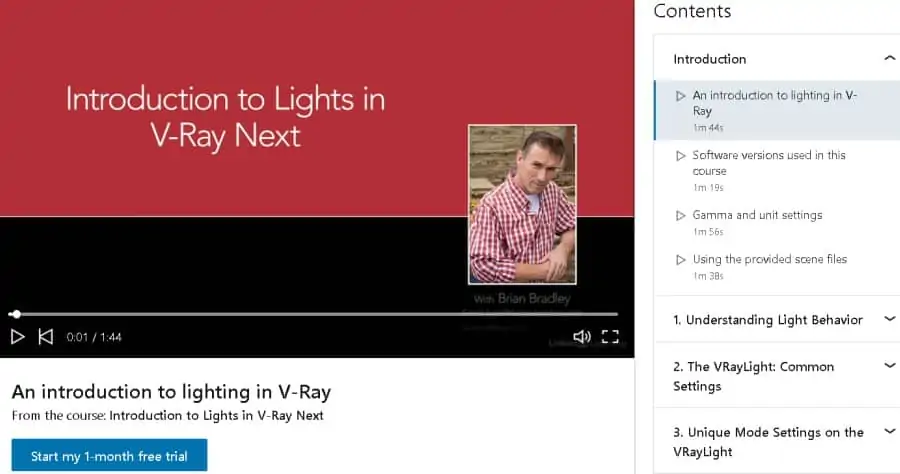
Moving onto my next pick is an excellent beginner-level class that will teach you important techniques for controlling virtual lighting of 3D renderings of architectural subjects.
Leading you in this for this course is instructor Brian Bradley, a digital designer and business owner who has authored several books and has been an instructor of online courses for almost 20 years including over 11 years at the Pixel Academy.
Across 2 hours of on-demand lessons, students learn about topics including Gamma settings, light rays/light waves, understanding light decay, working with color, shadows, photographic tools, exclude and include controls, diffuse, specular, and reflection, directional controls, dome light, mesh light, and have the opportunity to work on several sample scenes.
As this course is hosted on LinkedIn Learning, new users get access to this online class, certificate of completion, plus 1,000s of other courses with their 1-month free trial.
- Beginner level
- 2 hours on demand video
- Taught by professional designer and expert trainer
- Class exercises
- Downloadable resources
- Certificate of completion
4. SketchUp Vray Lighting Beginners Guide (Skillshare)
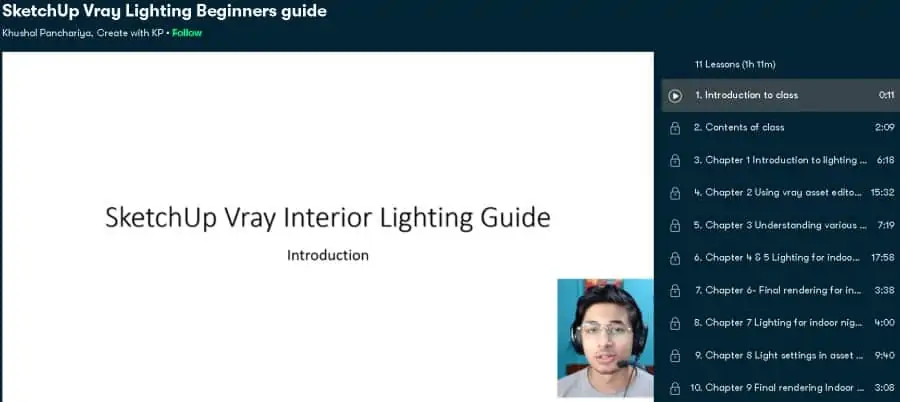
If you’re looking for an entry-level V-Ray course focused on just lighting, then this class is the perfect fit!
As for your instructor, you will be guided by Khushal Panchariya, a digital designer and architect with experience in digital design, 3D rendering, illustration, visualization, and architectural design.
During the 1 ¼ hours of lessons, students are introduced to lighting, the asset editor, point lighting, indoor day scene, indoor night scene, and how to manipulate direct light within a scene in order to make the render look natural and realistic.
Overall, this is a well-rounded V-Ray course for those looking to make their architectural renders pop with natural-looking lighting.
- Beginner level
- 1 ¼ hour on demand video
- Taught by digital designer
- Class exercise
- Class projects
- Class discussion
Activate FREE Skillshare Trial
5. SketchUp: Rendering with V-Ray 3 (LinkedIn Learning)
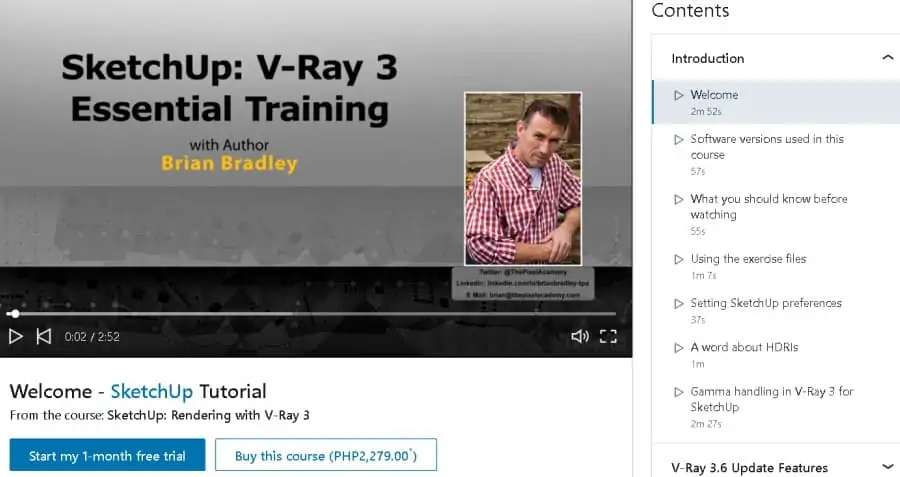
If you are a SketchUp user who wants to make a 3D model and turn it into a realistic render using V-Ray, then this class can’t be missed!
Your instructor for this course is Brian Bradley, a business owner who has worked in digital design and 3D art for two decades and has worked with companies to help manufacture clothes, cars, and architecture projects.
Some of the lessons included in this 5-hour course include topics on the types of light sources, irradiance mapping, animations, exposure values, depth of field effect, white balance, making glass, the bucket sampler, and stereoscopic 3D rendering to name a few,
Once complete, students will be eligible for a downloadable certificate of completion and further learning with LinkedIn Learnings thousands of other courses.
- Intermediate level
- 5 hours on demand video
- Taught by 3D graphic artist
- Downloadable resources
- Class projects
- Certificate of completion
6. 3ds Max & Vray: Advanced Arch Viz Interior Projects (Udemy)
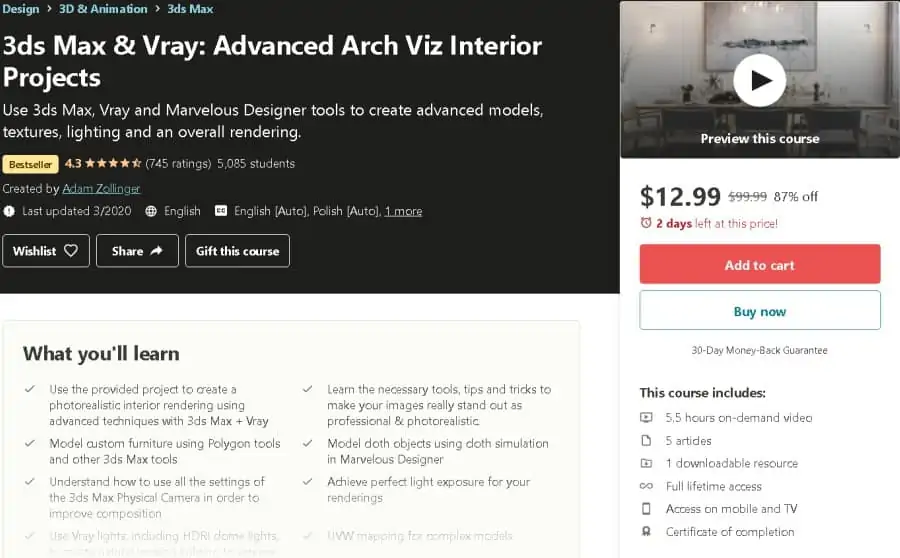
If you’re an existing V-Ray user looking to level up your photorealism and architectural visualization skills, this intermediate-level online course could be a great fit for your needs.
As for your instructor, you will be led by Adam Zollinger, an accomplished author, and designer of graphics for mobile games and architectural visualization.
During the 5 ½ hours of comprehensive course content, students learn about wall panels, furniture, folding curtains, modeling tips, rules of composition, linear workflow, using Photoshop, and several bonus projects.
In addition to the on-demand video online instruction, the class includes downloadable resources, class projects, class discussion, lifetime access, and a certificate of completion! Overall, one of the best online V-Ray courses!
- Intermediate level
- 5 ½ hours
- Taught by 3D graphic designer
- Class projects
- Lifetime access
- Certificate of completion
7. SketchUp: Rendering with V-Ray Next (LinkedIn Learning)
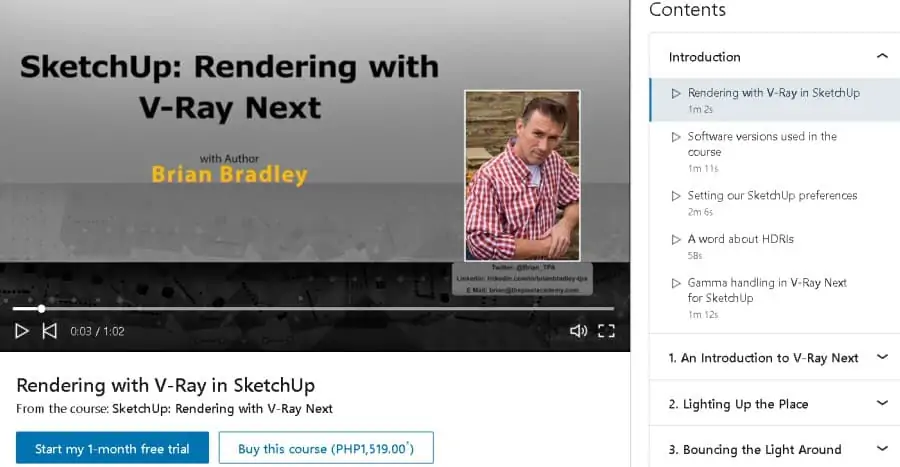
If you’re looking for a specialist course on how to pair V-Ray with SketchUp, this intermediate-level online course could be just the one for you!
Brian Bradley is back again as your instructor for this online course. As noted above, Brian is a business owner working in digital design and 3D art for many decades. So you will be in great hands!
During 5 hours of lessons, students are taught about using V-Ray and SketchUp, lights and object toolbars, utility toolbars, global illumination, irradiance mapping, brute force engine, camera controls, exposure options, depth of field effects, materials, color picker, adding reflectivity, image sampling, and compositing renderings.
Hosted on LinkedIn Learning, students get access to this course, plus 1’000’s of others with their free trial. Overall, an excellent online course for those who use both SketchUp and V-Ray!
- Intermediate level
- 5 hours on demand video
- Taught by professional 3D graphic artist
- Downloadable resources
- Class projects
- Certificate of completion
8. Fundamentals of V-Ray for Maya (PluralSight)
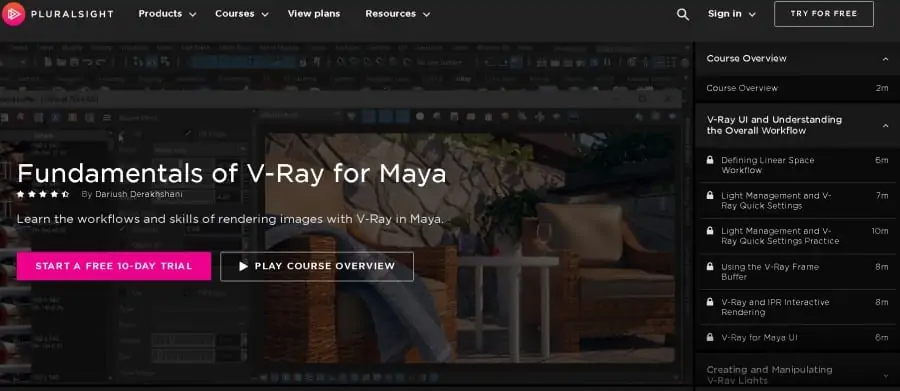
If you are working with V-Ray as a plugin for Maya, this beginner-level online course will get you familiar with the user interface and manipulating lighting in preparation for your camera work and final rendering!
Your instructor for this online class is Dariush Derakhshani, an award-winning VFX and CG designer and author of best-selling instruction guidebooks for 3D rendering.
Dariush has also worked in animation for the hit show South Park and in many commercials so he offers his students plenty of valuable insider industry tips.
Across 4 hours of on-demand video, students cover class topics including quick settings, mapping lights, blending materials, using glass and reflective materials, temperature map, using the camera, motion effects, and the basics of sampling.
Overall, a fantastic course to take advantage of to start your V-Ray journey!
- Beginner level
- 4 hours on demand video
- Award winning graphic artist as instructor
- Skills assessment
- Class projects
- Downloadable resources
9. The Complete Sketchup & Vray Course for Interior Design (Udemy)
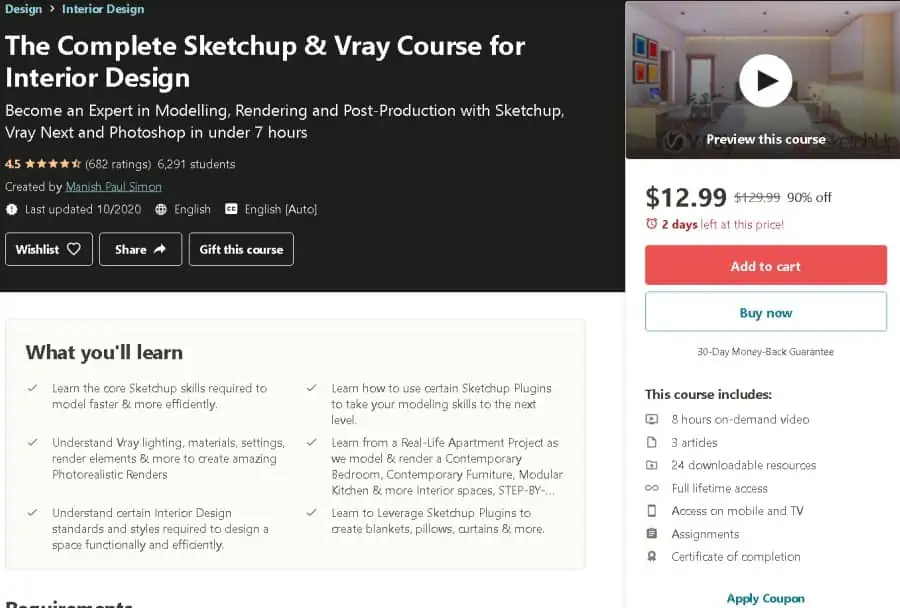
Are you a working or aspiring interior designer looking to combine V-Ray, SketchUp, and Photoshop to lift your design game? This online all-levels course is a fantastic pick, teaching you how to blend the 3 programs to create photorealistic renderings of complete architectural projects!
Your instructor for this online V-Ray course will be Manish Paul Simonis, an architect, 3D artist, and BIM consultant who is also an Autodesk Certified Professional with a very high student satisfaction rating for his many online classes.
Topics of discussion in the online V-Ray course cover installing plugins, SketchUp tools, modeling a contemporary bedroom, designing a kitchen, designing a bathroom, advanced modeling, advanced V-Ray techniques, and a recorded question and answer session.
Overall, this is one of the most comprehensive all-levels V-Ray courses available on Udemy!
- All levels
- 8 hours on demand video
- Taught by Autodesk Certified Professional
- Class assignments
- Downloadable resources
- Certificate of completion
10. Master the Art of V-Ray (ChaosGroup)
If you’re looking to master the art of V-Ray rendering technology, this course is a great place to learn all of the skills you’ll need! This online course covers everything you need to know about V-Ray and combining it with other powerful programs.
As for your instructors, you will be taught by a range of software developers, professional designers, and architectural artists from many different backgrounds to give you plenty of varied experience.
In this online V-Ray course, students participate in on-demand video modules covering topics including V-Ray for 3DS Max, V-Ray for Maya, V-ray for SketchUp, and V-Ray for Rhino with all the various customized specific lessons. Chaos Group also provides customizable resources and guidance for every level of V-Ray training.
Hosted on Chaos Group’s online learning platform, this online V-Ray course also comes with extras including tutorials, online resources, an online forum, many practice exercises, and feedback from developers and users. For top-quality instruction and high-value learning, this online V-Ray course is not to be missed!
- All levels
- Self guided online learning
- Various tutorials with certified instructors
- Online forum
- Practice files
- Developer feedback
11. Lighting and Rendering with V-Ray for Revit (PluralSight)
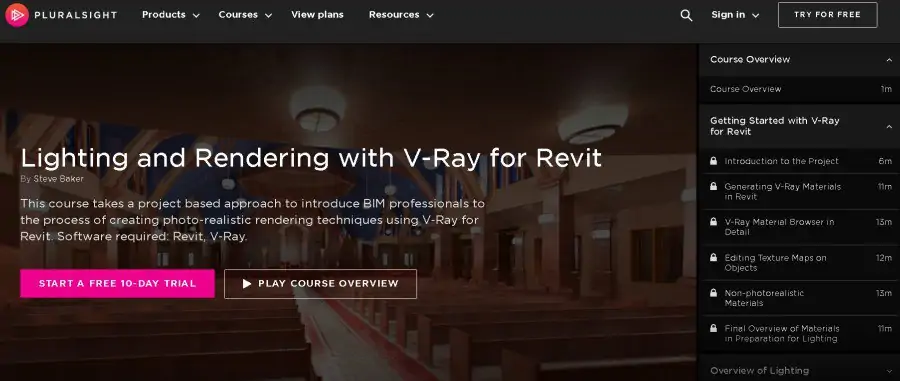
Are you a Revit user ready to get started in V-Ray for high-quality lighting and rendering? This online V-Ray course is a fantastic choice for you! You will need some experience with Revit software features and capabilities to benefit fully from this online course on photorealistic rendering techniques for BIM professionals.
As for your instructor, you will be taught by licensed architect Steve Baker, a design industry professional with almost two decades of real-world experience and certification to teach V-Ray.
On-demand video modules covered by this 2 ¾ hour intermediate level online V-Ray course include setting up a project, generating materials, HDRI lighting, artificial lights, lighting effects and shadows, camera resolution settings, and rendering channels.
Extras for this online course include downloadable resources, a skills assessment, class projects, class discussion, and lifetime access.
Overall, a fantastic course for those already familiar with V-Ray to take their skills to new heights!
- Intermediate level
- 2 ¾ hours on demand video
- Taught by professional architect
- Skills assessment
- Downloadable resources
- Class projects
