
How To Take Great Photos With Top 12 Best Online IPhone Photography Classes & Courses
With every iPhone iteration, the ability to capture stunning photos is now easier than ever before.
It has become so easy in fact that many are now using their iPhones/ smartphones over their DSLR or mirrorless cameras.
To take advantage of that amazing camera in your pocket, I have rounded up some of the best free online iPhone photography classes in 2024 that you can take right now!
So whether you want to up your Instagram game or take betting snaps, this is the guide for you!
Top 12 Free Best Online iPhone Photography Classes, Courses, & Certifications 2024
1. iPhone Photography Masterclass 2020 (Skillshare)
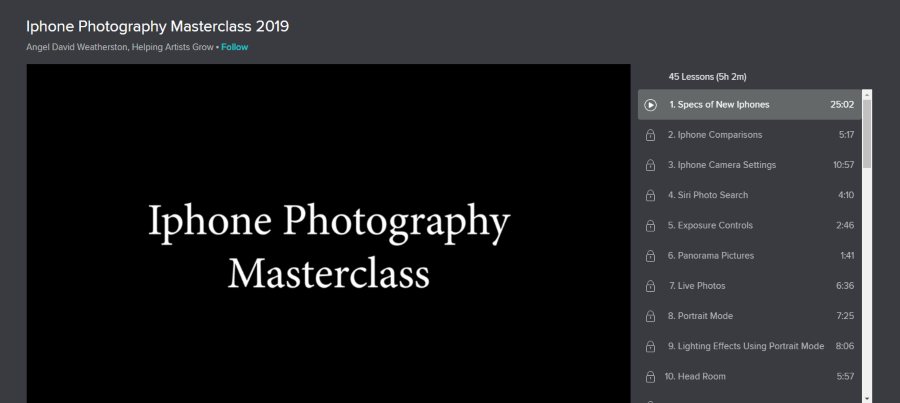
Up first on my list is a well-rounded iPhone photography course that covers everything under the sun. If you truly want to understand the ins and outs of your iPhone camera and how best to use them, this 5-hour video course is for you.
Taught by David Weatherston who is a professional photographer, he walks students through the creative process of taking photos that grab the viewer’s attention.
Some of the core modules of this class are adjusting the iPhone settings, adjusting exposure controls, portrait mode, panorama mode, lighting effects, composition and tons more!
Along with how to take great photos, David will also teach students about the best iPhone editing apps for post-processing and applying filters/ color gradients. Overall, this is hands down one of the top iPhone photography classes online!
- Beginner level
- 5 hours on-demand video
- Professional instructor teacher
- Discuses how to use post-processing apps
- Additional resources
- Class projects
Activate FREE Skillshare Trial
2. iPhone Photography: How to Take Pro Photos On Your iPhone (Skillshare)
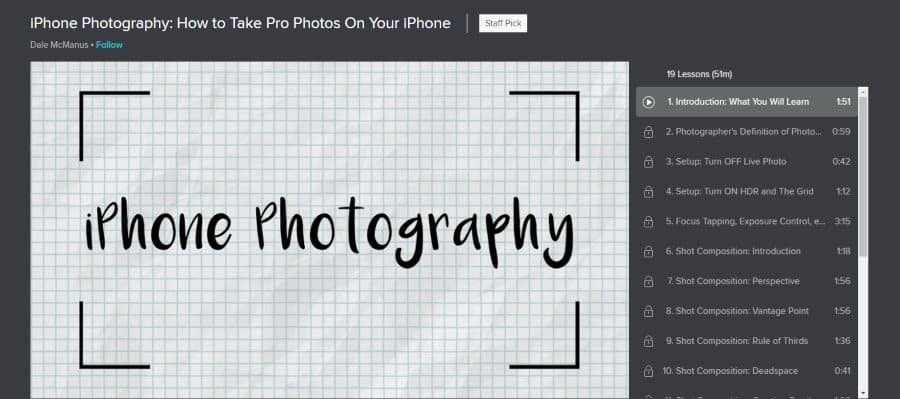
Also from SkillShare is this shorter course which covers all the essentials for getting breathtaking images from your smartphone. In total, this course is 1 hour in length of on-demand video which also has accompanying course material and online community.
As for the instructor, this course is taught by professional photographer/videographer Dale McManus. Dale has a degree in Film and several years of experience in making videos and images for various clients. So students are in capable hands!
Subjects taught in the course are composition, iPhone tools and settings, depth of field, lighting control, editing with post-processing apps, and numerous tips and tricks used by professional photographers.
So for a short and sweet crash course in iPhone photography, this is a great choice!
- Beginner level
- 51 minutes
- 38,000 students
- Trainer is a working professional photographer
- Covers still and video
- Class projects
Activate FREE Skillshare Trial
3. iPhone Photography: Shooting to Storytelling (LinkedIn Learning)
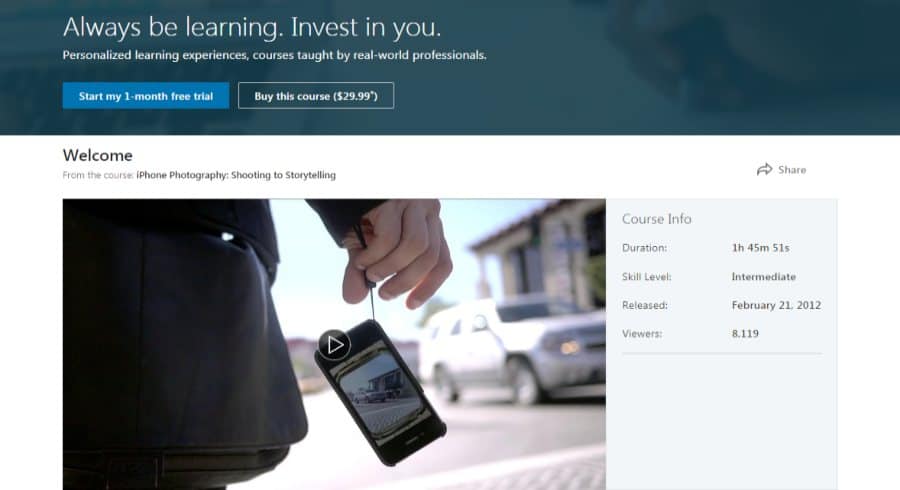
Richard Koci Hernandez teaches one of the better online iPhone photography classes which is hosted on LinkedIn Learning. All up, this course is 1 hour 45 minutes and is great for intermediate and beginner level photographers.
During this course, you will be on an actual iPhone photoshoot which you can follow along with. During this, you will learn by doing, picking settings, adjusting lighting, composing, editing and adjusting zoom.
As an additional bonus, there’s an extra chapter that has a variety of iPhone photography enthusiasts and journalists discussing shooting techniques, photo-enhancement tips, and inspiring storytelling with photographic ideas.
- Intermediate level
- 1 hour 45 minutes on-demand video training
- Established professional as trainer
- Bonus chapter 1197 conference coverage
- Certificate of completion
- Class project photoshoot
4. iPhone X: The Quick Guide to Great Photos + Video (Creative Live)
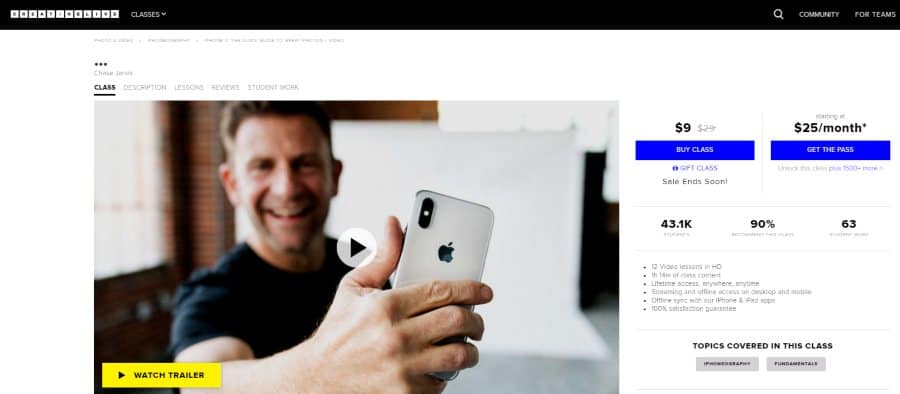
Do you have an iPhone X and are looking for the most up to date settings and guidance. Well, look no further! In this CreativeLive course, students will learn all about the iPhone X camera in this 1 ¼ hours of on-demand video instruction.
Award-winning photographer and successful business owner Chase Jarvis guides you through the basics and includes quite a few advanced tips, information learned over years of practice.
Using the latest iPhones, you will learn lighting, composition, lens selection, and in-camera post-processing. The course also teaches about the amazing video capabilities and features in these imaging devices.
This will also be a great course for those sporting the iPhone 11 that has wide, ultra-wide and telephoto lenses. For more information on CreativeLive, you can check out my full review here.
- Beginner level
- 1 hour 14 minutes
- Pro photographer instructor
- Covers the newest iPhones
- Includes video instruction
- Online resources
5. iPhone Photography: Make Your Pictures Stand Out (Skillshare)
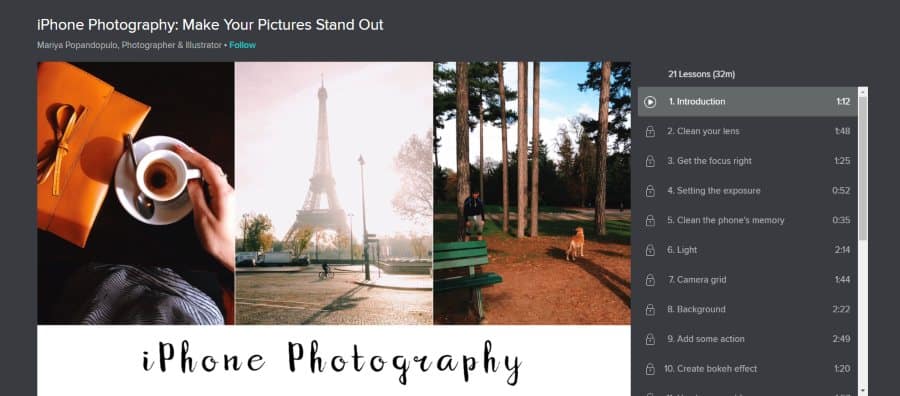
International photographer and illustrator Mariya Popandopulo is the instructor for the class, bringing her expertise and artistic skill and insight for you to learn.
Much of what is said during the 32 minutes of the course is specific to the latest iPhones, but it transfers well over to any other current smartphone with an advanced camera.
The instruction covers creative ideas such as shadow and highlight control, backlight portraits, interesting selfies, and adding action to your images and videos. There is also a very useful section on how to edit photos directly within the iPhone camera app which covers exposure, saturation, contrast, tints, shadows and more!
Overall, a great course for those in a rush!
- Beginner level
- 32 minutes
- Over 12,000 students
- Lots of creative ideas
- Specific to the newest iPhones
- Online resources
Activate FREE Skillshare Trial
6. Easy Product Photography with iPhone, Smartphone or Camera (Udemy)
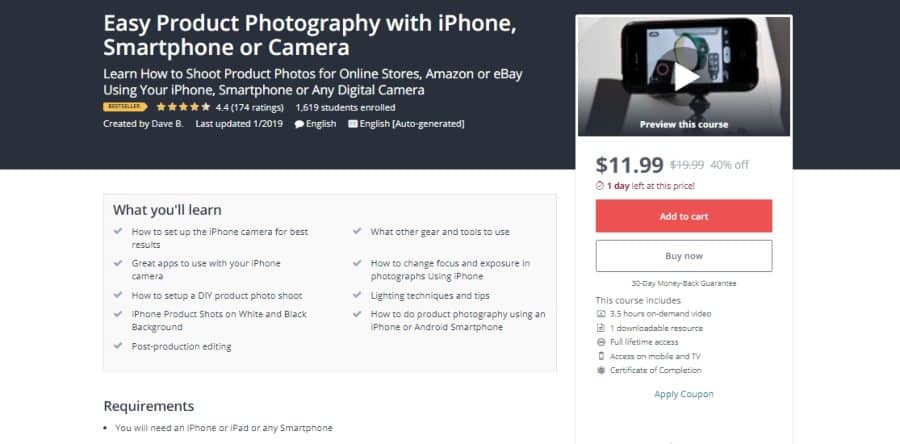
Small product photography is just one of the many things you can use your smartphone camera for, but there are things you will need to know about commercial product photography in order to get the best images. Good pictures are important for any online listing, regardless of what you’re selling.
Udemy hosts this beginner to intermediate level course that’s split into two parts. In the first part, you will learn how to use your iPhone for product photography. In the second, you will be taught about your full-size camera.
This class is 3 ½ hours and includes online resources and class projects.
Besides the camera work, the course teaches how to set up and compose attractive shots, how to use post-processing to enhance your images without making them look unnatural.
The instructor for this class is Dave B., an experienced professional photographer and videographer. His client list includes Verizon, Ford, Coca-Cola, AT&T, and TV networks such as Discovery Channel, History Channel, and ESPN.
- Beginner to intermediate level
- 3 ½ hours on-demand video
- 2 part instruction, phones and larger cameras
- Professional instructor
- 12,000 students
- Class projects
7.Mobile Photography Basics for Instagram Success (Skillshare)
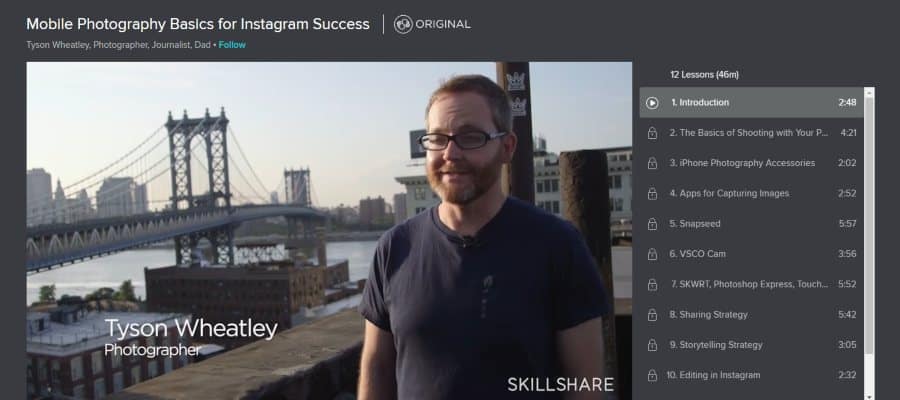
One of the biggest phenomena of the modern world is how mixing mobile devices, digital cameras, and online access from virtually anywhere has created social media. Instagram is perhaps the busiest picture-based social media platforms there are.
But, how does one take control of Instagram for promoting either themselves or their business? Well, a big part of it is having excellent images to post. Other parts are managing your presence and creating engaging posts.
That’s what this course from photojournalist Todd Wheatley teaches, and more. It’s 46 minutes of beginner level teaching, with lots of examples provided. Also included is a lot of information about the image enhancement control available through post-processing apps you can use right from the smartphone or other mobile device you’re using.
- Beginner level
- 46 minutes
- Taught by professional photographer
- Instagram tips
- Online resources
- Class project
Activate FREE Skillshare Trial
8. Apple iPhone Newborn Photography Tips (Creative Live)
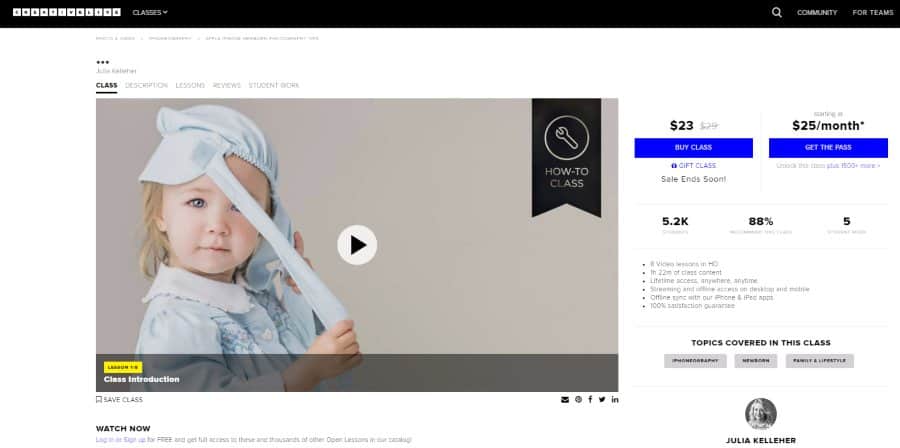
Either for fun or for profit, newborn and infant portraiture is a busy field to be in. But newborns are notorious for not being able to take direction. Yeah, I’m being funny, trying anyways. But it is the truth that you will have to do everything yourself to take great infant portraits.
What do you need to do, then? This class from successful newborn and family portrait photographer Julia Kelleher will give you a lot of that information. In 1 ½ hours of on demand instruction, she will show how to use the settings and features of your iPhone for beautiful portraits.
Besides the technical stuff, the class also teaches about the creative side of family photography. Posing, lighting, effects, and post processing. We joked about babies not taking well, that’s not really true. Using the communication tips from this class, you will be able to coax pleasant expressions from newborns and other small children.
This course is one part of a whole series of photographic expertise shared on CreativeLive by this instructor.
- Intermediate level
- 1 hour 22 minutes
- Taught by professional portrait photographer
- Online resources
- Focused on child photography
- Part of a larger series of classes
9. Becoming an Instagram Influencer (Skillshare)
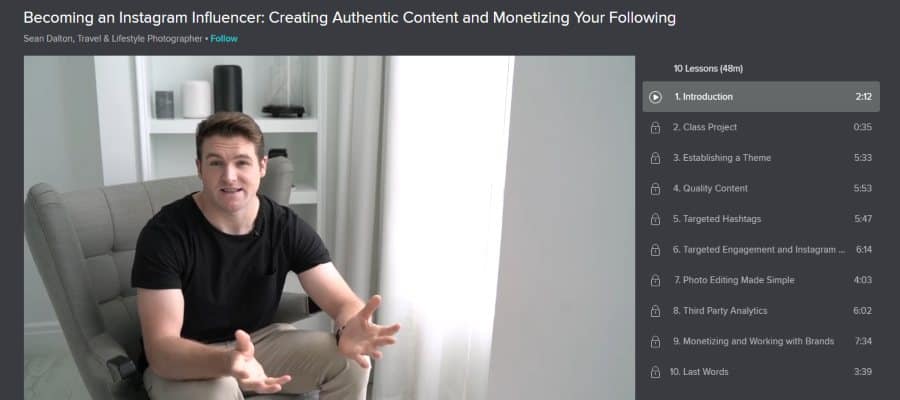
You have seen the term Instagram Influencer in the news and in the entertainment industry. Sounds like fun, doesn’t it? Professional lifestyle and travel photographer Sean Dalton shows you what it means and how you be a successful influencer yourself.
This class will show how he grew his own following by 25,000 in under 9 months. The instruction is just under one hour.
Being an influencer involves more than having a large following, you also have to engage with brands in a meaningful way. He shows you tips and techniques that can jump-start your journey into this interesting field.
Subjects include creating a good them for your account page, how to find and use good hashtags, what makes quality content, and how to get brands interested in you.
- Beginner level
- 48 minutes
- Professional influencer teacher
- 25,000 students enrolled
- Online resources
- Class project
Activate FREE Skillshare Trial
10. iPhone Photography (Udemy)
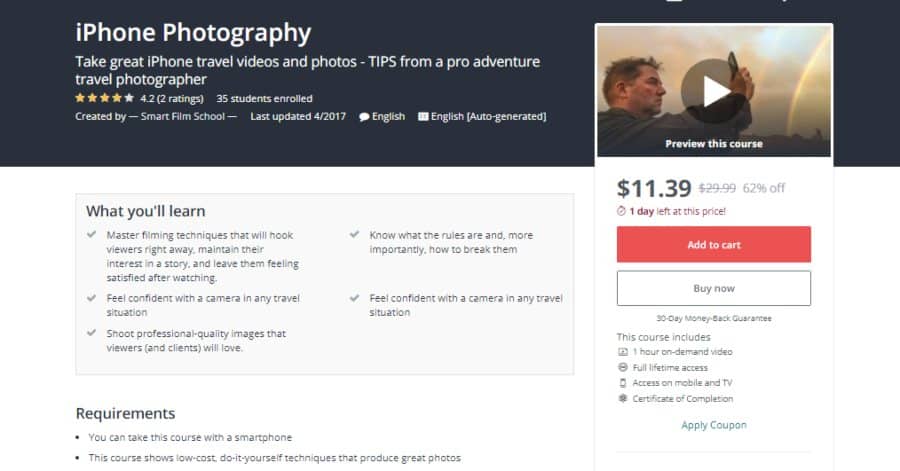
The title doesn’t tell the whole story. This class is centered on travel photography and video with iPhones and other smartphones.
The course is led by Robb Montgomery, a professional travel photographer and video journalism professor. His training courses are used by BBC, Reuters, CNN, and the Danish School of Journalism.
The class shows you simple techniques to use with any level of camera equipment that will transform your videos and images into professional-quality works that capture and hold people’s attention.
- Beginner level
- 1 hour of lectures
- Usable for any smartphone
- Professional photographer and professor as trainer
- Video and still images
- Certificate of completion
11. Basic Processing for Mobile Photography (Creative Live)
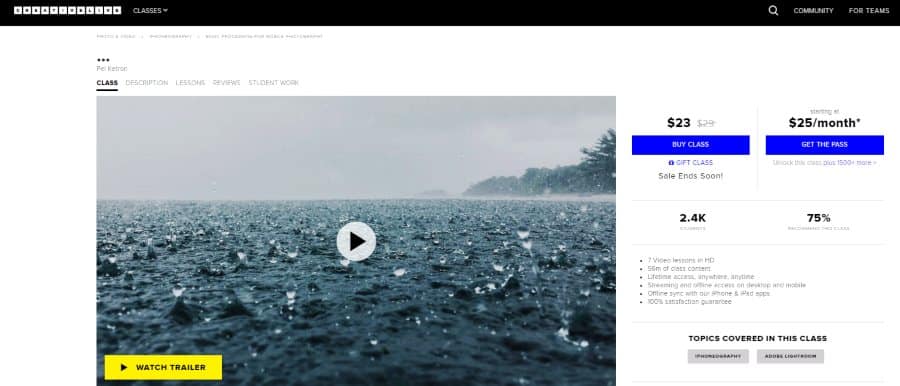
You see a lot of social media users posting that their images have no filter. Meaning they are unprocessed. Even a perfect image will benefit from some post-processing, however. This course will teach you what apps to get and how to use them.
Pei Ketron is a pro photographer and smartphone photography aficionado. She discusses the available post-processing apps and shows how to use them to their full potential. Covered apps are SKRWT, Priime, VSCO, Snapseed, and TouchRetouch.
- Beginner to intermediate level
- 56 minutes
- Discusses specific post-processing apps for smartphones
- Pro photographer trainer
- Part of a larger series of classes
- Lifetime access to the course
12. iPhone and iPad Photography with iOS 12 (LinkedIn Learning)
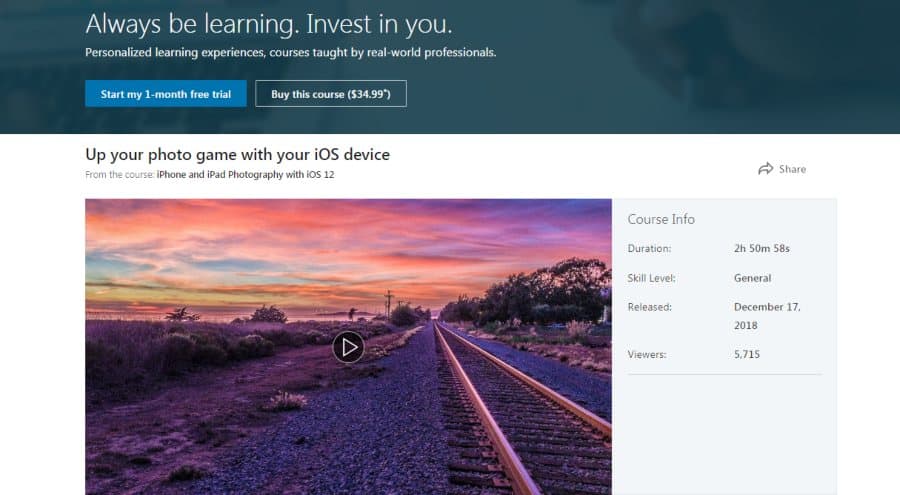
This course is geared specifically to the latest Apple mobile OS used on iPhones and iPads. It is about 3 hours of general instruction for beginner to intermediate level users.
Seán Duggan is the instructor, a professional photographer, prolific author, photography educator, and Adobe Certified Photoshop Expert.
The course shows how to take beautiful images, including panoramas, and edit them right from the iPhone or iPad using the latest post-processing apps.
- Beginner to intermediate level
- 2 hour 50 minutes
- Pro photographer instructor
- Access course on your mobile device
- Specifically concentrates on Apple mobile devices
- Certificate of completion
