
Learn How To Mix Music With 2024‘s Top 11 Best Online FL Studio Courses
FL Studio is a powerful and exciting music creation software and mastering it will help you to unleash your musical creativity and even give you the opportunity to pursue a career as a producer, DJ, or other music-related jobs!
The following list is comprised of some of the very best online FL Studio courses in 2024 that will teach you a huge range of useful skills, tips, and tricks for beginners and experienced users alike.
You’ll learn how you can turn a love of music into a highly rewarding career or even just a dedicated hobby!
Top 11 Best Online FL Studio Courses, Classes & Training 2024!
1. Making Music in FL Studio 12: Introduction to the Basics (Skillshare)
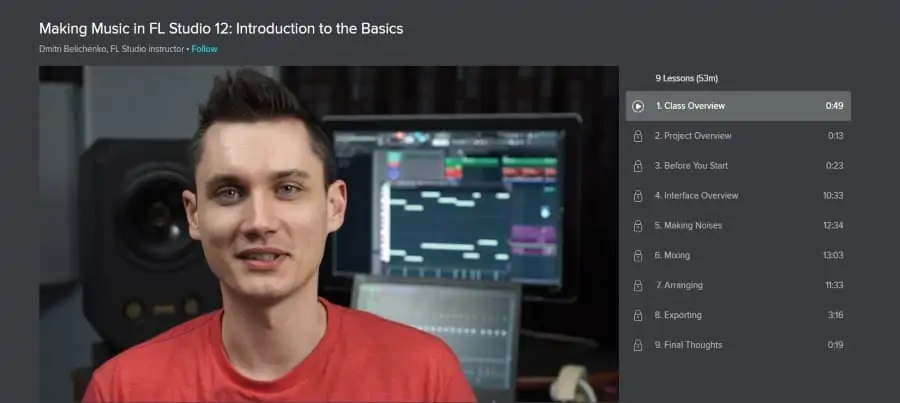
As you may have guessed from its title, this Skillshare course is beginner friendly! It’s an introductory course that will teach you the basics of FL studio 12. As it is specially geared towards beginner FL studio users, no prior knowledge of the software is necessary.
This course has nine lessons in total, so you won’t feel overwhelmed by information, which makes it ideal for beginners! Students will also be taught by FL Studio expert and instructor, Dmitri Belichenko who will introduce you to the most important aspects of FL Studio 12, and give you the skills to be able to produce a remix of a track in whatever genre or style of music you like!
Topics covered in this course are interface overview, mixing, arranging, exporting, how to quickly create patterns, arrange compositions, export tracks, valuable workflow, production tips and tricks, understanding of FL Studio signal flow, sequencing, and composition.
Being hosted on Skillshare, users can take advantage of a 1-month free trial which gives users access to this course and 29,000+ others! Highly recommended!
Strengths:
- Low time commitment – less than an hour!
- A popular course (5,082 students) with positive student reviews!
- Includes a class project that lets you apply the skills learned in the course
Activate FREE Skillshare Trial
2. Music Producer Masterclass (Make Electronic Music With FL Studio) (Skillshare)
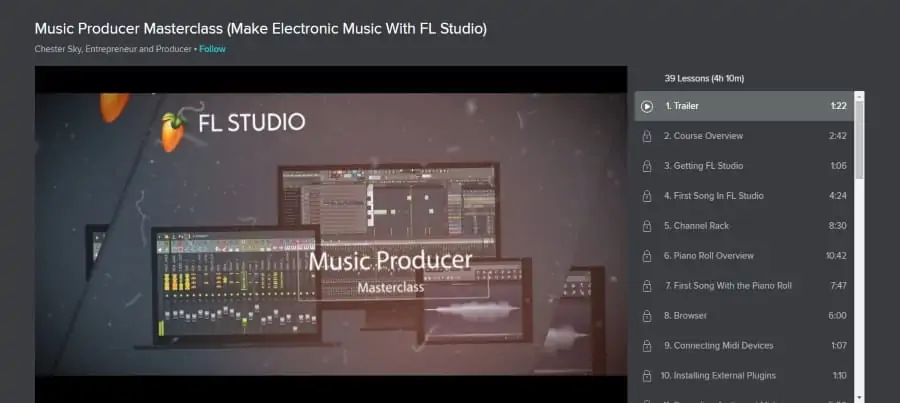
Compared to the first course on the list, this one is a lot more comprehensive, but it is still suitable for beginners. So if you are wanting to take a deeper dive into FL Studio, this is the course for you!
Like the above course, no prior knowledge of FL Studio is necessary, and you also don’t need to know how to play a musical instrument. All you need in order to take the course is a computer that can run FL Studio. The instructor will even show you where you can get FL Studio and how to download it to your computer.
All up, there are 39 lessons and 4 hours of learning material in this course which is taught by entrepreneur and producer, Chester Sky. He’ll share his tips and tricks for creating professional-level music compositions and you’ll be given an assignment to create a song as you progress through the course.
Some of the standout features taught are channel rack, piano roll, browser, automation, vocalizers, and dubstep growls. You’ll also learn what you need to do to export a song for mixing and mastering and how to publish it online.
Strengths:
- Beginner-friendly
- This class is recognized by FL Studio as a Training Centre, which is great for those who want to take their skills to a professional level
- Popular course: 1,677 students
Activate FREE Skillshare Trial
3. Learning FL Studio (LinkedIn Learning)
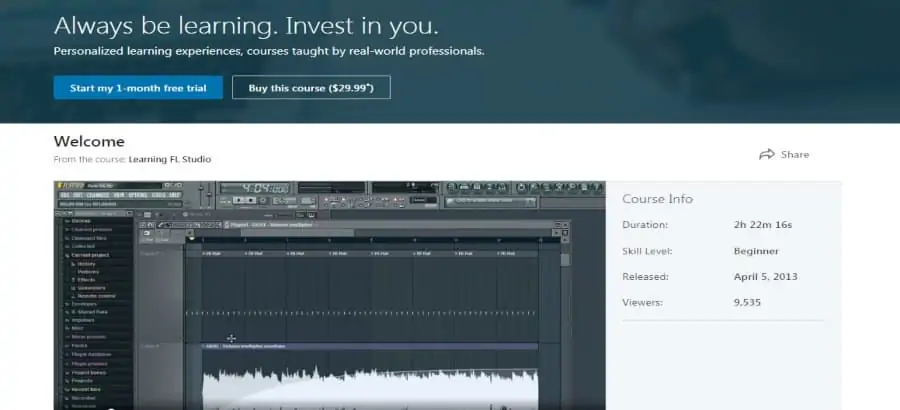
This course lands somewhere between the first two courses on the list. It’s meant for beginners and will provide you with a detailed overview of the FL Studio software, with special focus on the step sequencer, the playlist, the mixer, and common effects and plugins.
All up, this course will take about 2 hours and 20 minutes to work through all the course material, which will be presented to you by FL Studio expert, Garrick Chow. He teaches you what you need to know to get started with the software such as setting up input/output settings and how to create a new project.
Other topics covered are creating a beat, adding samples and instruments using the piano roll, connecting and recording a MIDI keyboard, adding audio clips, automating volume, recording a live instrument, inserting plugins, reverb delay, and exporting the final project.
This LinkedIn Learning (previously Lynda) course will help you take the first steps towards transforming your passion for music into a profession!
Strengths:
- Popular! 9,513 views
- Suitable for beginners
- A good introductory course that covers a lot of crucial material
4. How to Make a Track Like Martin Garrix (In FL Studio!) (Udemy)
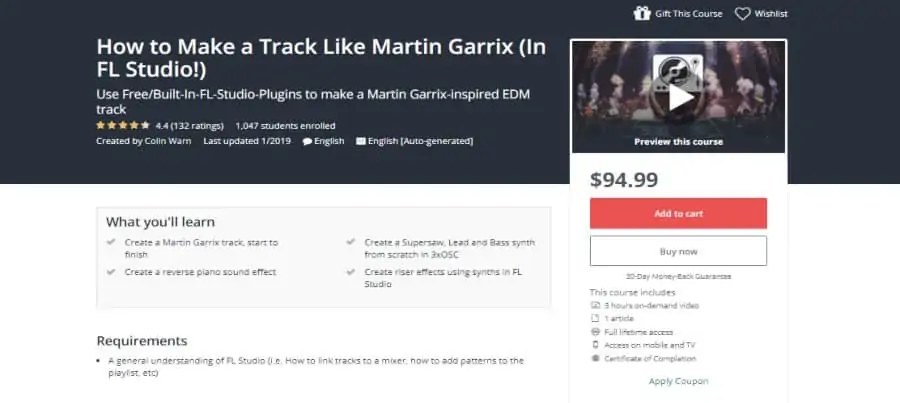
This Udemy course will take things up a notch in terms of difficulty. It’s more of a gentle intermediate level course and students who take it should have a general understanding of the FL studio software.
It’s just over 3 hours long and has 23 lectures which are packed full of information, tips, and tricks!
Dance music producer Colin Warn will teach you everything you need to know in order to create an EDM track in the style of Martin Garrix. But what you learn about FL Studio in this course will be applicable to any style of track you try to create in the future.
Some of the key topics in this course are creating a melody, sound design, layering chords, designing lead layers/ bass synth, creating drum patterns, laying out the track, adding FX, sweeps/ risers, creating your own reverse piano effect, automating, and mastering the track.
This class is also one of the best online FL Studio courses if you are working with the latest version of FL Studio (FL Studio 20). And of course it’s the best option if you like the music of Martin Garrix!
Strengths:
- High 4.4 star rating
- Popular! 1,046 students
- The course has been updated for FL Studio 20
- Certificate of completion
5. FL Studio Synthesis Master Class (CreativeLive)
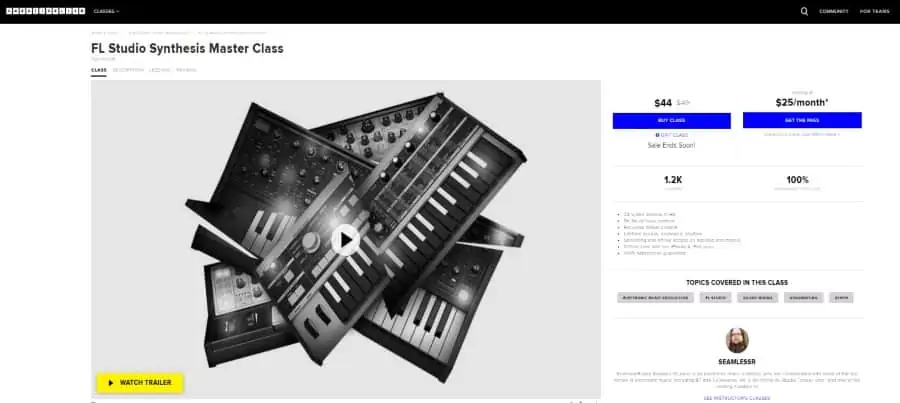
This CreativeLive course is here to help you master synthesis in FL studio. Electronic music producer SeamlessR (Stephen O’Leary) will teach you all about the four major types of synthesis: subtractive, FM, additive, and wavetable.
As for the length of this course, there are over 9 hours of course material that is broken up into 23 lessons. So if you really want to dive deep into FL Studio, then this is the online training class for you!
Some notable modules taught by Stephen are waveform basics, filters and subtractive synthesis, compression, Waveshaper, Maximus, Neuro bass, granualizers, phase cancellation, additive synthesis, producing drums and leads synth, FM synthesis, and vocoding basics.
Overall, this is hands down one of the best online FL Studio courses in 2020!
Strengths:
- Lifetime access to course materials, anywhere, anytime
- Streaming and offline access on desktop and mobile
- 100% recommended by students
- Popular! Over 1,200 students have taken the course
6. FL Studio – Learn Music Production in FL Studio in a Day (Skillshare)
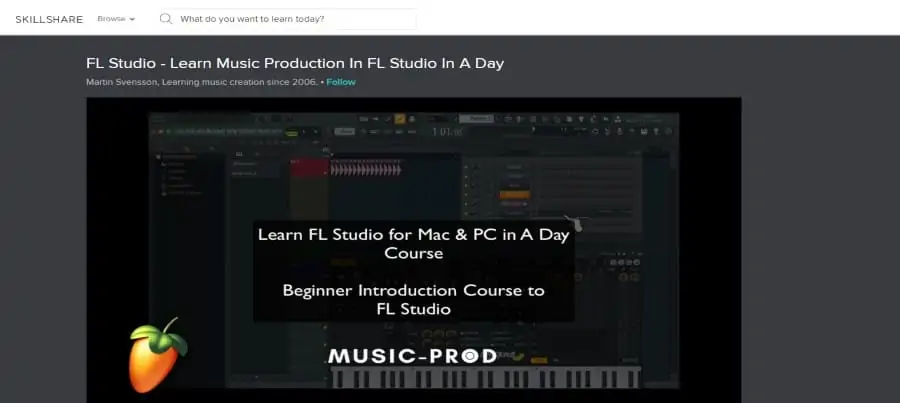
This is the perfect course for absolute beginners as it covers everything from how to download FL Studio software to re-making a well-known song using the software. There are 47 lessons in the course, which seems like a lot, but that’s just because they are nice and short and therefore easy to work through.
This Skillshare class is taught by music producer and professional musician Martin Svensson. Over the course of 5 hours of learning material, he will cover some really useful topics that will make you a much more efficient and savvier FL Studio user!
You will learn how to access a trial version of FL Studio for free and how to navigate the basic interface in FL Studio. You will also get an in-depth overview of the interface that will make you feel a lot more confident going forward.
He covers several other aspects of the software such as the channel rack; the mixer; the playlist; creating a project template; programming drums; grouping tracks in the mixer; create sidechain in FL Studio; setting up your MIDI keyboard; automation clips; shortcuts; and creating a full track.
You will also learn the crucial skill of creating & handling backups in FL Studio so that you don’t accidentally lose all your hard work!
Strengths:
- The course also includes a helpful class project and a brief Q&A session
- Popular! 1,181 students
- Beginner level course
Activate FREE Skillshare Trial
7. Millionaire DJ: FL Studio 12 – Pro Music Production Course (Udemy)
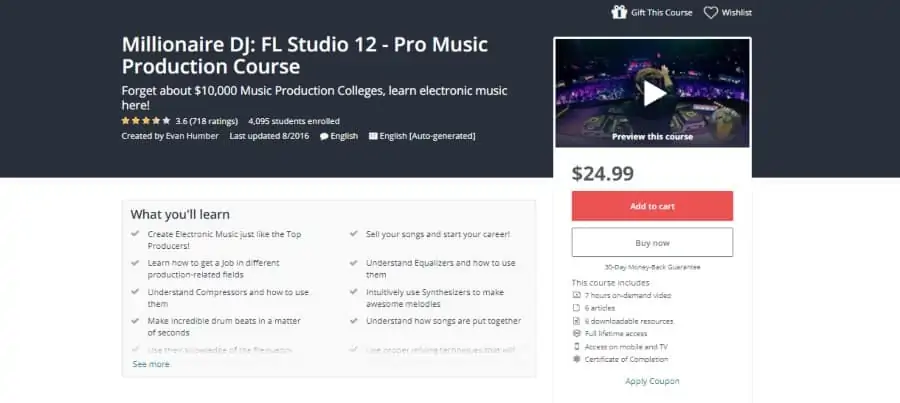
This is a good all-around course that is suitable for all levels. But you’ll benefit most from the course if you have a copy of FL Studio 12 on your computer so that you can follow along with all the course material easily.
There are over 30 lectures in this course but the main topics that will be covered are the FL Studio interface; the equalizer; the compressor; the synthesizer; and mastering a track. You’ll learn tons of valuable information as there are almost 7 hours of learning material in this course!
Entrepreneur and motivator, Evan Humber, will be your instructor and he will help you retain all that you learn by providing short quizzes at the end of each section. You will also get the chance to try making your own professional-level songs, with your own melodies, using what you have learned.
This course is designed to teach you which steps you need to take in order to use your new FL Studio skills to start making money and it’s a great choice for someone who wants to make music into their profession!
Strengths:
- Suitable for all levels
- Popular! 4,095 students
- Lifetime access to all course materials
- Certificate of completion
8. Learning FL Studio 12 (LinkedIn Learning)
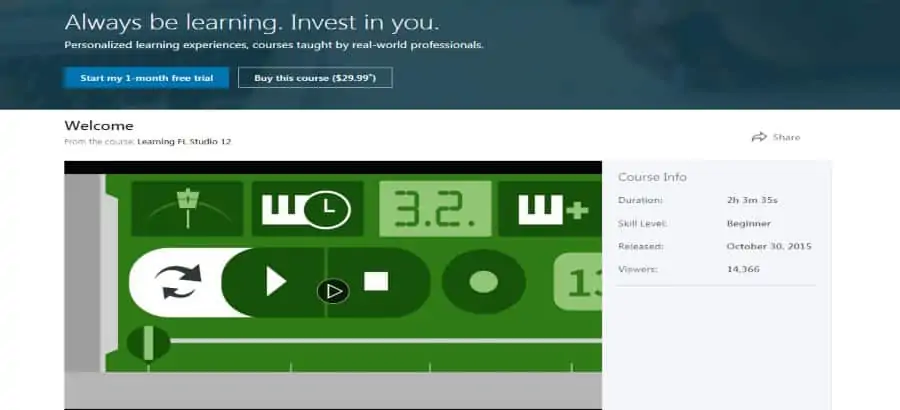
This course from LinkedIn will teach you how to work on real-world projects with FL Studio. It’s geared towards those who are on a career path to becoming music producers or audio-engineers. Whether that is your plan or not, this course will teach you a huge amount of valuable information about FL Studio!
The course cover TONS of topics, but each lesson is very short. This means that you will not be overwhelmed by long, complicated lectures that are difficult to grasp. You will get short, precise information that will be easy to re-watch if you need to and the course is only 2 hours long in total.
FL Studio expert and instructor, Stefan Loader, will give you an overview of the interface and introduce you to the menus. He will also teach you how to go about connecting MIDI equipment. Once you are set up, he will introduce you to several key FL Studio features.
Some of the features you’ll learn about in this course are Drumaxx, Piano Roll, Harmor, MiniSynth, 3xOsc, Automation, Toxic Biohazard, DirectWave, and Mixer. If that just sounds like a collection of random words to you, don’t worry, by the end of the course, it will all make perfect sense!
Strengths:
- Beginner level
- Huge range of topics
- Very popular! 14,379 viewers
- Certificate of completion
9. FL Studio Beginner Music Production Course (Udemy)
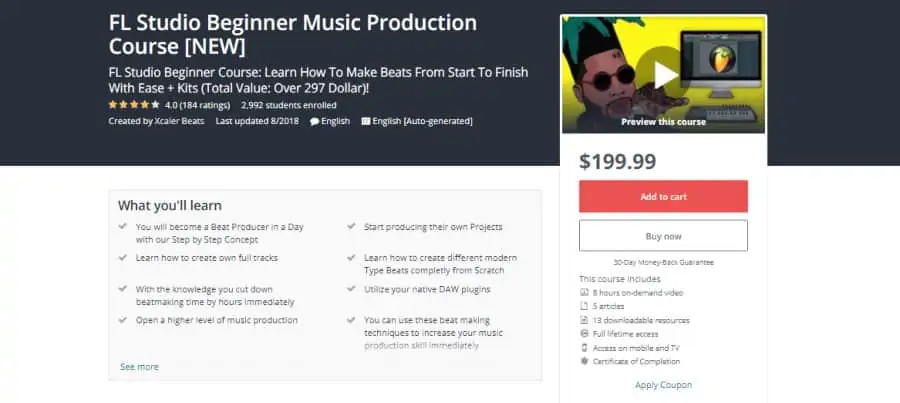
This is the best online FL Studio course if you are a fan of hip-hop and trap styles of music, but it will also teach you valuable beat production skills. Even if you know nothing at all about beat production this course can help you to progress from beginner to expert level very quickly.
There are 46 video lessons in this course, and they will take just over 8 hours to work through. But it will be worth it because after taking this course you will be able to easily make your own full beats from start to end. German music producer, Xcaler Beats has a lot of knowledge to share with you!
Some of the topics he covers are what parts of FL Studio are most important for creating beats; how to make your first beat; which elements are important to make the drums; how to use a sample to create a beat; and how to make a melody for your beat with a scale and the piano roll.
That is just a fraction of what you’ll learn in this course, and it’s a great course to take if you want to learn more about how to install and load plugins in FL Studio or if you want to know how to open old FL Studio 12 projects in the new FL Studio 20 software. If you ask me, that could come in pretty handy!
Strengths:
- High rating: 4.1 stars
- Popular! 2,991 students
- Specializes in hip hop and trap styles
- Comes with several example tracks and info on how to make multiple different types of beats from scratch such the 6ix9ine, YBN Nahmir, and Pierre Bourne type beats
- Certificate of completion
10. Making Remixes in FL Studio (CreativeLive)
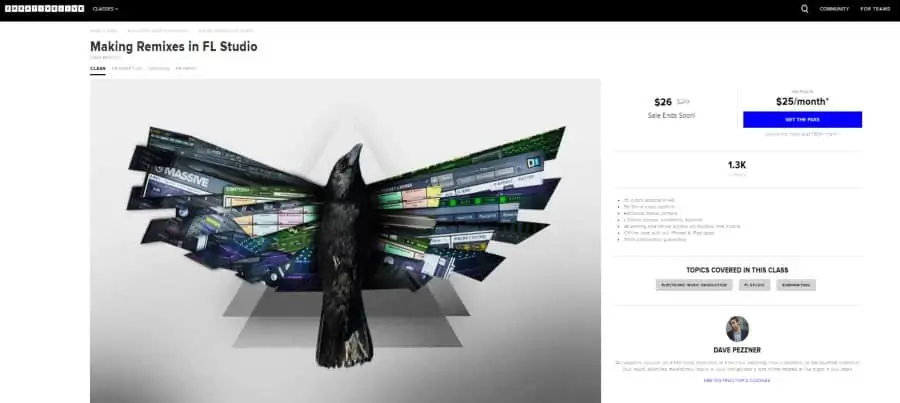
This course is the perfect way to tap into your creativity and learn how to use FL Studio to make your own original remixes. It is taught by soundscape artist and DJ, Dave Pezzner. He has tons of experience to share with you in this 5-hour long course!
Some of the topics covered are analyzing the song and preparing the stems; constraining scale: Kontakt and Massive Inside patch; setting up the bassline; creating different bassline options; creating a sub bassline and using dump score log; adding vocal stems; and using a peak controller.
On top of all that, you’ll also learn about adding nuances and automation to bass; mocking up synth and creating a new hook; creating a new pattern clip with battery; adding additional drums; using sound effects and creating a crescendo; and finalizing the mix.
By applying the skills you’ll learn in this course you should be able to successfully use FL Studio to create a remix of any song you want!
Strengths:
- Popular course! 1.3k students
- Specific focus: remixing songs
- Lifetime access, anywhere, anytime
- Streaming and offline access on desktop and mobile
11. FL Studio 12: Blazing Beat Making Beginner Basics (Udemy)
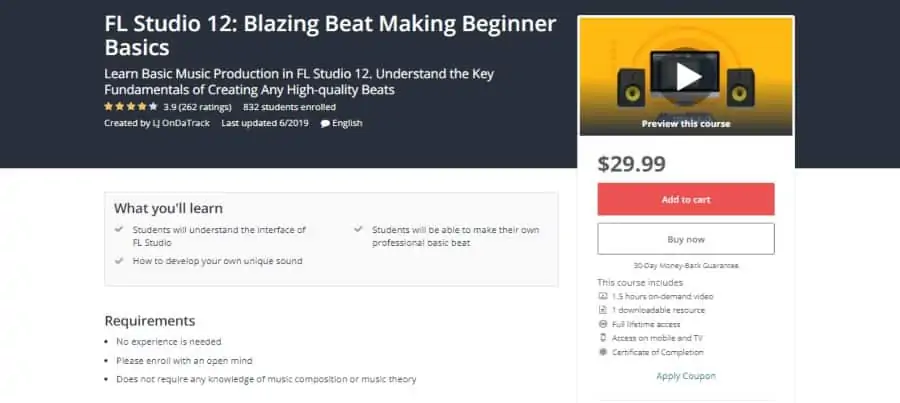
If the rest of the courses on the list have seemed a bit overwhelming to you then you’ll be glad to hear that this Udemy course is described by the instructor as “meant for newbies.” You don’t need to have any prior experience, and the course will give you an understanding of how to make quality beats.
You will learn the fundamentals of FL Studio and basic steps on how to start making simple beats as a starting producer using FL Studio 12. The course includes short quizzes and a completely manageable 21 lectures that will take less than 2 hours to work through.
The course includes the following lessons: intro; DAW; warm up; FL Studio demo download; pointers; icebreaker; basics; tools; the step sequencer; VSTs; the browser; metronome and tempo; patterns and plugin picker; the piano roll; the playlist; shortcut manual; laying down patterns; and saving your work.
The course is taught by LJ OnDaTrack, music producer, audio engineer, and FL studio instructor. He has years of experience in the field and will teach you some crucial FL Studio skills. The world of FL Studio will finally start to make sense and soon you will be feeling like a pro!
Strengths:
- Includes short quizzes to help you retain what you’ve learned
- Meant for total beginners who are completely new to FL Studio
- Low time commitment – less than two hours
- Lifetime access to course materials
- Certificate of completion
Final Thoughts
I hope you found these reviews thoughtful and helpful. If we missed anything let us know in the comments.
I also have some additional review guides for those interested in music production including the top courses in both Logic Pro X and Ableton Live.
