
Top 13 Best Free Online WordPress Courses & Certifications
If you are looking to master WordPress and utilize the most popular website platform in the world, you’re in the right place!
In this guide, I have rounded up some of the best free online WordPress courses in 2024 so you can get that new blog, website or eCommerce store up and running in no time!
You will also be happy to hear that most of these WordPress courses are catered for complete beginners with no coding needed! Let’s begin!
Top 13 Best Free Online WordPress Courses, Classes & Certifications 2024
1. WordPress Academy: Learn WordPress step by step (Skillshare)
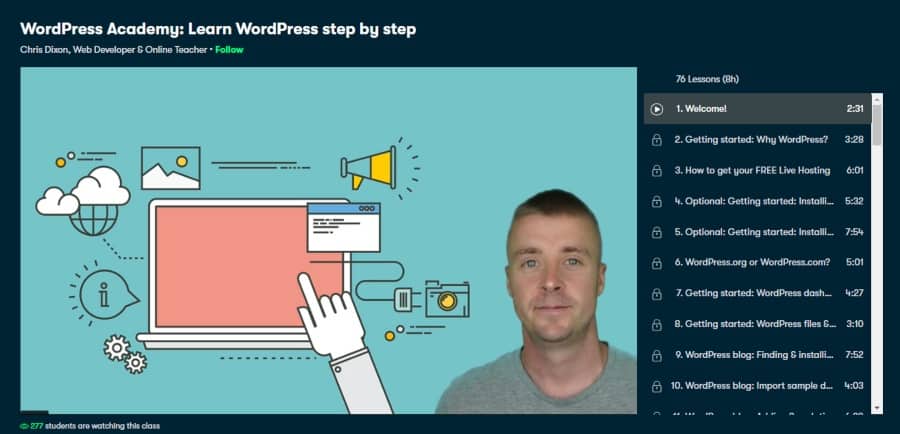
First on my list is an outstanding on-demand video WordPress course aimed at complete beginners. In this free course, students will learn the foundations of WordPress in an easy to follow and structured manner.
Your instructor for this course is Chris Dixon, who is a WordPress web designer and online teacher who has 30 years of experience. So you’ll be in good hands!
As for the structure of the course, students will be walked through the process of making an eCommerce T-shirt store step-by-step. This learning method is extremely valuable as you will learn the basics of WordPress, such as installing plugins, picking a theme, customizing the theme, adding pages/ posts, menus, adding media, and tons more!
From here, students can take these core skills and build any type of WordPress website they want. There really are no limits!
And as for the price… there is none! Being hosted on Skillshare, new users can take advantage of their 1-month free trial that can be canceled at any time. Overall, this is one of the best online WordPress courses in 2024!
- Intermediate level
- 8 hour self paced course
- Professional web developer as instructor
- Covers everything needed to get up and running
- Additional resources
- 11,000+ students
- Certificate of completion
Activate FREE Skillshare Trial
2. WordPress: SEO (LinkedIn Learning)
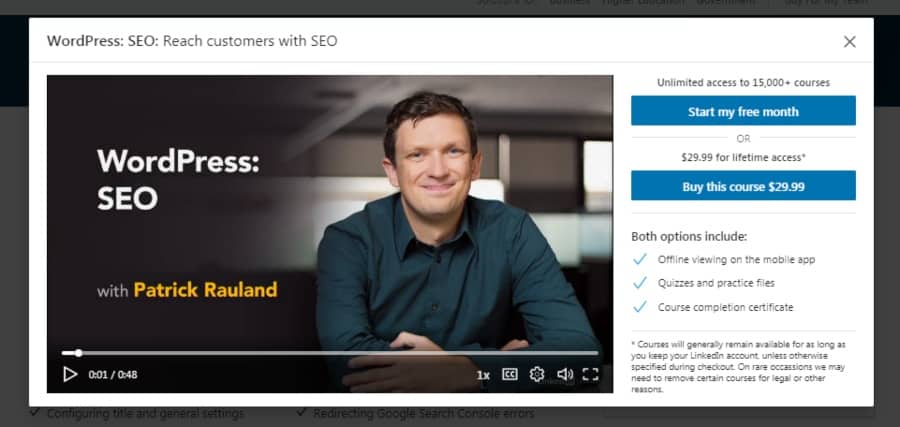
An introductory course in search engine optimization for WordPress web pages, this class is taught by Patrick Rauland, manager of WooCommerce.
Search engine optimization is an essential tool for getting your website seen. Without it, you’re pretty much just relying on dumb luck to draw traffic to your website. SEO uses keywords and HTML tags among other things to do this for you.
LinkedIn Learning has many courses such as this on their instruction platform. A certificate of completion comes with the course. 1 hour 15 minutes of self-paced instruction includes several quizzes and a class project. For further learning, check out my post on writing classes to master your SEO skills on WordPress.
If you want to learn more, see my guide on the best free LinkedIn Learning classes!
- Beginner level
- 1 hour 15 minutes
- Professional web designer as instructor
- Focused on SEO
- Quizzes included
- Certificate of completion
3. How to Efficiently Build WordPress Websites with Divi (Skillshare)
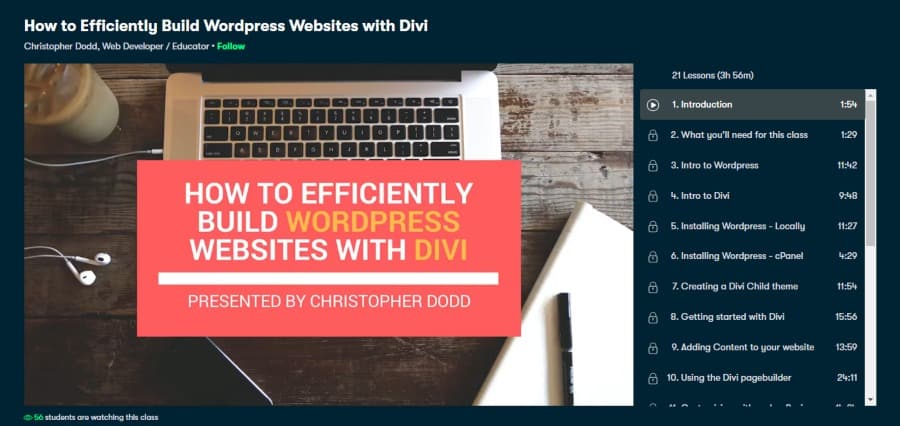
Up next on my list is another beginner-friendly WordPress course that focuses primarily on how to use the Divi Builder (which is one of the most popular drag and drop platforms for WordPress).
As for your tutor, you’ll be instructed by Christopher Dodd (also known as Chris The Freelancer on YouTube), who is a passionate WordPress and Divi user who will pass his wealth of information on to you.
What students will learn in this 4 hour WordPress video course is an introduction to WordPress, using a cPanel, adding content to a website, how to use Divi, installing plugins/ themes, adding eCommerce with WooCommerce, creating membership functionality, and tons more!
P.S. Chris also has a free bonus course on how to turn your skills into an income by becoming a remote freelancer!
Being hosted on Skillshare, new users can take this WordPress course, plus dozens of others when activating the 1-month free trial. See below! Overall, an outstanding WordPress training course!
- Intermediate level
- 4 hours self paced course
- Professional web developer as teacher
- Class project of building a website
- Downloadable resources
- Certificate of completion
Activate FREE Skillshare Trial
4. Build and Customize a Modern WordPress Front Page in One Hour (Skillshare)
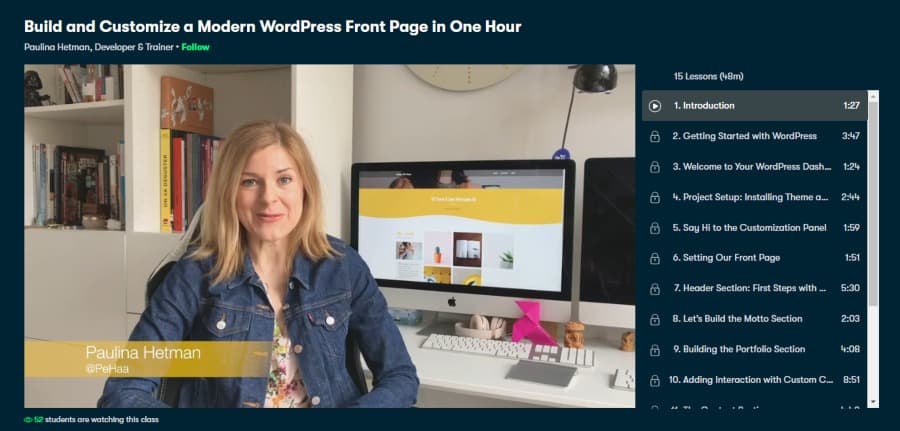
For those looking for a quick and dense introduction to WordPress, this may be the online course for you! In total, this class is 1 hour in length, yet packs a punch when it comes to the lessons included.
Taught by web developer Paulina Hetman, an international trainer and developer with years of frontline experience, this beginner-level course is a fast track for publishing a website.
Some of the topics covered are installing a template, laying out a front-page, building an image slider, navigation menu, internal linking, plus many more.
Again, being hosted on Skillshare, new users can take this WordPress course and all the above-mentioned ones for no cost when using the 1-month free trial. Overall, an outstanding and concise course!
- Beginner level
- Less than 1 hour
- Professional web developer as instructor
- Downloadable resources
- Build a website as a class project
- Certificate of completion
Activate FREE Skillshare Trial
5. How To Create A Website using WordPress (Step by Step) (Udemy)
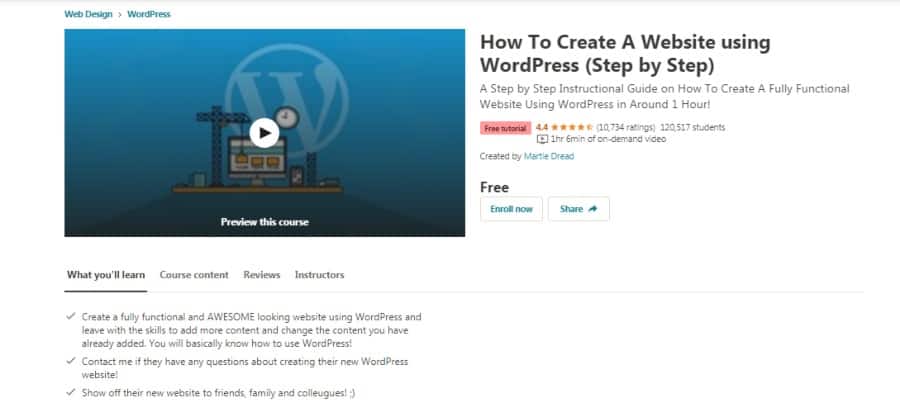
Next on my list is another condensed 1-hour online WordPress course that covers the core features and benefits of the WordPress platform.
As for your instructor, you’ll be taught by Martie Dread, a professional website creator and web developer with 7 years of experience. In total, 120,000+ students have completed Martie’s online course that requires no knowledge of HTML or CSS coding!
Some of the lessons taught in this shortened course are how to publish blog posts, changing fonts, adding CTA buttons, sidebars, contact forms, navigation menus, and more!
Overall, this is a great introductory free WordPress course that would be ideal for bloggers, small business owners, online marketers, affiliate marketers, and eCommerce store operators. Overall, this is one of the top online WordPress courses that will get you going in under 1-hour!
- Beginner level
- Short 1 hour of instruction
- Class project
- Extra resources
- Professional web developer instructor
- Certificate of completion
6. Create a WordPress Website for Your Web Design Business (Udemy)
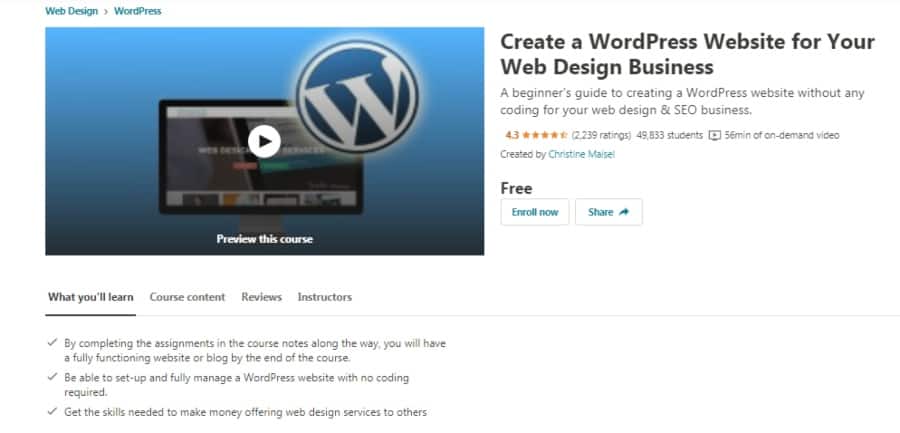
For those looking to start a career in web design and make a website for their very own business, this is a fantastic place to start!
Over 130,000 students have benefitted from the competency of instructor Christine Maisel, a web design professional and business coach who has helped clients with creating and managing hundreds of successful websites.
The course is one hour in length and includes 7 lessons including, laying out the structure of your website, publishing posts, applying SEO, finding premium themes for free, and many more. Overall, a good starter course.
- Beginner level
- 1 hour
- Extra articles
- No coding experience needed
- Professional developer as instructor
- Certificate of completion
7. WordPress Essentials: Launch Your First WordPress Website! (Udemy)
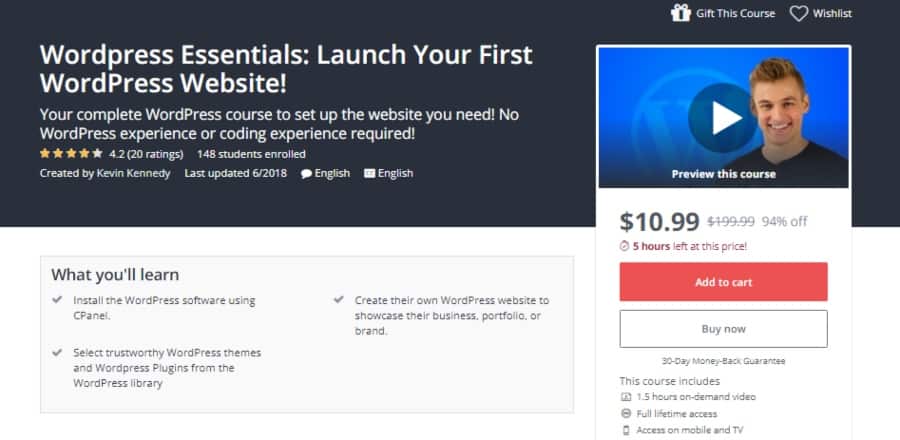
No coding experience necessary for taking this course and then building a website with the instruction.
It’s a beginner level online class and is 1 hour 40 minutes of self-paced instruction. The class takes you from the start of website building, buying a domain, and then walks you through the entire process of building your site.
Kevin Kennedy is the instructor for this course. A product designer for his own online company, he can assist you to create just the page you want in a style that works for you.
In the course, you build a page and design all the extra elements that make a page stand out.
- Beginner level
- 1 hour 40 minutes
- Class project
- Taught by web design professional
- Downloadable resources
- Certificate of completion
8. How to Make an Online Store w/ WordPress – eCommerce Website (Udemy)
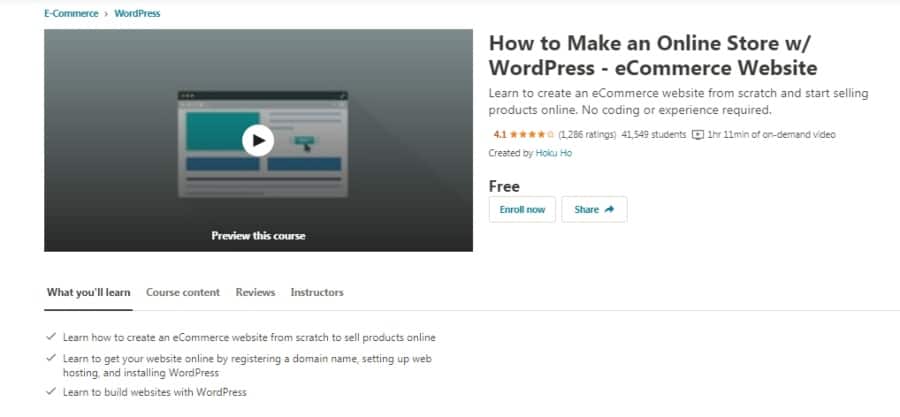
If your main goal in using WordPress is to make a website for selling your physical or digital product or service, this quick course will show how best to accomplish that. With 26 lectures in about 1 hour and 12 minutes, you will get the basics to start selling online.
Beginner level, no previous coding experience required. If you have yet to install your WordPress software, this class will even show you how to do that.
In the online WordPress course, you learn how to set up management of inventory, shipping, tax calculations, payment gateways, installing widgets, and customizing your buyer’s carts.
The instructor is Hoku Ho, a web designer and developer that works with mobile sites and other internet and web sites. He has lots of experience and over 600,000 have benefited from his work on their web pages.
There are downloadable resources and a certificate of completion.
- Beginner level
- 1 hour 12 minutes
- Web professional instructor
- No coding experience required
- Downloadable resources
- Certificate of completion
9. WordPress 5 Essential Training (LinkedIn Learning)
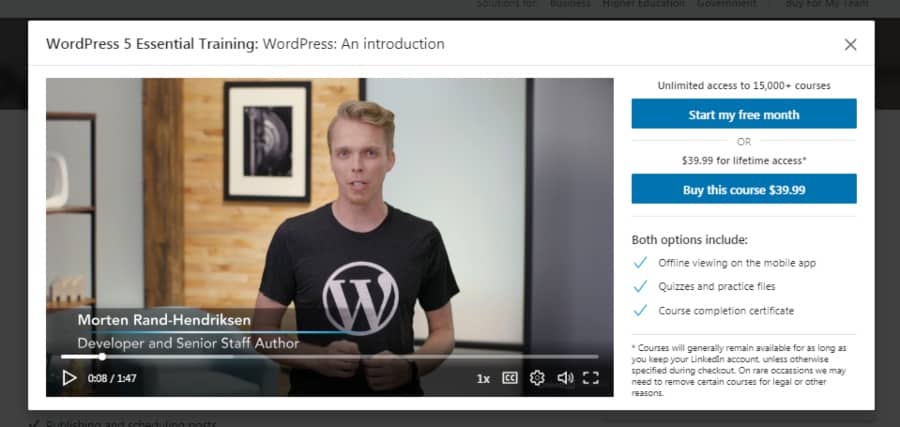
A little longer course, this class is a little more than 2 hours with 36 videos included in the instruction.
Instructor Morten Rand-Hendriksen leads you in a lively discussion of how to create and post web content. Included in the course is instruction about creating and editing blocks and an overview of using the new block editor for WordPress, Gutenberg.
You’ll learn how to bulk edit pages and posts, add video and audio content, and scheduling posts. Over 63,000 people have benefitted from this instruction.
- Beginner level
- 2 hours self paced instruction
- Professional web developer instructor
- Teaches Gutenberg block editor
- Regularly updated content
- Certificate of completion
10. WordPress 4 Essential Training (LinkedIn Learning)
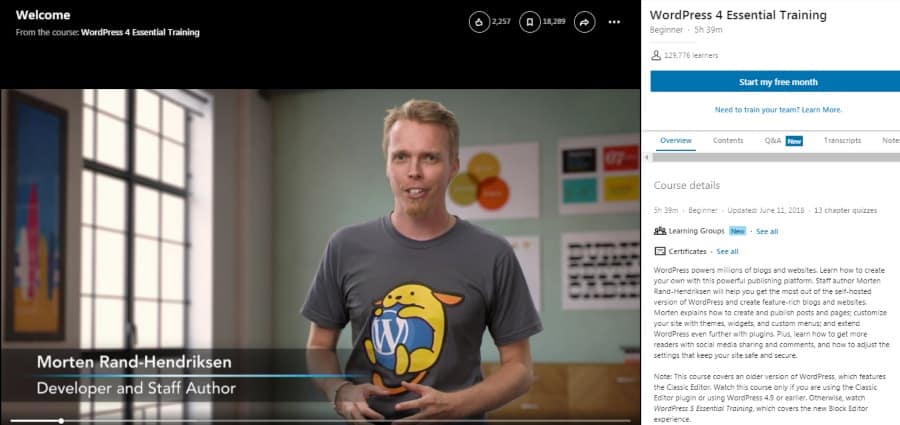
This course is for an older version of WordPress with the classic editor, so WordPress 4.9 or earlier.
Even if you’re using the newest version of WordPress, this 5 hour 39-minute course is a good investment of your time and energy.
Morten Rand-Hendriksen is your instructor. He has years of experience with open-source software and web development. Besides these credentials, he has also written several books about web design and development.
Included in the instruction is a good amount of information about web security and other safety issues for web publishing.
There are quizzes and extra resources that 130,000 WordPress users have out to good use when taking this class. Hands down one of the best free online WordPress courses!
- Beginner level
- 5 hours 39 minutes
- Designed for the older version of WordPress
- Pro developer as instructor
- Quizzes included
- Certificate of completion
11. Introduction to X Theme and Cornerstone for WordPress (Udemy)
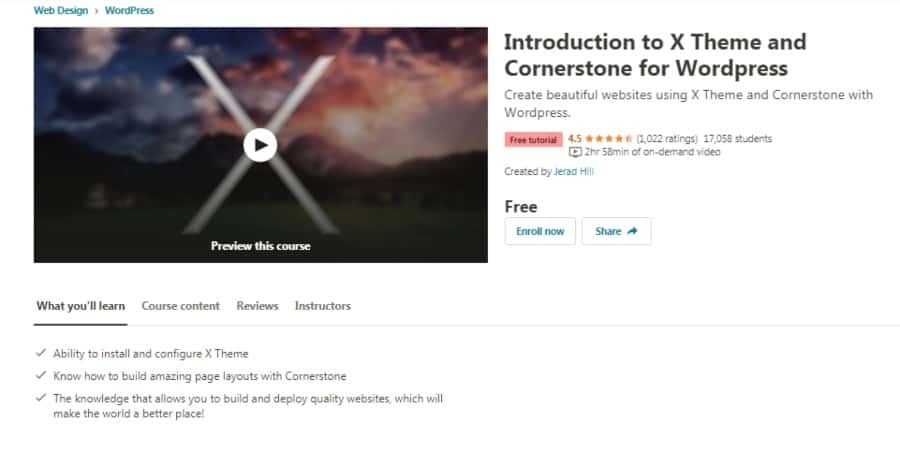
X Theme and Cornerstone are tools to get more out of WordPress features. X Theme is a framework for adding a wide variety of designs and Cornerstone lets you generate fantastic looking pages without needing to know any coding at all. Cornerstone and X Theme make all of this work very speedily.
This course is 3 hours in length and is taught by Jerad Hill. Mr. Hill is a photographer, web designer, and online marketer who has had a lot of success teaching these skills through the Udemy learning platform. He has had over 320,000 students enrolled in 14 courses including this one.
From Udemy, you get a lifetime to this class and the extra course material and a certificate of completion. For more Udemy courses, see my guide on how to get Udemy courses for free.
- Beginner to intermediate level
- 3 hours self paced
- Professional photographer and web designer as host
- Lifetime access to course
- Specific instruction for X Theme and Cornerstone
- Certificate of completion
12. WordPress Migration (LinkedIn Learning)
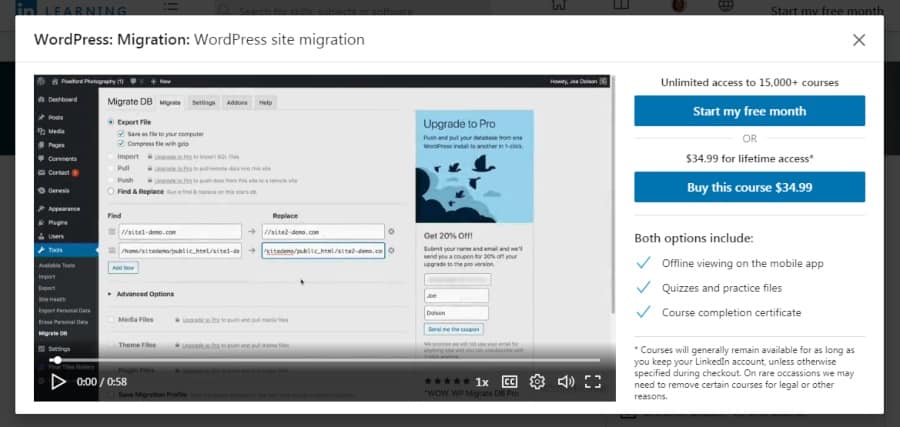
Sometimes it becomes necessary to move your website content from one location on the internet to another. In order to do that, you want to use migration.
Instead of recreating from scratch all the work you’ve already done on your website, you just pack up and move, more or less. The how to do that is what’s covered in this 1-hour course.
Joe Dolson, WordPress Core Contributor, and web designer will show you how to make use of the tools built into WordPress that allow this to be a simple operation. He discusses how using WordPress command-line interface (WP-CLI) and File Transfer Protocol (FTP) will ease the migration process.
Even with all of the wonderful tools WordPress gives you, some issues and problems are still likely to come up, which the instructor covers as well.
This is an intermediate level course and LinkedIn provides a certificate of completion.
- Intermediate level
- 1 hour
- Specifically covers website migration
- Taught by a WordPress Core Contributor
- Includes problem management instruction
- Certificate of completion
Online Learning for the Online World
We really love how much information you can find for specific subjects that can be found online. The best free online WordPress courses give you an advantage in the humongous online world of competing websites.
With the simple to access instruction in these courses, plus all the extra information many of them provide, you will be well equipped to take advantage of one of the best open-source web applications ever developed, WordPress. What used to take hours of coding can now be accomplished without any previous coding experience.
Get to know WordPress by means of these best free online WordPress courses and you will soon be mastering this potent communication and commerce tool.
Or Would You Prefer WordPress Help?
Perhaps you’re excited about the prospect of learning WordPress but want to get your site up and running today? Then might I suggest hiring an expert from Fiverr. Not only can they take on your project today, many of them are more than happy to teach you to fish along the way. So it can prove to be a hands on boot camp of sort to apply your new skill. Here are a few expert suggestions.
